

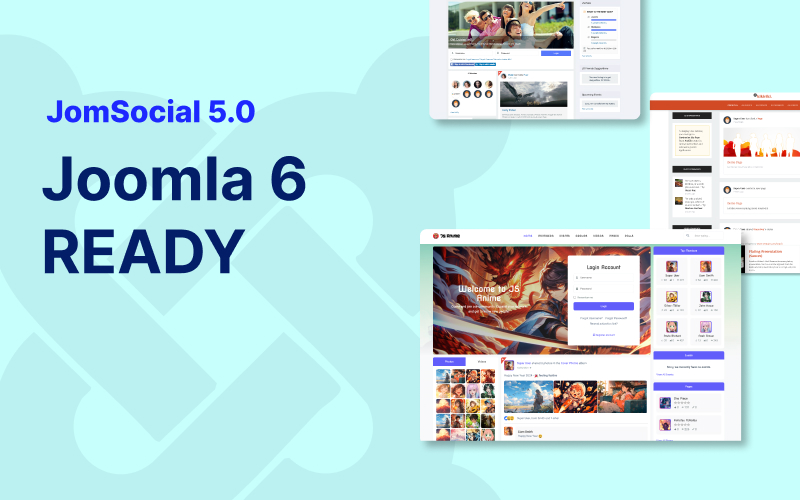
We’re excited to announce a major milestone for the JomSocial community: JomSocial 5.0.0 is now available, delivering full compatibility with Joomla 6 and PHP 8.3.
This release also includes refactoring across both backend and frontend areas to ensure a smooth upgrade path and long-term stability.
Even better: all JomSocial themes and templates are also fully compatible with Joomla 6, so you can upgrade with confidence while keeping your current look and feel intact.
If you’re planning a Joomla 6 migration (or already running Joomla 6), this update is the recommended foundation for a secure, modern, and future-ready community website.
What’s new in JomSocial 5.0.0
Version 5.0.0 focuses on Joomla 6 readiness with a full review of deprecated APIs and legacy calls, plus key improvements to installation, configuration, and media workflows. Below is the full changelog:
Version 5.0.0 changelog
- Update for Joomla 6 compatibility
- Refactored deprecated backend methods and legacy code
- Resolved installation and configuration issues
- Replaced deprecated frontend methods and legacy calls
- Refactored photo upload workflow to comply with Joomla 6 APIs
- Fixed: Incorrect return value for hash in pro/dev version
- Fixed: JavaScript error in Terms & Conditions popup
JomSocial Themes – Joomla 6 ready
All JomSocial themes have been reviewed and updated to ensure full compatibility with Joomla 6 and PHP 8.3. You can safely upgrade your Joomla core while keeping your community design consistent and stable.
JomSocial Templates – Joomla 6 ready
In addition to themes, all official JomSocial templates are now fully compatible with Joomla 6. These templates work seamlessly with JomSocial 5.0.0 and help you customize layouts without breaking core functionality.
- JA Social II template
- JA Mood template
- Socialize template
Download JomSocial 5.0.0
Get the latest packages:
Download JomSocial 5.0.0 Download Themes Download Templates
Upgrade instructions
- Backup first: Create a full site backup (files + database) before making changes.
- Update Joomla & PHP: Ensure your environment is running Joomla 6 and PHP 8.3 (or upgrade in a staging site first).
- Install JomSocial 5.0.0: Download the package and install it via Joomla Extension Manager.
- Update themes/templates: If you use JomSocial themes or templates, download the Joomla 6 compatible versions and apply them as needed.
- Verify site functionality: Test registration, activity stream, photos, user profiles, and key workflows.
Tip: If your site includes heavy customizations or template overrides, we recommend testing in a staging environment first to ensure a seamless transition.
Need help upgrading to Joomla 6?
If you’re planning to migrate your site to Joomla 6 and want a smooth, risk-free upgrade, our Joomla 6 Migration Service can help.