JoomlArt's Blog

Joomla Tutorials, info, Discussions and much more...

Every company is telling an AI story right now - and every one of them needs a website that looks credible. Meet JA Nexora, our newest Joomla template, built for AI platforms, SaaS products, developer tools, cloud infrastructure and technology startups.

JA Nexora - dark and light styles for AI and SaaS websites

  • Best for AI & SaaS
  • T4 Framework
  • Joomla 6
  • Dark & Light styles

Why a dedicated AI & SaaS template?

Technology websites don't behave like brochure sites. Visitors want to understand the product fast, see proof it works, compare plans, and know it plugs into their stack. That means a very specific set of pages - and building them from scratch takes weeks.

JA Nexora ships with those pages already designed, so you can launch a professional technology site in days.

What's inside JA Nexora

A homepage built to convert

A bold hero section, application dashboard preview, platform capabilities, performance metrics, customer testimonials and conversion-focused calls to action - the exact structure modern SaaS landing pages use.

The pages that close deals

  • Pricing - present plans and compare features clearly
  • Integrations - show the tools you connect to
  • Changelog - publish product improvements and build trust
  • Solutions - dedicated layouts for developers, engineering teams and platform teams

Dark & Light styles, done properly

JA Nexora keeps consistent typography, cards, dashboards and CTA blocks across both visual modes - the premium look that cloud platforms and developer tools are expected to have.

Technical blog & company pages

Publish engineering articles, AI research, product news and tutorials with modern blog layouts - plus ready-made Company, Team and Contact pages to build trust. Every standard Joomla page is fully styled too.

Built on T4, ready for Joomla 6

Powered by the T4 Framework, JA Nexora gives you flexible layout management, theme customization, reusable blocks and a performance-focused foundation - on Joomla 6, the platform's latest generation.

Not on Joomla 6 yet? Our T4 toolkit - Page Builder, Framework and Blank Template - is now fully Joomla 6 ready, so the upgrade is smoother than you might expect.

Who should use it

  • Agencies & freelancers building sites for tech and AI clients - win the pitch with a demo that already looks like their product
  • Startups launching a product site without a design team
  • Developer tools & cloud platforms that need pricing, integrations and changelog pages out of the box

Get JA Nexora

JA Nexora is available now and included with any JoomlArt membership - one plan unlocks Nexora, all 200+ templates, the full T4 toolkit, and everything we ship next.

One plan. 200+ templates. Including JA Nexora.

Build your next AI or SaaS site on Joomla - starting today.

Explore membership plans →

Build the AI website your product deserves.
— The JoomlArt Team
Details

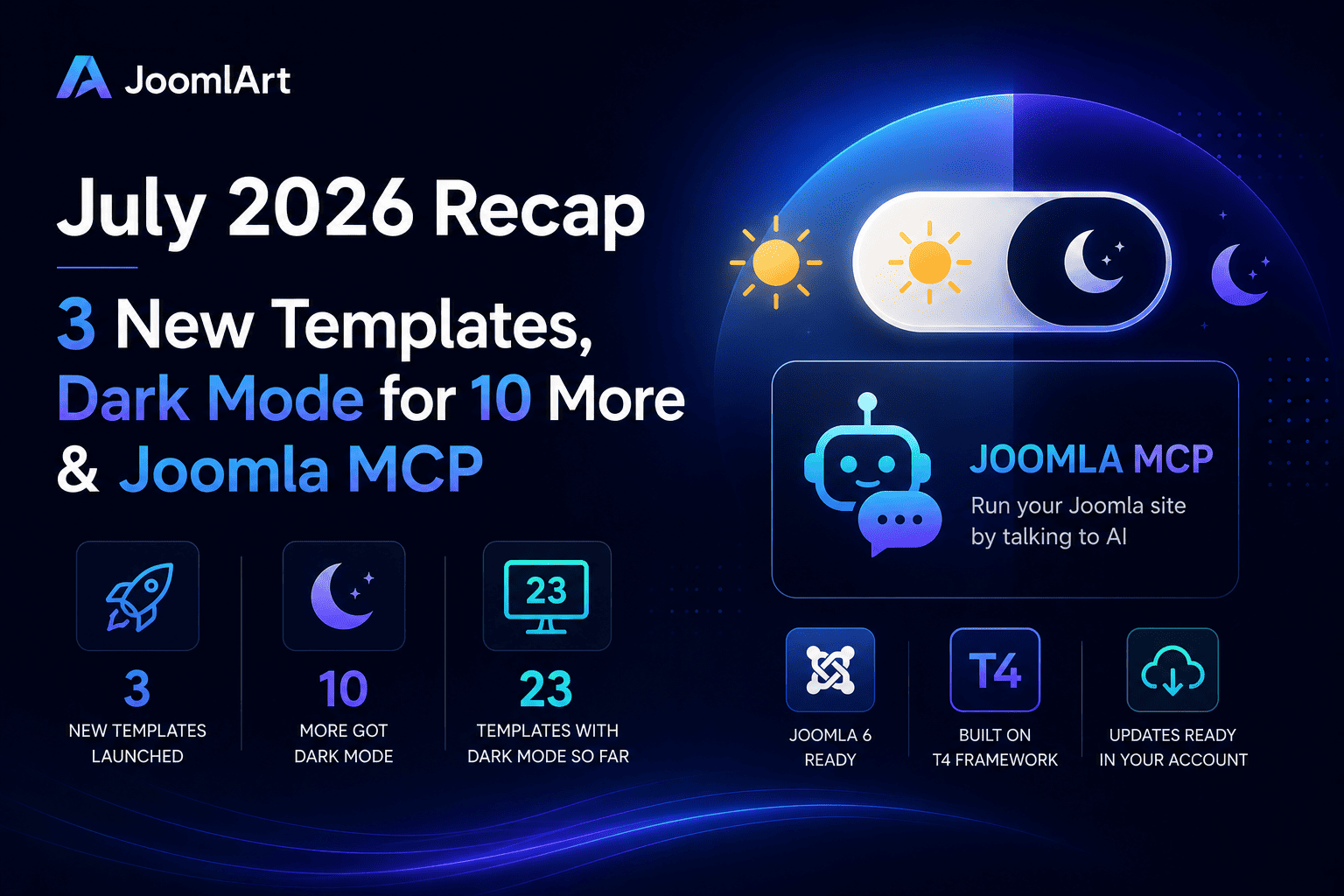
The Dark Mode roll-out isn't slowing down. After our first wave, seven more templates now ship with a built-in light / dark toggle - and one of them is a long-time favourite, JA Teline V.

Newly updated with Dark Mode

Each of these templates now includes a one-click sun / moon toggle, automatic detection of the visitor's system preference, and a remembered choice for returning visitors - while your existing light design stays exactly the same.

JoomlArt

And we're not done - more templates are getting Dark Mode every week.

Why Dark Mode?

A dark option is now something visitors expect. It's easier on the eyes in low light, gives your site a more modern, premium feel, and lets each visitor choose the experience they prefer - all without changing your site's structure.

How to update

  1. Download the latest package for your template from your JoomlArt account.
  2. Install the update over your current template.
  3. Open your site and click the sun / moon toggle in the header to preview Dark Mode.

Your content and existing configuration stay in place. Prefer light only? Leave it - light mode remains the default and untouched.

Every one of these updates is included with a JoomlArt membership - along with all 200+ templates and everything we ship next.

More Dark Mode templates are on the way - stay tuned.
— The JoomlArt Team
Details

Meet JA Stratum - our newest Joomla template, purpose-built for SaaS, startups, cloud platforms and technology products. If you're launching a software business, this one's for you.

JA Stratum pairs a clean, product-focused interface with bold typography and conversion-ready layouts - so you can present your software, tell your story, and turn visitors into users, all on Joomla.

JoomlArt

What's inside JA Stratum

A modern SaaS homepage

The homepage is built for software products: a strong hero section, dashboard preview, platform features, statistics, pricing, testimonials, FAQ, and conversion-focused calls to action - everything a SaaS landing page needs, out of the box.

Ready-made SaaS pages

JA Stratum ships with the pages software teams actually use:

  • Integrations - present your product ecosystem and connected tools
  • Pricing - clear, structured plan comparison
  • Changelog - keep users up to date with product releases
  • Solutions - map your product to different use cases

Dark & Light Mode, from day one

JA Stratum supports both dark and light visual styles natively - the modern, premium look that cloud platforms, developer tools and technology brands expect.

Content & company pages

Modern blog and article layouts are ready for product updates, engineering posts and tutorials, while dedicated Company, About and Team pages help you build trust with your story, values, customer stories and hiring CTAs. Every standard Joomla page - login, registration, profile, contact, search, error and offline - is fully styled too.

Built on T4, ready for Joomla 6

Powered by the T4 Framework, JA Stratum gives you advanced layout control, theme customization and a performance-focused structure. It's built for Joomla 6, the platform's latest generation.

JA Stratum is a Joomla 6 template. Not on Joomla 6 yet? Our T4 toolkit - Page Builder, Framework and Blank Template - is now fully Joomla 6 ready to help you make the move smoothly.

Get JA Stratum

JA Stratum is available now and included with any JoomlArt membership - one plan unlocks Stratum, all 200+ templates, the full T4 toolkit, and everything we ship next.

Build your next SaaS site on Joomla - starting with JA Stratum.
— The JoomlArt Team
Details

Hi everyone,

We’re excited to introduce GeoReport — a brand-new product from JoomlArt that measures and improves your website’s AI visibility. It shows whether AI assistants like ChatGPT, Gemini, Claude and Perplexity can find, trust, and cite your site — and gives you the exact fixes.

The best part: your active JoomlArt subscription is already active on GeoReport. Just sign in with your JoomlArt account — there’s no separate account to create.

Details

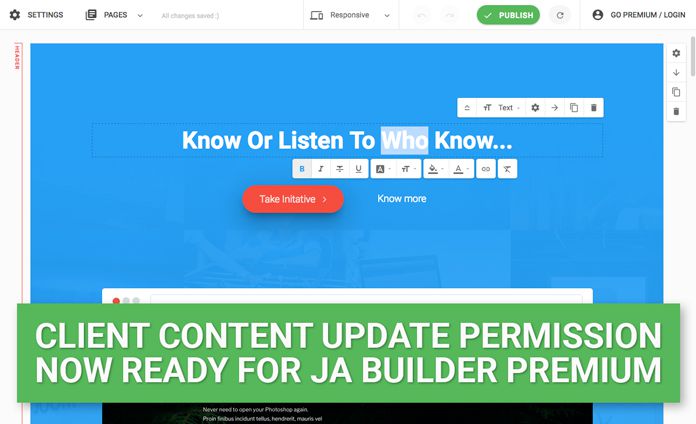
Good news for JA Joomla Page Builder users who develop sites for their clients. Now on, as a Builder Premium or JA Developer user, you can handover your builder based sites to client and they can still edit the premium blocks without logging in. The client will have permission to update content without JA Builder account.

Details

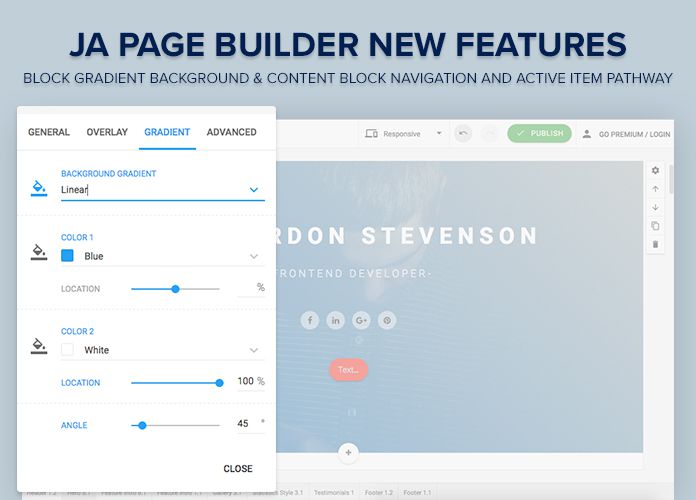
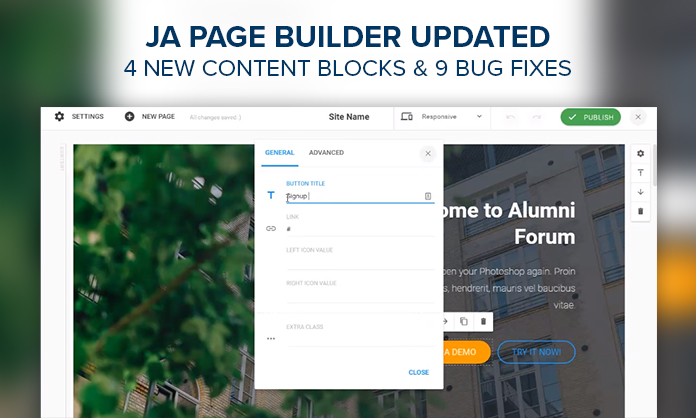
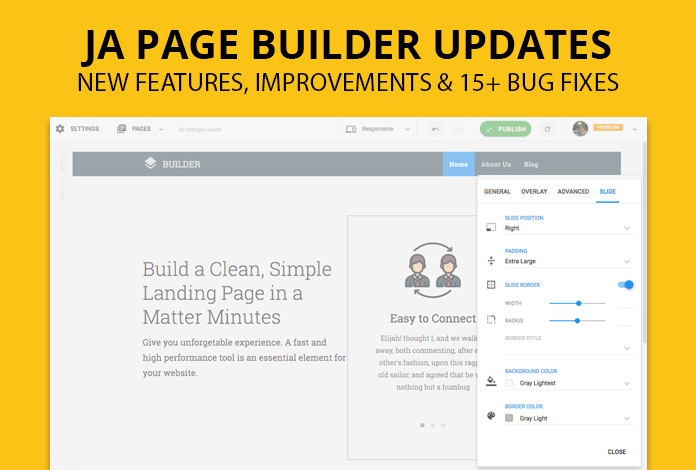
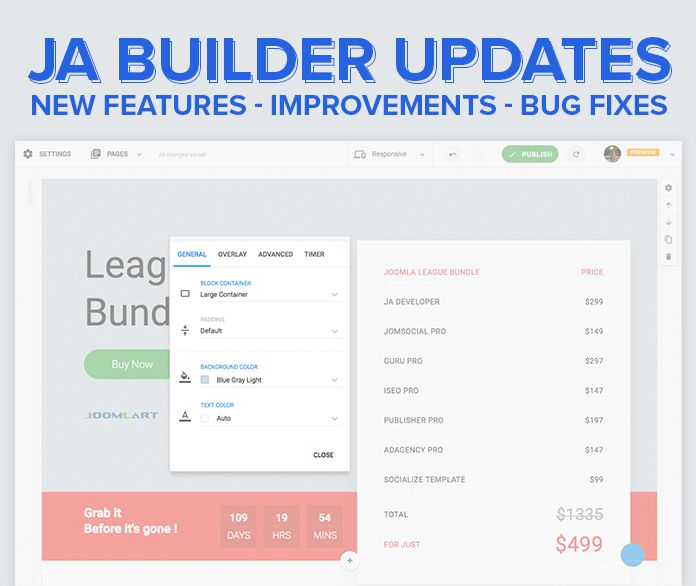
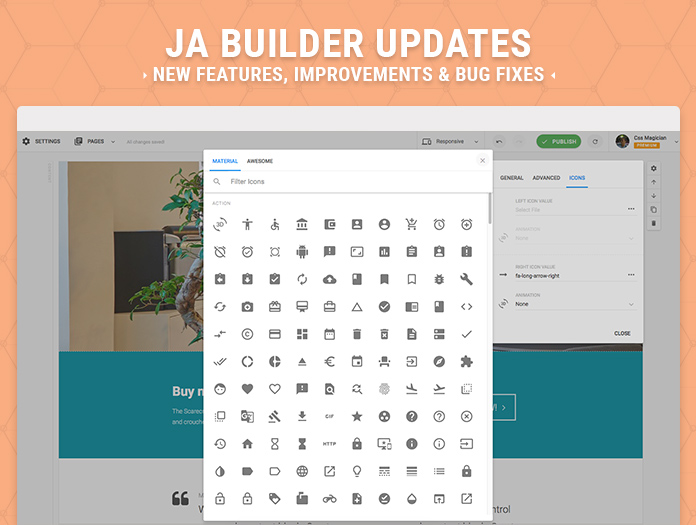
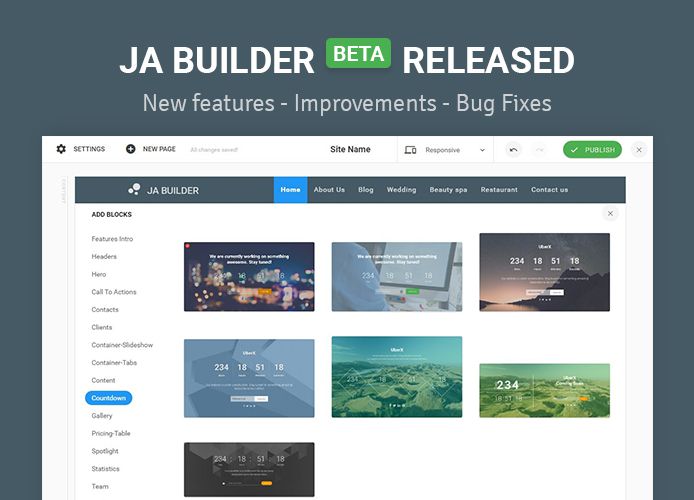
This week, JA Joomla Page Builder has received lots of new features, improvements and bug fixes. The best part is you do not have to download these updates, they have been pushed to our Page Builder tool. Check out the details below :

  • 5 new content blocks
  • Restructured content blocks: Pricing table, header, spotlight, footer
  • Icon selection
  • More options for header content block to update color for logo, hover color, active menu item color
  • Improved form setting panel
  • 15+ Bug fixes
Details

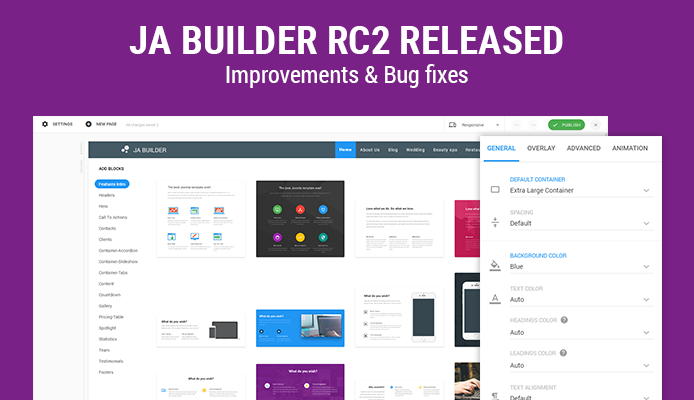
JA Joomla Page Builder RC2 is available now. This release comes with few improvements and 40+ bug fixes, thereby bringing it very close to stable release next week.

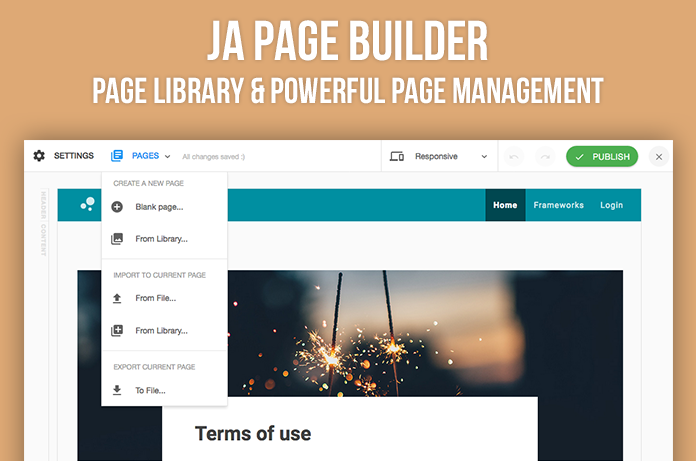
  • New Page management working panel
  • Page library: Choose from ready to use optimized pages
  • Improved page import: import page from page library or file
  • 40+ bug fixes
Details

JA Joomla Page Buider is still in RC stage but we were amazed at how our friends have been using it to create really cool landing pages. We are sure there would be more such coming up as we release our next version with ready to use pages and more block layouts. JA Page Builder as it is confirmed by our users also is the easiest yet powerful page builder for Joomla. We will let these showcase blog posts coming as we go through the thousands of pages created so far.

Details

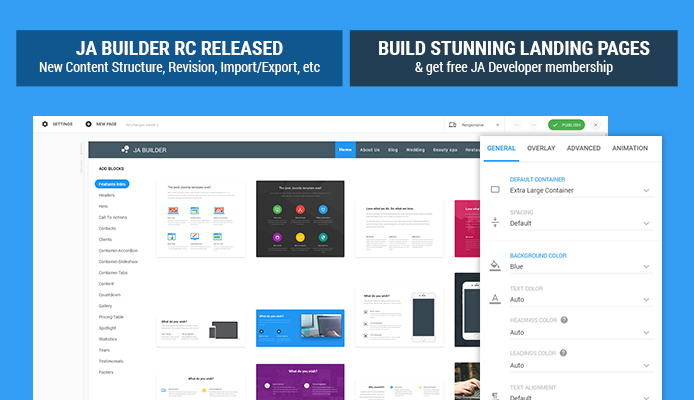
Took us more time than expected to reach RC stage. Well, we were not all that pleased with the structure of the blocks and so we rewrote them, improved workflow and features based on member's feedback. There is still a lot to do but it would be at a much much faster pace and the foundation now is rock solid. JA Joomla Page Builder release candidate version is now available for everyone to try their hands on. Some of the important features are as below:

  • New content block structure
  • Improved editor tool
  • Page import & export
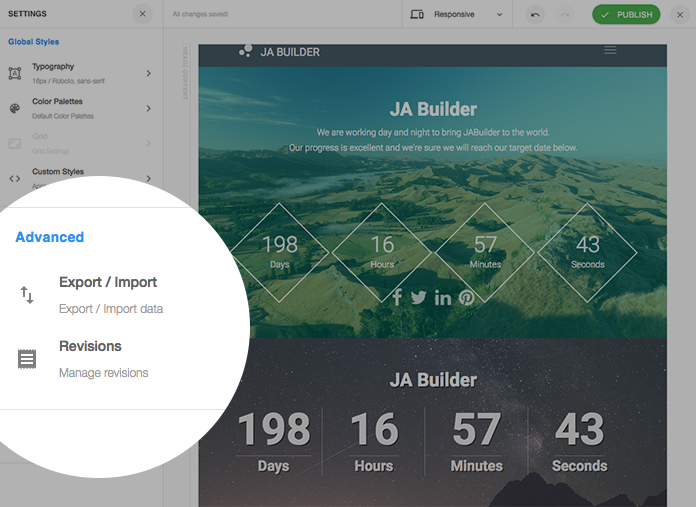
  • Revision history
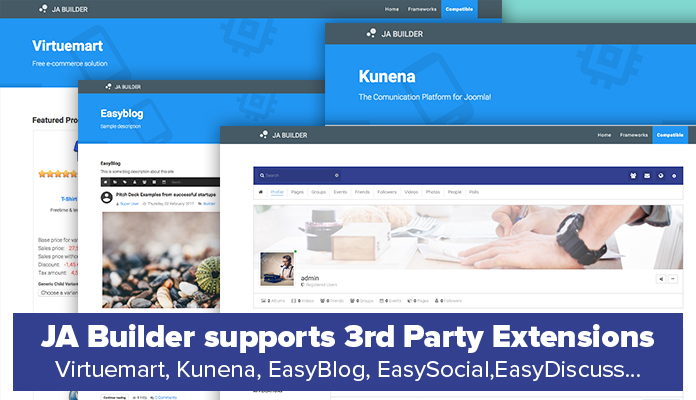
  • Popular Framework templates and 3rd Party extensions compatibility
Details

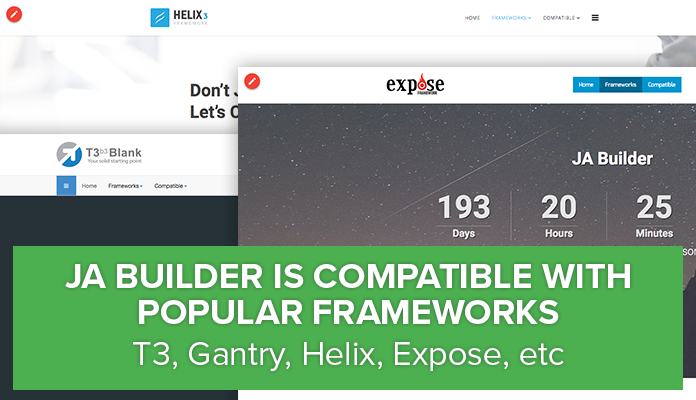
In our last post we displayed how JA Joomla Page Builder works well with popular Joomla extensions. With so many template frameworks around, we tested our page builder tool with them and results are encouraging. With few tweaks, our Page Builder works well with all frameworks and we have documented the same as a guide for our users. T3 Framework, Gantry, Helix, Expose were included for the first round and here are the results and tips for each framework are mentioned at the bottom of this blog post.

Details

JA Joomla Page Builder will soon be out of beta status with imminent RC release. We at random tested it with popular Joomla extensions and all seems good so far. The Joomla extensions used for compatibility testing were Virtuemart, Kunena, EasyDiscuss, EasySocial and EasyBlog. We have also tested JA Builder with other popular Joomla template frameworks and details would be available in the upcoming blog post.

Details

We are pretty close to saying bye to beta version of JA Builder and release an RC version next week, which comes with some major changes and features.

One of the features is "revisions", which are stored for restoration at any later time. This feature can be tested on the JA Builder demo and would be part of the release next week.

The new feature will auto save the changes you did when editing the page (for now, each revision includes 10 changes). Meaning, after you do 10 changes, it will be saved as a revision. You can revert to previous revision to revert the content, pretty handy feature.

Details

Be it Page Builder or any editor, Undo and Redo are important feature and as planned we are glad to implement them in the latest release od JA Joomla Page Builder. Taking it further the Page Builder now also supports export and import of pages, now that should make designing landing pages a breeze. More blocks and more settings also made it to this version. Thanks a ton for the feedback and feature requests, its shaping the Page Builder in the right direction. Try out the new version and let us know what more you want us to work on.

Details

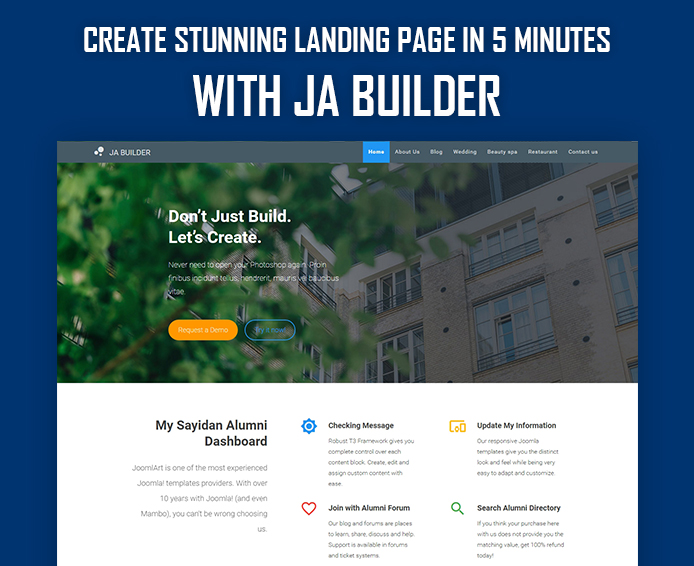
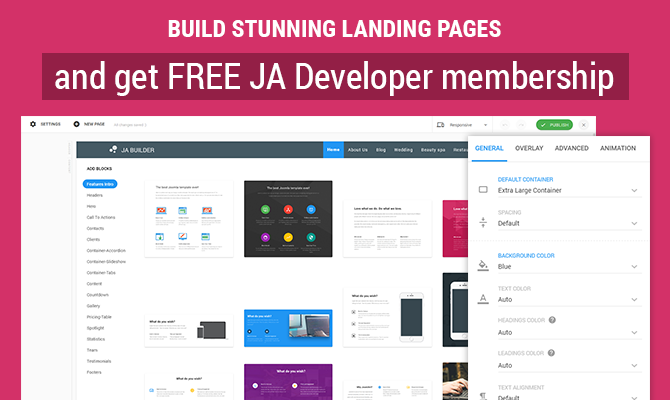
Landing pages in general are the optimized entry pages to the site for better conversion rates. Landing pages can either be the homepage or could be specific for your ad campaign. A landing page usually have concise information of your service or product with strong call to action buttons and relevant information to convince the user to go ahead with purchase or desired action.

JA Joomla Page Builder not only helps to create different page layouts for your site but is also very effective in creating landing pages. It has all the required blocks to build a landing page quickly. Today we will show you how to create stunning landing page for your Joomla site in 5 minutes, no coding or technical skill required.

Details

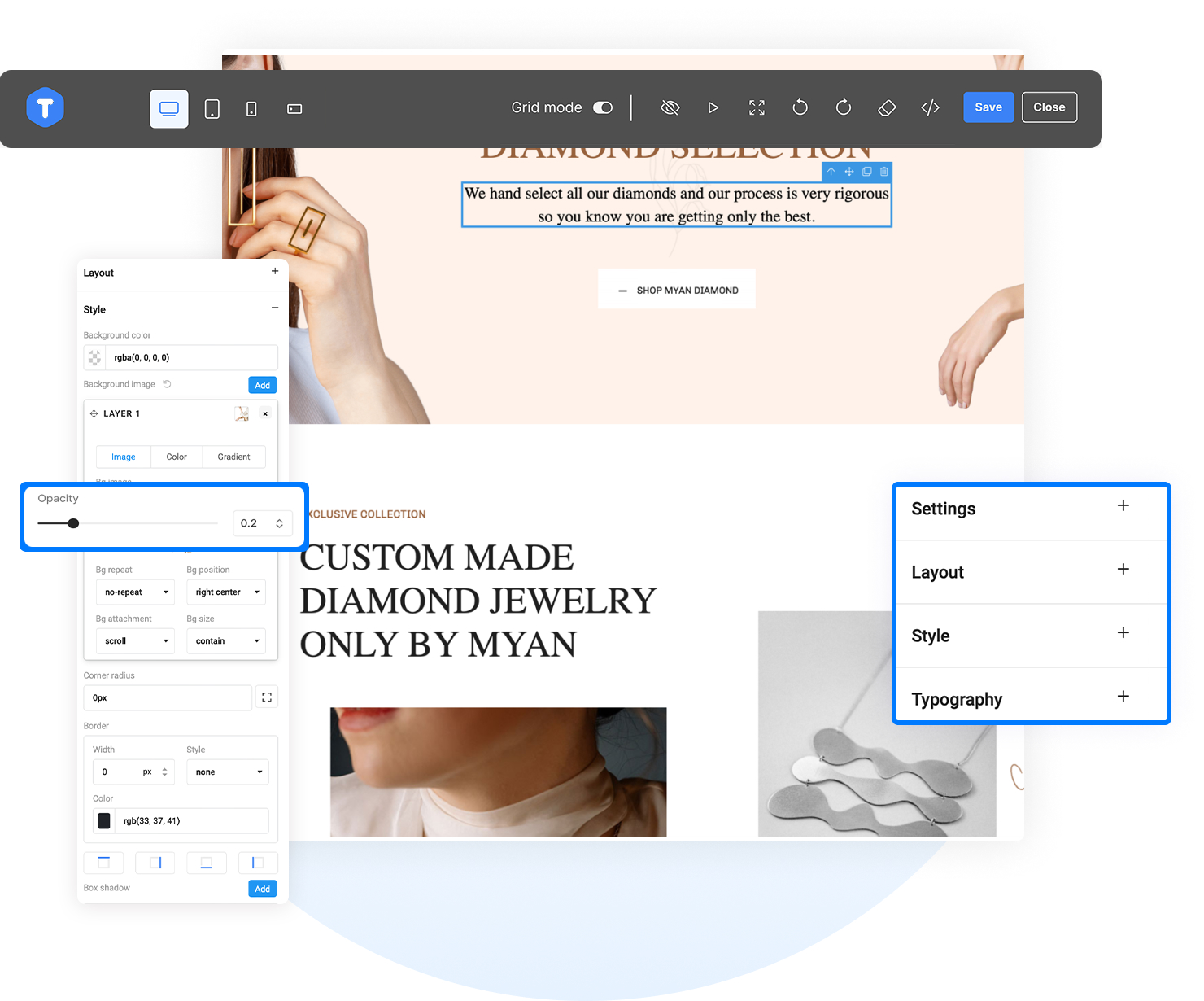
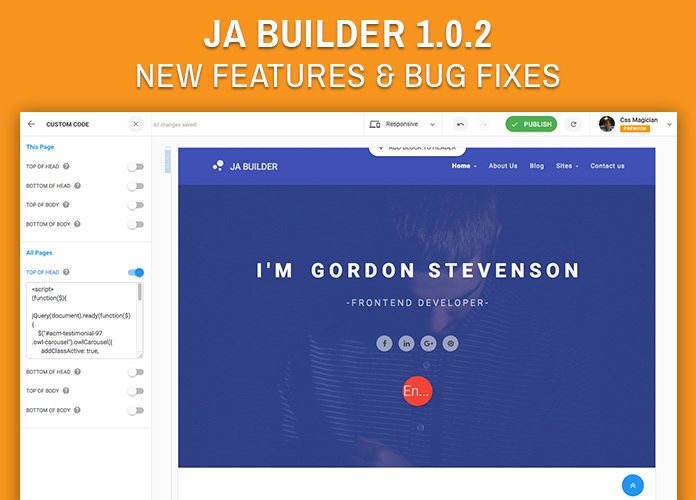
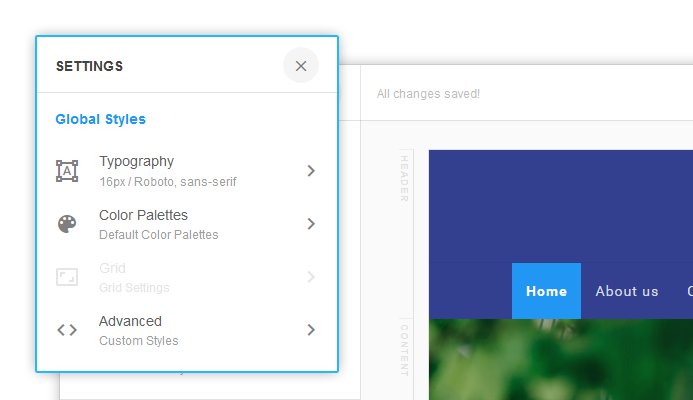
With JA Joomla Site Builder it becomes very easy to build Joomla page layouts and update typographic styles. For advanced users who love to implement custom css, our Builder tool supports custom styles for every element of the page.

Here are some illustrated examples of how easily one can use basic css skills to enhance the look and feel of their joomla pages right from the frontend. Do try replicating them on your dev sites, its fun learning.

Details

Page 1 of 2