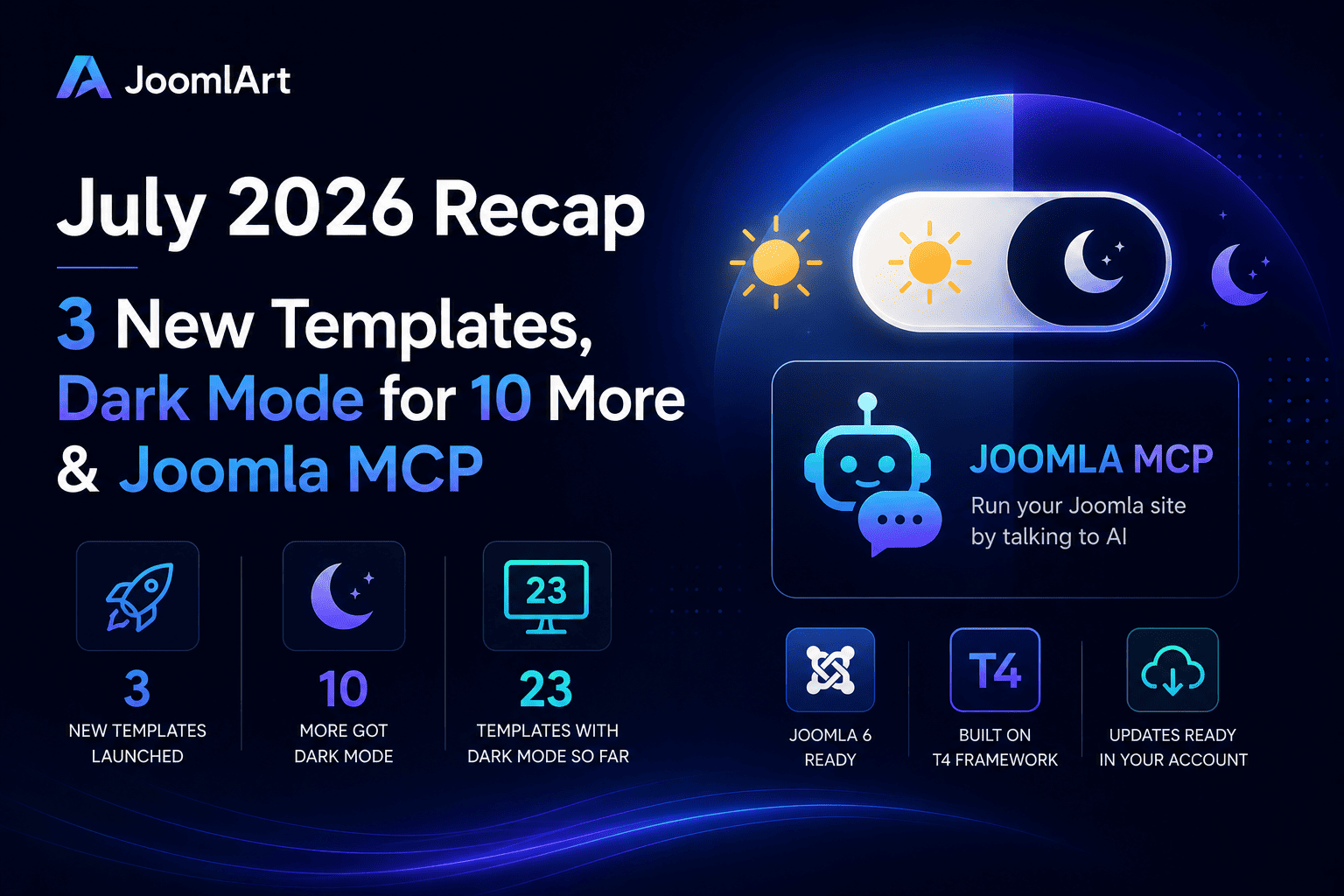
July kept the momentum going. We launched three brand-new templates, brought built-in Dark Mode to 10 more, and shipped something genuinely new: Joomla MCP - a way to run your Joomla site by simply talking to an AI assistant. Here's the full recap.
23
templates with Dark Mode so far
Three new templates launched
Three releases in a single month - two for software and technology brands, one for travel. All three are built on the T4 Framework, ready for Joomla 6, and ship with dark and light styles from day one.
JA Stratum - SaaS & startups
A clean, product-focused template for SaaS, startups, cloud platforms and technology products. The homepage is built the way software landing pages actually work: hero, dashboard preview, platform features, statistics, pricing, testimonials, FAQ and conversion-focused calls to action.
- Integrations - present your product ecosystem and connected tools
- Pricing - clear, structured plan comparison
- Changelog - keep users up to date with product releases
- Solutions - map your product to different use cases
View live demo · Explore features →
JA Nexora - AI & developer platforms
Purpose-built for AI platforms, developer tools, cloud infrastructure and technology startups. Where Stratum speaks to software businesses broadly, Nexora is tuned for technical audiences - with app dashboard previews, platform capabilities, performance metrics, and dedicated Solutions layouts for developers, engineering teams and platform teams.
- Technical blog layouts for engineering posts, product news and tutorials
- Pricing, Integrations and Changelog pages included
- Consistent dark and light styles across cards, dashboards and CTA blocks
View live demo · Explore features →
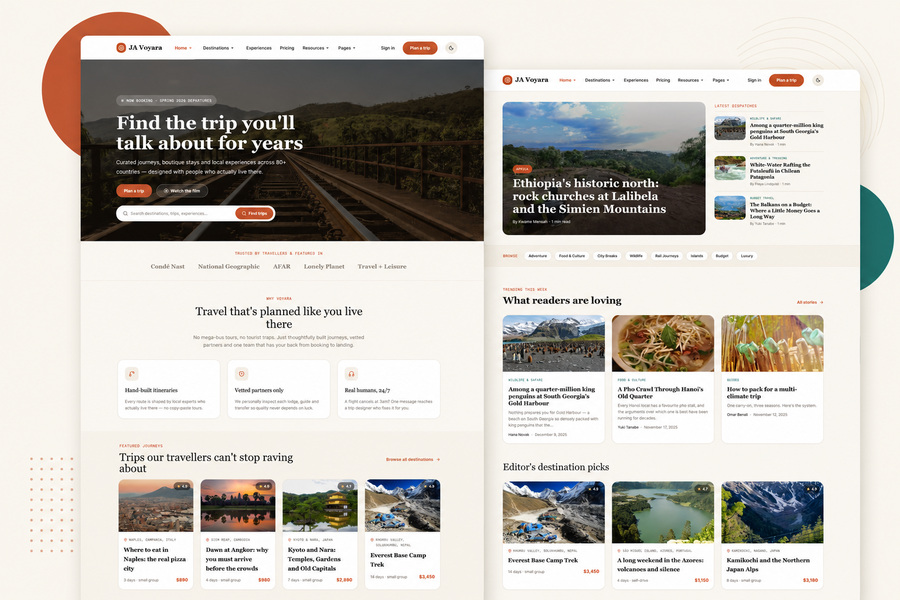
JA Voyara - travel agencies & tour operators
The journeys you plan are unforgettable - your website should be too. JA Voyara brings a warm, editorial, magazine-style design to travel agencies, tour operators and independent travel planners.
- Destination & journey listings - card layouts with location, duration, travel style, ratings and pricing
- Travel stories - full-width photography, author info, tags and related articles
- A flexible pricing page - package cards, feature comparison, FAQs and testimonials
View live demo · Explore features →
Dark Mode reached 10 more templates
The roll-out that started in June carried straight through July, across two waves. Each of these templates now includes a one-click sun / moon toggle, automatic detection of the visitor's system preference, and a remembered choice for returning visitors - while your existing light design stays exactly the same.
Templates updated with Dark Mode in July
That takes the running total to 23 templates with built-in Dark Mode since the roll-out began. Switching it on is a single template update - your content and settings stay exactly where they are. Prefer light only? Leave it: light mode remains the default and untouched.
Joomla MCP: manage your site by talking to an AI
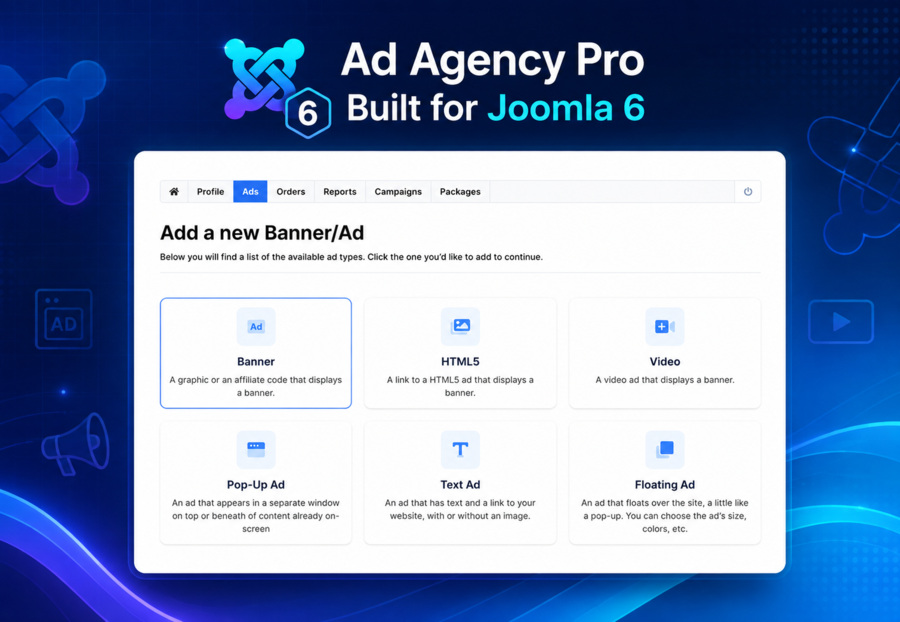
The biggest new thing in July wasn't a template. Joomla MCP connects your Joomla site to an AI assistant - Claude, ChatGPT or Gemini - so you can handle everyday website work in plain language instead of clicking through administrator screens.
Ask it to publish an article, tidy up categories, find a piece of content or check what changed, and it does the work against your real site.
How it works
- Nothing is installed on your website - it uses Joomla's own built-in web services
- You stay in control - permissions follow your existing Joomla user, and you can revoke access at any time
- Set-up takes about five minutes - enable the built-in features, create a personal access key, connect your assistant
- Works with Joomla 4, 5 and 6
Try Joomla MCP →
In case you missed it: GeoReport
It landed just days before our June recap went out, so it deserves a second mention. GeoReport measures your website's AI visibility - whether ChatGPT, Gemini, Claude and Perplexity can find, trust and cite your site - and gives you the exact fixes.
It crawls your site and rolls everything into a single GEO Health Score built from four benchmarks: Search Alignment, Layout, Readability and Credibility. You get severity-ranked issues with step-by-step fixes, a side-by-side comparison across the four AI models, and a Chrome extension to audit any page - even a competitor's.
Your active JoomlArt subscription is already active on GeoReport - just sign in with your JoomlArt account, there's no separate account to create. Run a free GEO audit →
Why this matters
June was about catching up with where the platform is going - Dark Mode and Joomla 6. July was about what you build on top of it: three new templates for the industries asking for them, a Dark Mode library that now covers 23 designs, and two products that change how you work on your site rather than how it looks.
The simplest way to get all of it? A JoomlArt membership. One plan unlocks every template above, the full T4 toolkit, and everything we ship next.
Three launches, ten Dark Mode updates and a new way to run your site - not a bad month. See you in the August recap.
— The JoomlArt Team