JoomlArt's Blog

Joomla Tutorials, info, Discussions and much more...

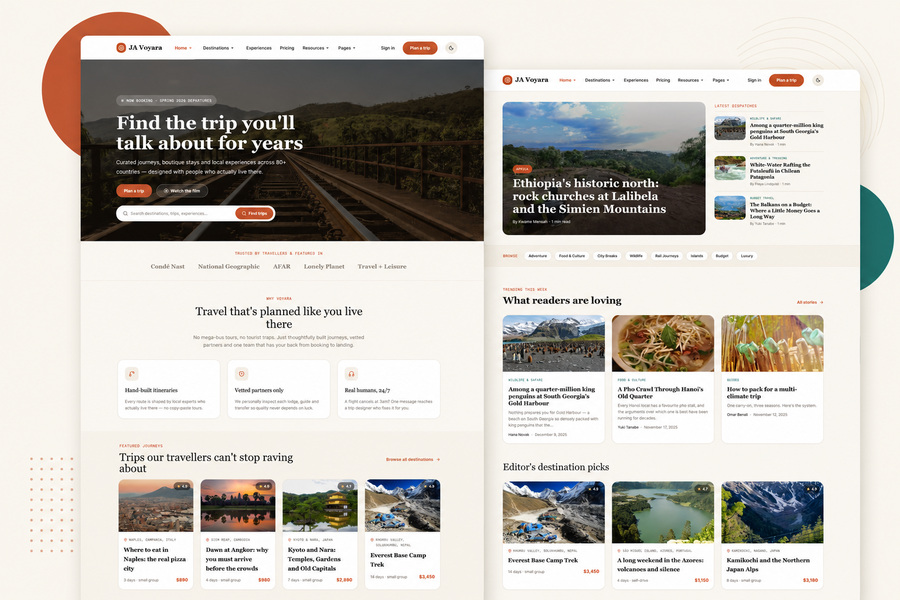
We are pleased to announce the release of JA Vega 1.2.0, now available with a brand-new Dark Mode.

JA Vega was built for business, corporate, agency, and service websites that need a clean and professional Joomla template. With this update, the template now gives your visitors a more modern viewing experience while keeping the original light design fully intact.

JoomlArt

Why Dark Mode Matters

Many website visitors now expect the option to switch between light and dark viewing modes.

Dark Mode is especially useful when visitors browse your site in the evening, in low-light environments, or on devices where a darker interface feels easier on the eyes.

For business websites, it also adds a more modern and premium feel without changing the core structure of your site.

With JA Vega 1.2.0, you can now offer both experiences.

What's New in JA Vega 1.2.0

The main highlight of this release is built-in Dark Mode support. Your site can now display beautifully in both light and dark styles, giving visitors a choice that fits their preference.

This update includes

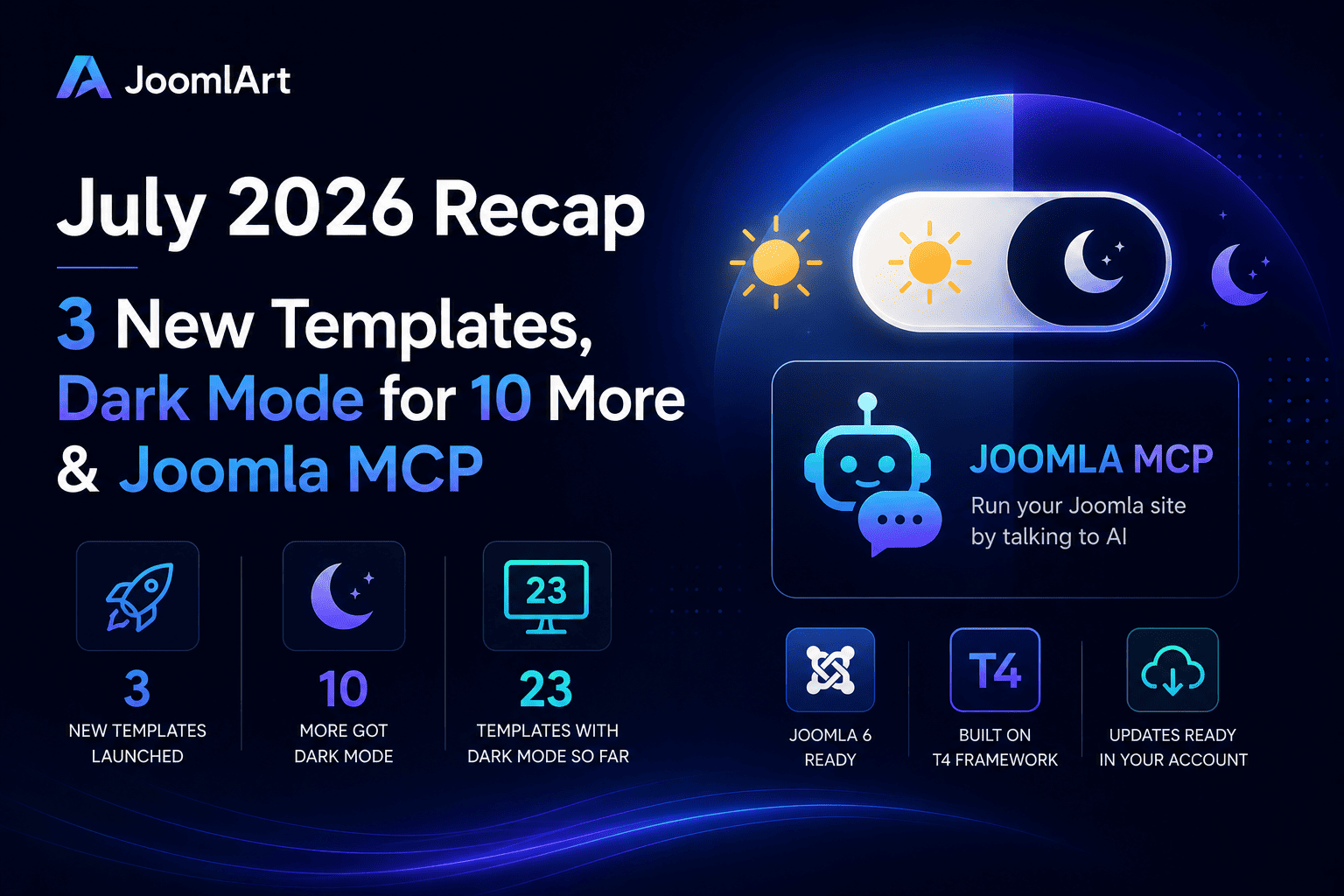
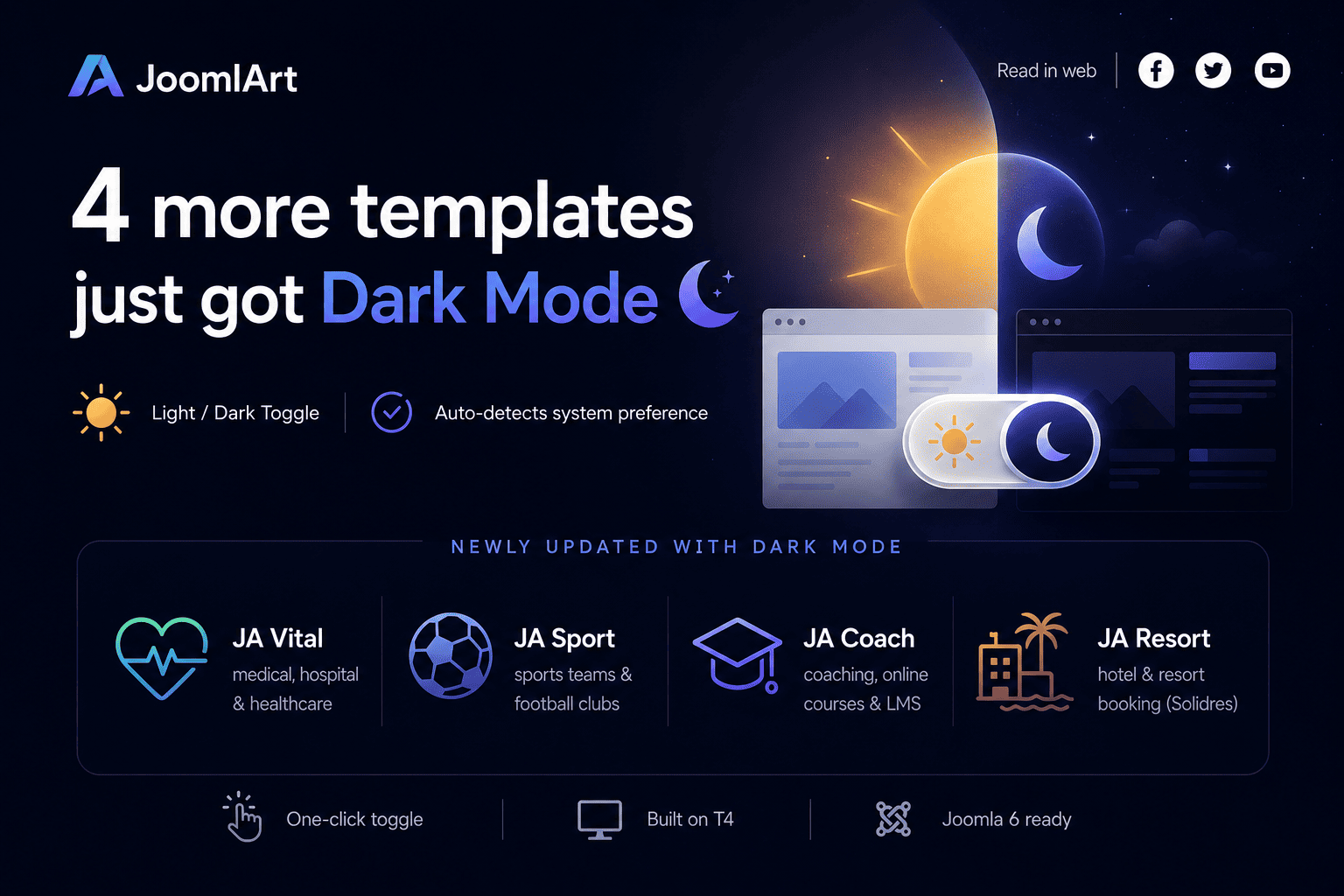
  • A clean sun / moon toggle in the site header
  • Automatic detection of the visitor's system preference
  • Remembered mode selection for returning visitors
  • Dark Mode styling across key template pages
  • Light Mode kept as the default experience
  • No need to rebuild your existing website layout

Your current light design remains unchanged. If you prefer to keep using only the light version, you can continue exactly as before.

Designed for a Smooth Update

We know many Joomla site owners want improvements, but do not want complicated updates. That is why JA Vega 1.2.0 was designed to be a simple template update.

You can download the latest package, install it over your current version, and continue using your existing content and settings. There is no need to rebuild your pages from scratch.

A Better Experience for Business Websites

JA Vega is often used for company websites, service pages, portfolios, and corporate landing pages.

With Dark Mode, these websites can now feel more current and polished while still keeping the same clear structure that business visitors expect.

Whether your visitors prefer a bright interface during the day or a darker interface at night, JA Vega now supports both.

How to Update

To use the new Dark Mode feature:

  1. Download the latest JA Vega 1.2.0 package from JoomlArt.
  2. Install the update over your current JA Vega template.
  3. Open your site and use the sun / moon toggle in the header to preview Dark Mode.

Your content and existing configuration will remain in place.

Update JA Vega Today

If you are already using JA Vega, this is a quick update that can make your website feel more modern in just a few minutes.

Dark Mode is now available in JA Vega 1.2.0.

Thank you for using JoomlArt.
— The JoomlArt Team
Details

Dear JoomlArt friends,

For many years, website owners focused on one goal: being found on search engines. Today, that is beginning to change.

More people are asking ChatGPT, Gemini, Claude, and other AI assistants for answers instead of searching the traditional way. If AI cannot understand your website, it cannot recommend it.

That is why 2026 will be one of the most important years in JoomlArt's history. Alongside Joomla 6 support, new templates, dark mode, and major T4 improvements, we are introducing new AI tools built specifically for Joomla website owners.

JoomlArt

The Biggest Change in 2026: AI for Joomla

AI Analytics - Find Out How AI Sees Your Website

More people are using AI assistants to discover businesses, products, and content. The challenge is simple: if AI cannot understand your website, it cannot recommend it.

Many Joomla websites are missing important signals that AI systems use to understand content. Most site owners do not even realize it.

AI Analytics helps you see your website through the eyes of AI:

  • Can AI understand your content?
  • Which pages are AI-ready?
  • Which pages need improvement?
  • What should you fix first?

The tool provides clear recommendations in plain language, making it easier to prepare your website for the next generation of search and discovery.

The websites that adapt early will have an advantage. Those that wait may find competitors appearing in AI-generated answers while their own content remains unseen.

AI Customer Service - Help Whenever You Need It

Joomla has always been powerful, but sometimes you need help quickly. Whether you are migrating a site, configuring a template, or troubleshooting an issue, our new AI Customer Service assistant is available 24/7 inside your member area.

It can:

  • Answer common Joomla and T4 questions
  • Help troubleshoot issues
  • Guide you through setup and migration tasks
  • Point you to the right documentation instantly

And when human support is needed, all the conversation history and context can be passed directly to our support team.

Faster answers. Less waiting. Less frustration.

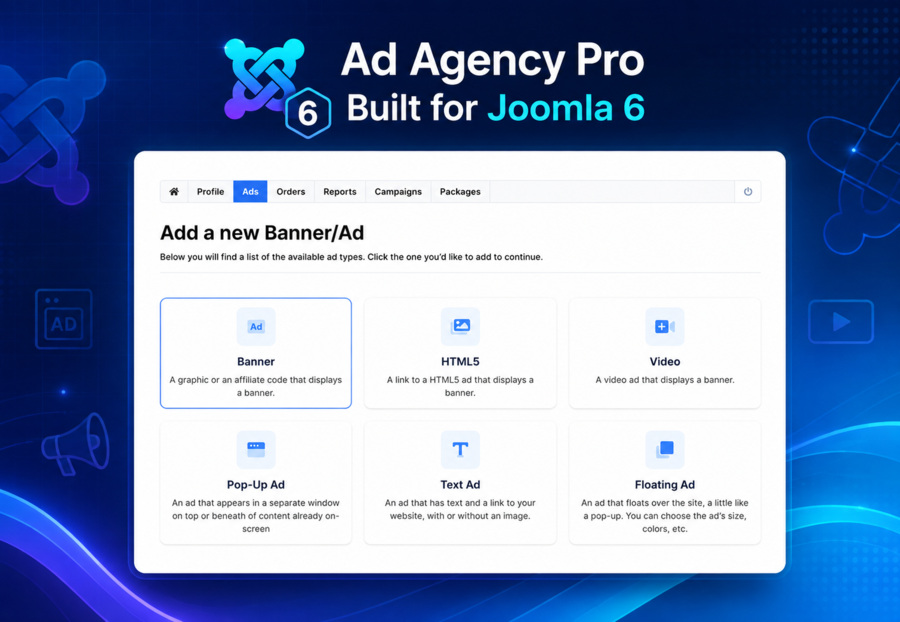
Full Support for Joomla 6

When Joomla 6 arrives, JoomlArt templates will be ready from day one. No waiting for compatibility updates. No uncertainty about migrations.

Our team has been working closely with Joomla development changes to ensure a smooth transition for customers.

Light and Dark Modes

Every JoomlArt template is being updated with built-in light and dark mode support. No additional plugins. No complicated setup.

Visitors can choose the experience that works best for them, automatically.

More Than 15 New Templates

We are developing more than 15 new templates for:

  • Business websites
  • Online stores
  • Education platforms
  • News and magazine sites
  • Portfolios
  • Agency landing pages

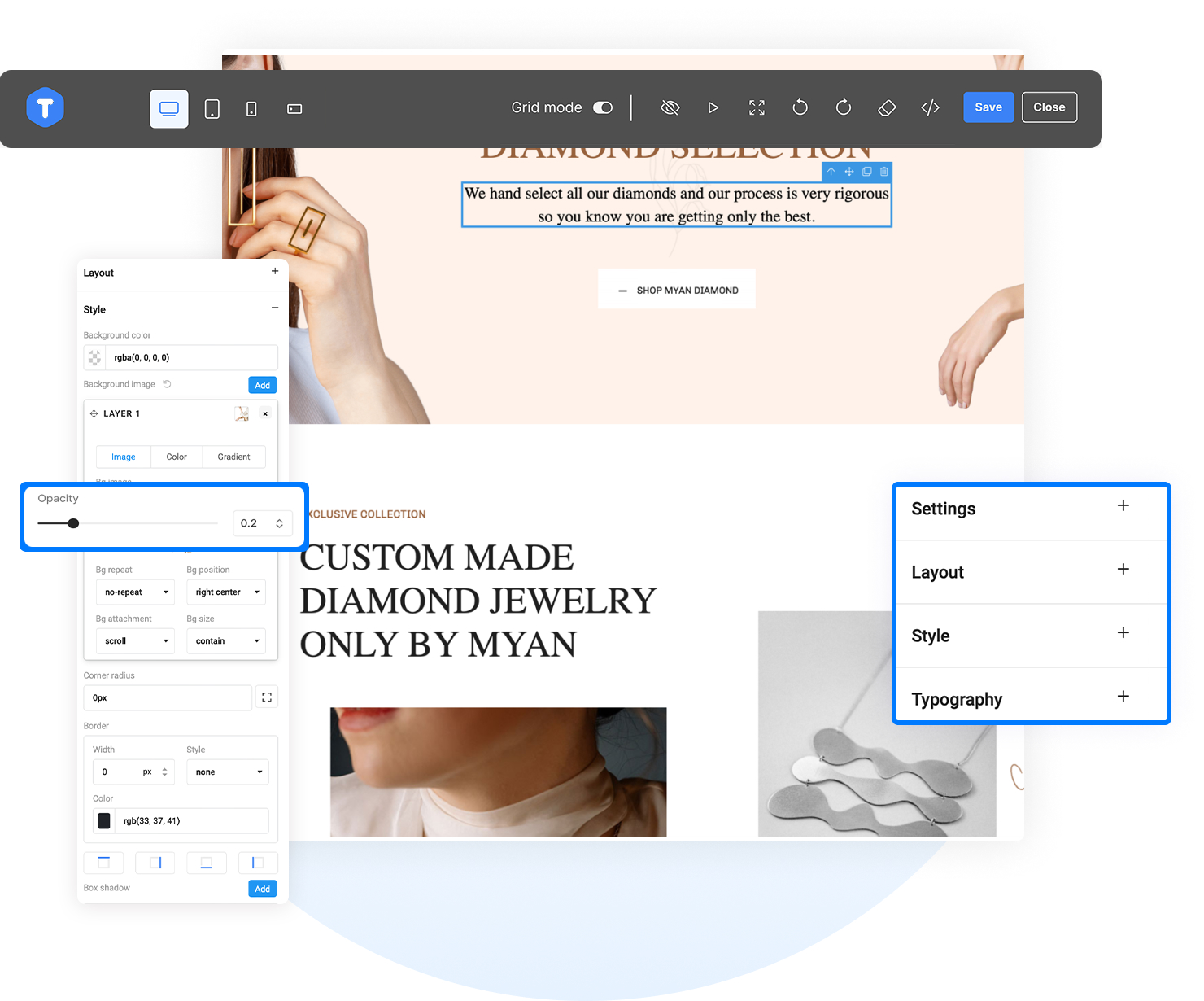
In addition, T4 Page Builder Premium will receive more than 30 new content blocks to help you build pages faster.

Looking Ahead

Most of these features will begin rolling out to JoomlArt members first. If you already use JoomlArt, you will be among the first to benefit from these improvements.

If you have been considering joining or renewing your membership, this may be the best time to do it.

The way people discover websites is changing. Our goal is to help Joomla users stay ahead of that change.

Thank you for being part of our community.
The JoomlArt Team

Details

Hi everyone,

We’re rolling out new updates for T4 Framework and JomSocial. In this release, both products are updated to improve compatibility, performance, and security—ensuring they work smoothly with the latest Joomla versions.

These updates include enhancements for Joomla 5 and Joomla 6, along with important bug fixes and improvements.

Details

Hi everyone,

We’re planning our next updates for Joomla 6 — and we’d love your input.

As more users upgrade to Joomla 6, we’re continuing to improve and expand our products to ensure everything runs smoothly, stays compatible, and delivers the best experience for your websites.

To help us prioritize our next steps, we’d like to hear directly from you.

Details

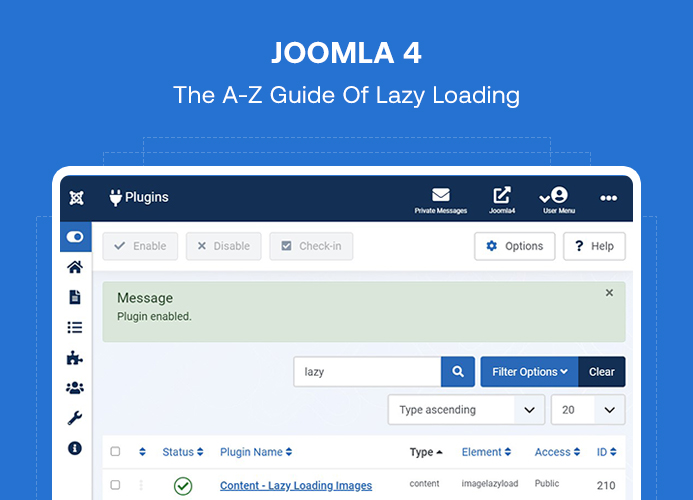
Any Joomla based website page load speed is very important. Joomla 4 comes with an important feature: LazyLoad. Lazy loading in Joomla 4 plays an important role to speed up websites with help of built-in Image loading plugin. On every website, images are used to make the page attractive and beautiful but it also makes the page size heavy. In this blog post, we will discuss how to use Lazy loading in Joomla 4.

Details

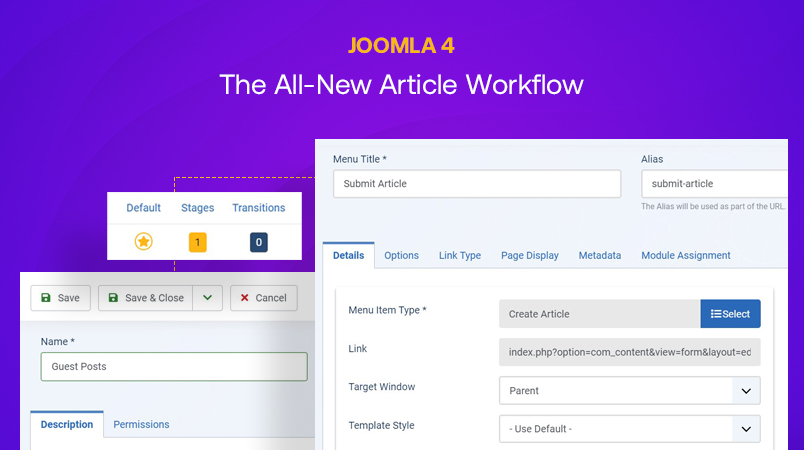
Joomla 4 has been moved to a new version with many new features and improvements including Joomla 4 workflow. A New article interface has been added in the latest version with the Joomla 4 article Workflow, new intuitive admin interface and many more. In this post, we will discuss the Joomla feature: Article workflow in Joomla 4.

Details

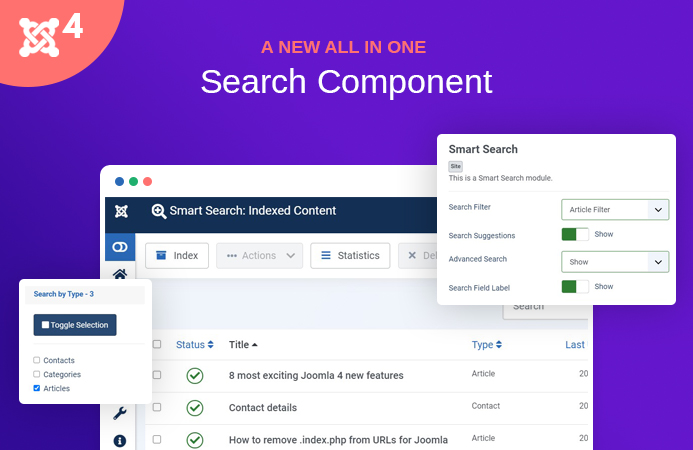
Joomla 4 is on its way to make more improvements and new features. Joomla smart search is an important feature that allows site users to search most of the site content from articles, tags, contacts, users etc with pretty fast speed. In Joomla 3.x there are 2 types of search system used: Search and Smart search. The com_search component is used to show search and the com_finder component is Joomla smart search. Joomla 4 will no longer use com_search (search) and it will be replaced by Joomla smart search with the improved codebase.

In this blog post, we will discuss the Joomla 4 smart search feature and how it differs from usual search.

Details

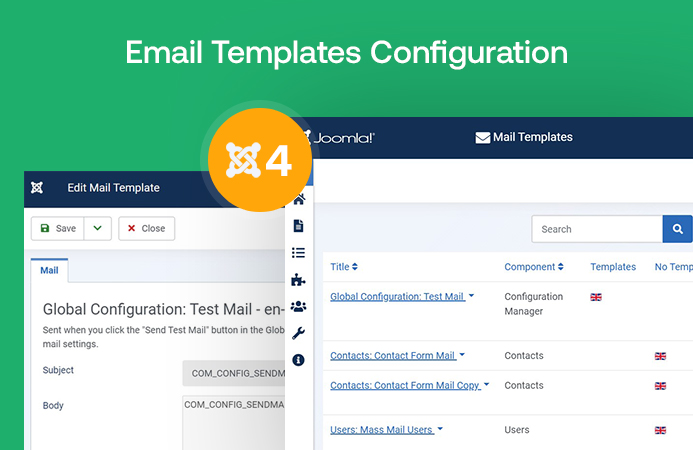
Joomla 4 announced Beta 3 version with new features and improved codebase and bug fixes. We assume the stable version of Joomla 4 will be released after the current beta version progresses. it's time to learn how Joomla 4 email configuration works. Joomla 4 email template override offers to add additional custom fields, attachments etc, now it’s possible via Joomla 4 Email templates. Let’s discuss one of the most important features: Joomla 4 email template override.

Details

The next Joomla generation - Joomla 4 will make an end of Joomla 3x. Since the alpha version has sneaked out, we hope that the stable version would be released soon.

Joomla 4 will introduce new features, raise the minimum supported PHP version to PHP 7, Media Manager rebuilt as well as remove previously deprecated functionality. Joomla 4.0 uses Joomla! Framework 2.0 and new core User Interface based on Bootstrap 4.

This post, we would like to provide list of useful blog posts about Joomla 4 tutorials, Joomla 4 installation guide, Joomla 4 new features and more with purpose of giving all information about Joomla 4.

joomla 4 tutorials

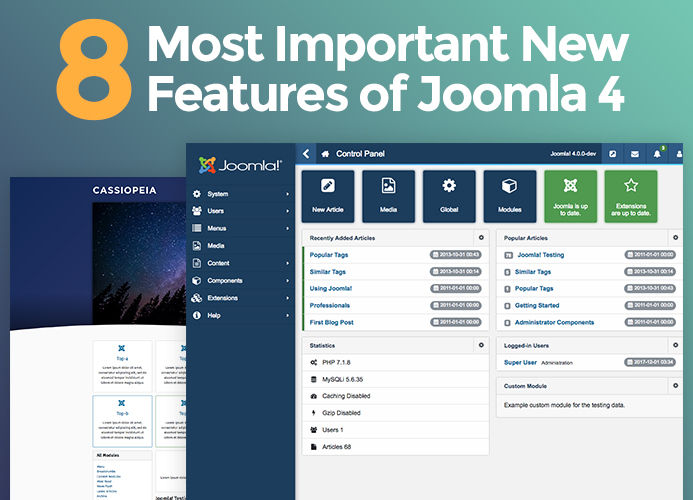
Joomla 4 tutorials: All you need to know about Joomla 4

Details

Joomla 4 has been released for testing and even it is still in development phase, we already see lots of new features and improvements. Joomla 4 will have better security system by requiring minimum PHP 7, using new technologies, removing deprecated functionalities … to help secure websites based on Joomla 4.

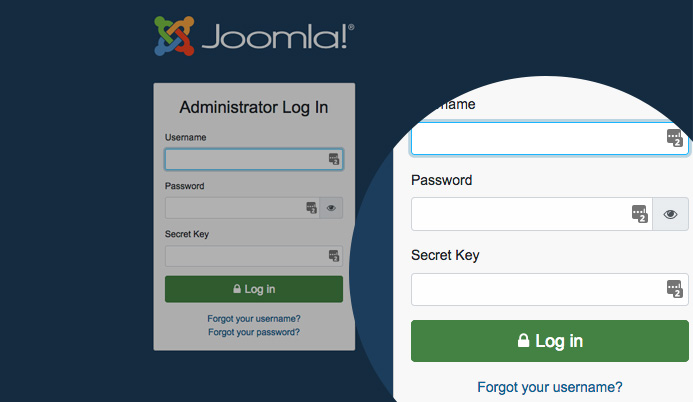
In this blog post, we will guide you how to secure your Joomla 4 website login using built-in 2 factor authentication system - this feature was firstly introduced in Joomla 3.2.0.

Details

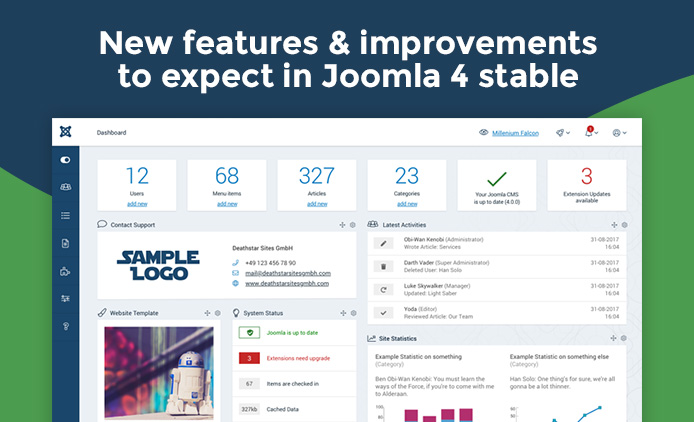
Joomla 4 is on the way of stable release since its alpha 2 version was release on 19th Dec 2017, Joomla 4 is long term support version - LTS, it is major release with many new features have been introduced so far and we can expect more on the stable release. Joomla 4 is developed using all the latest technologies and usability. In this blog post, we will discuss on the new features and improvements that would be available in Joomla 4 stable release.

Details

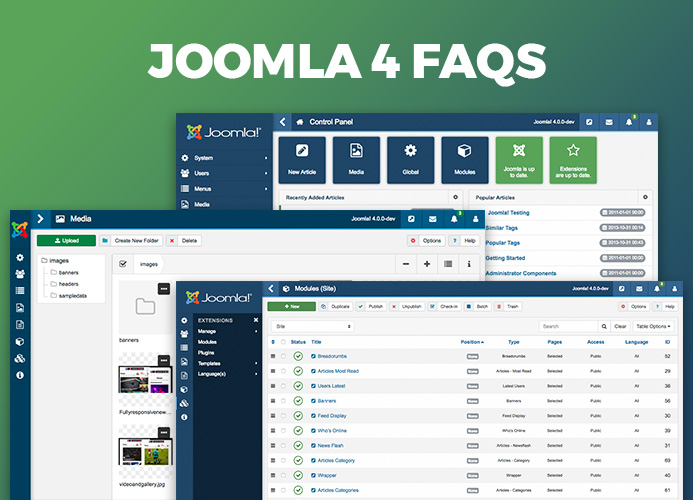
Joomla 4 RC3 download is available for testing. JoomlArt team have researched and got you some FAQs for your concerns about this new upgrades. We will keep posting new questions and answers frequently.

Details

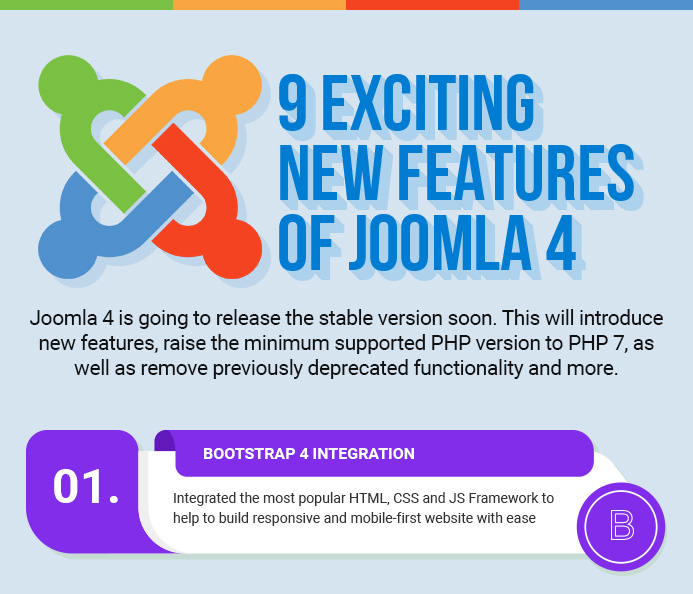
The next Joomla generation - Joomla 4 will make an end of Joomla 3x. Since the alpha version has sneaked out, we hope that the stable version would be released soon.

Joomla 4 will introduce new features, raise the minimum supported PHP version to PHP 7, Media Manager rebuilt as well as remove previously deprecated functionality. Joomla 4.0 uses Joomla! Framework 2.0 and new core User Interface based on Bootstrap 4.

Let me brief them in an infographic, which you can share with others to help spread the Joomla 4 news.

Details

Great news for Joomla fans: Joomla 4 alpha has been released and the stable Joomla 4 would be released soon. Joomla 4 shows up with both user experience and code quality improvements such as: Framework 2.0, Bootstrap 5 integration, raise minimum supported PHP version to PHP 7, new media manager, back-end UI improvements, remove previously deprecated functionality and more is expected to give Joomla! large functionality improvements with limited backward compatibility breaks.

Details