
Installation
JA Kinetic is a developer-observability SaaS template for Joomla 6: dark-first, with three switchable visual directions (Terminal / Blueprint / Signal), built on the T4 Framework.
- Quickstart installation: replicate the Kinetic demo (modules, styles, directions, sample content) on your server.
- Manual installation: install the template and JA extensions on an existing Joomla site.
System requirements
Make sure your host meets Joomla 6 requirements:
Software
- PHP: 8.3.0+ (8.4 recommended)
- Required: json, simplexml, dom, zlib, gd, and mysqli or pdo_mysql
- Recommended: mbstring, zip, intl, curl, openssl, fileinfo
Databases
- MySQL (InnoDB): 8.0.13+
- MariaDB: 10.4+
Web servers
- Apache 2.4+
- Nginx 1.26+
- Microsoft IIS 10+
Browsers
- Firefox, Chrome, Edge, Safari (latest)
Development environment
Localhost is preferred while building.
Windows
- WAMP / XAMPP
Linux
- LAMP / XAMPP
Mac OS
- MAMP / XAMPP
Demo stack notes
- Joomla 6.x
- T4 Framework plugin
- JA ACM module
Download packages
The JA Kinetic download section includes:
- Quickstart package for Joomla 6
- JA Kinetic template (
ja_kinetic) - T4 Framework plugin
- JA ACM module
- JA Extension Manager component
Quickstart installation
Quickstart installs a full demo: three home directions, megamenu, ACM marketing pages, blog, contact, and chrome modules.
Manual installation
On an existing Joomla site, go to System » Install » Extensions and install in this order:
- T4 Framework plugin
- JA Kinetic template
- JA ACM module
- JA Extension Manager component
Confirm the T4 plugin is enabled under System » Plugins.
Set default template style
Go to System » Site Template Styles. For the demo home, set Kinetic - Terminal as default (layout home, Terminal / dark-first). Assign Kinetic - Blueprint and Kinetic - Signal to their menu items for the other directions.
| Style | Layout | Site profile | Typical use |
|---|---|---|---|
| Kinetic - Default | default |
default | Classic pages with sidebars |
| Kinetic - Terminal | home |
default (terminal) | Default home (dark) |
| Kinetic - Blueprint | home |
blueprint | Home alternate (light) |
| Kinetic - Signal | home |
signal | Home alternate (dark) |
| Kinetic - Inner | no-sidebar |
default | Features, Pricing, About, … |
| Kinetic - Landing | landing |
default | Landing page stack |
Template folder structure
/templates/ja_kinetic/
	+-- acm/                 /* 20 ACM blocks */
	+-- etc/
	¦    +-- layout/          /* home, landing, default, no-sidebar */
	¦    +-- site/            /* default, blueprint, signal */
	¦    +-- theme/
	¦    +-- navigation/
	+-- scss/                /* template, darkmode, kinetic chrome */
	+-- css/
	+-- html/                /* overrides + layouts/t4/block */
	+-- js/                  /* template.js, darkmode.js */
	+-- images/
	+-- fonts/
	+-- language/
	+-- params/
	+-- templateDetails.xml
Do not customize inside the T4 plugin. Use Custom CSS/SCSS tools or files under templates/ja_kinetic/.
Template configuration
All settings below are edited in the administrator under System » Site Template Styles » Kinetic - Terminal (or another ja_kinetic style) » Theme Configuration.
1. Layout configuration
Open Layouts Settings and assign a layout for the style. The demo home style uses layout home.
- home — kinetic-header →
hero→section-1…section-7→ kinetic-footer - landing — kinetic-header →
landing-page→ kinetic-footer - no-sidebar — inner shell for
stacks - default — masthead, breadcrumbs, sidebars, footer
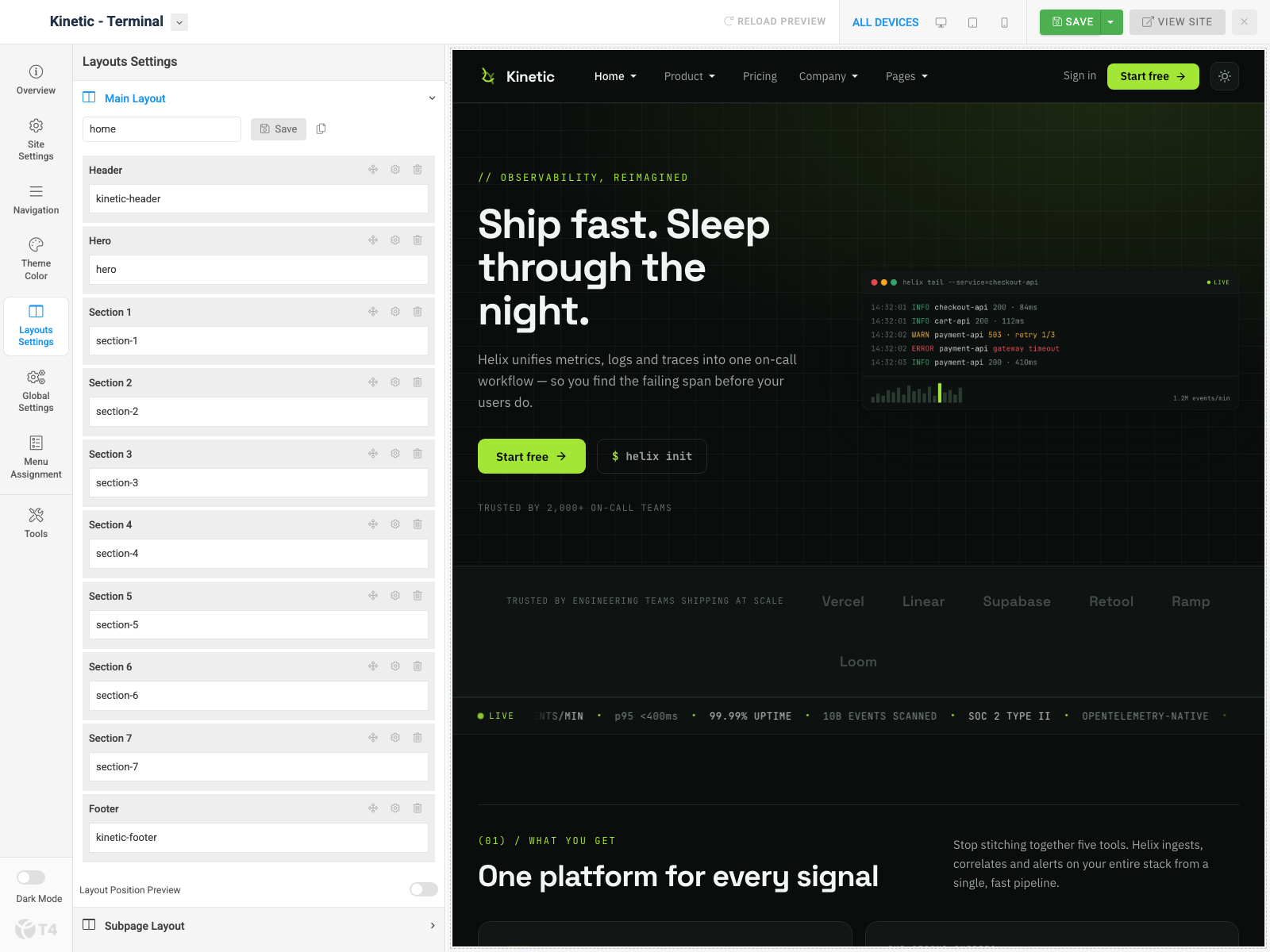
Note: Create multiple template styles with different layouts, then assign each style to menu items.
2. Site settings
Open Site Settings. The profile dropdown (default / blueprint / signal) selects the direction JSON for that style.
Logo settings
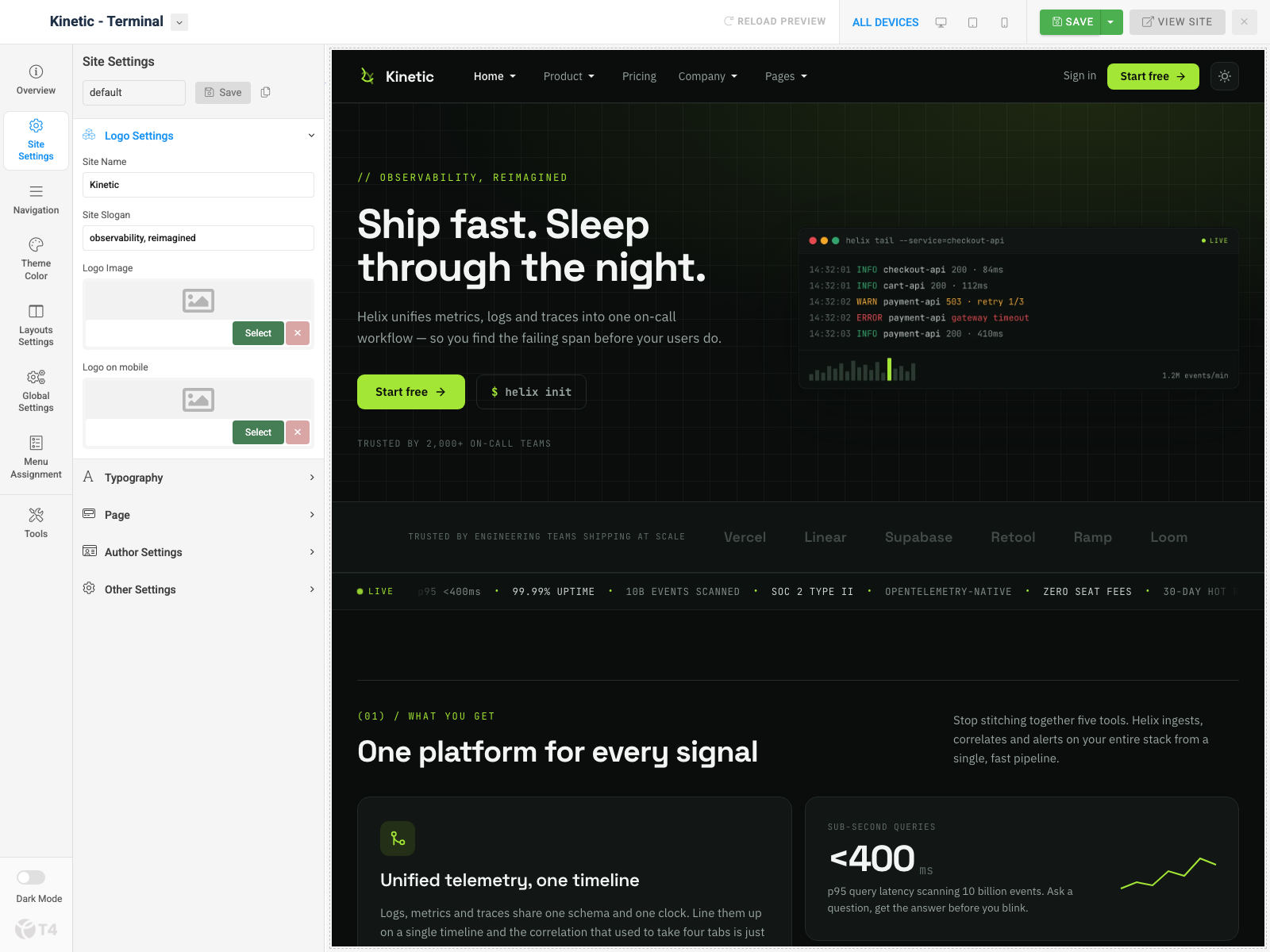
Expand Logo Settings: site name, slogan, logo image, and mobile logo.
Typography, Other settings & dark mode
In the same Site Settings panel, expand:
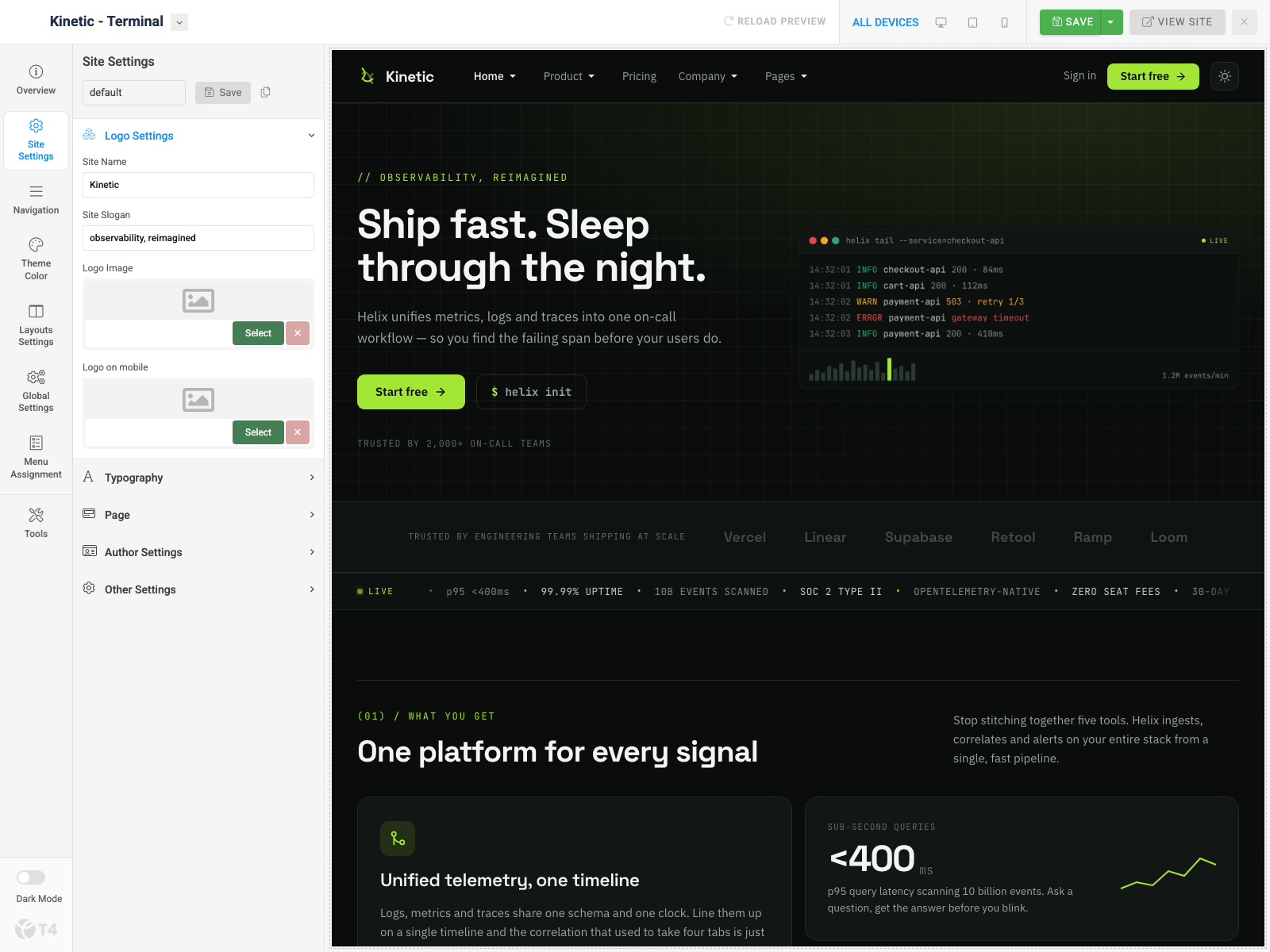
- Typography — body/heading fonts (demo: IBM Plex Sans / Space Grotesk); local fonts supported
- Other Settings — favicon, back to top, enable Dark/Light mode, default theme (auto / light / dark)
- Dark Mode toggle also sits in the Theme Configuration sidebar
- Direction — change the Site Settings profile (
default= Terminal,blueprint,signal)
3. Navigation configuration
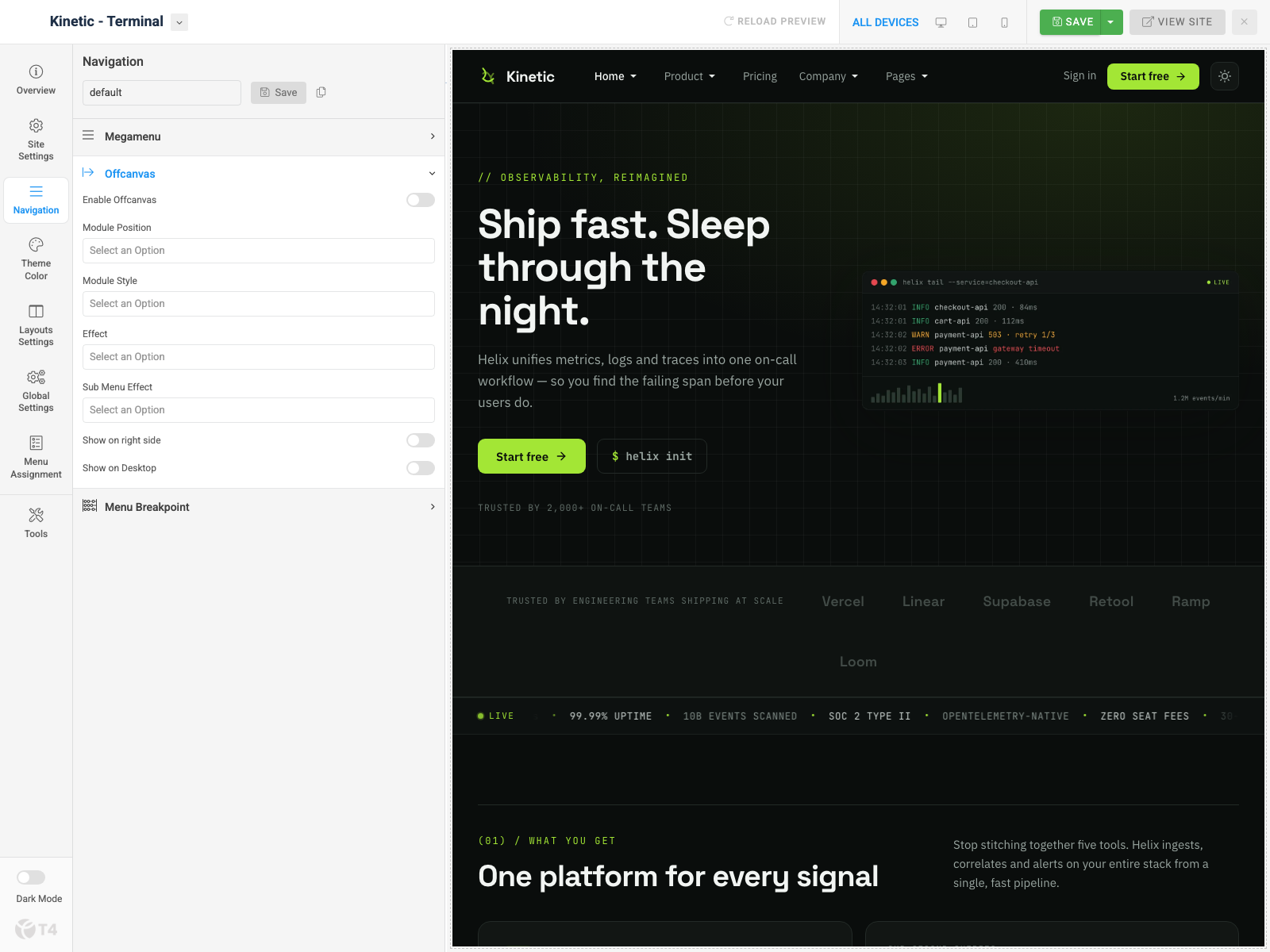
Open Navigation in Theme Configuration.
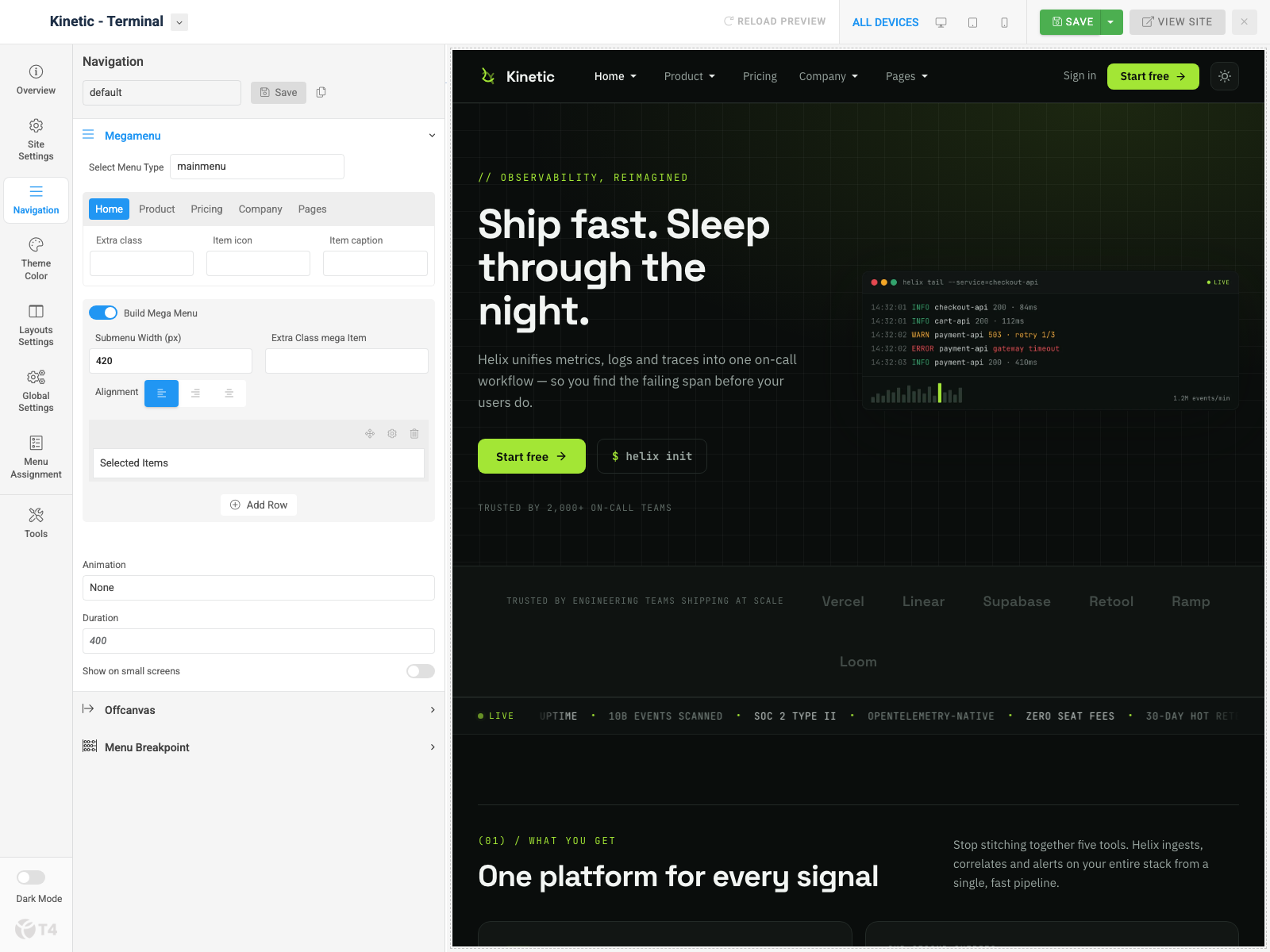
Megamenu
Expand Megamenu, select menu type mainmenu, enable Build Mega Menu on items such as Home. The demo Home item builds a megamenu column for Home Styles (Terminal / Blueprint / Signal).
Off-canvas
Expand Offcanvas: enable Offcanvas, set module position (demo uses offcanvas), module style, and effects. Assign a menu module to that position under Content » Site Modules.
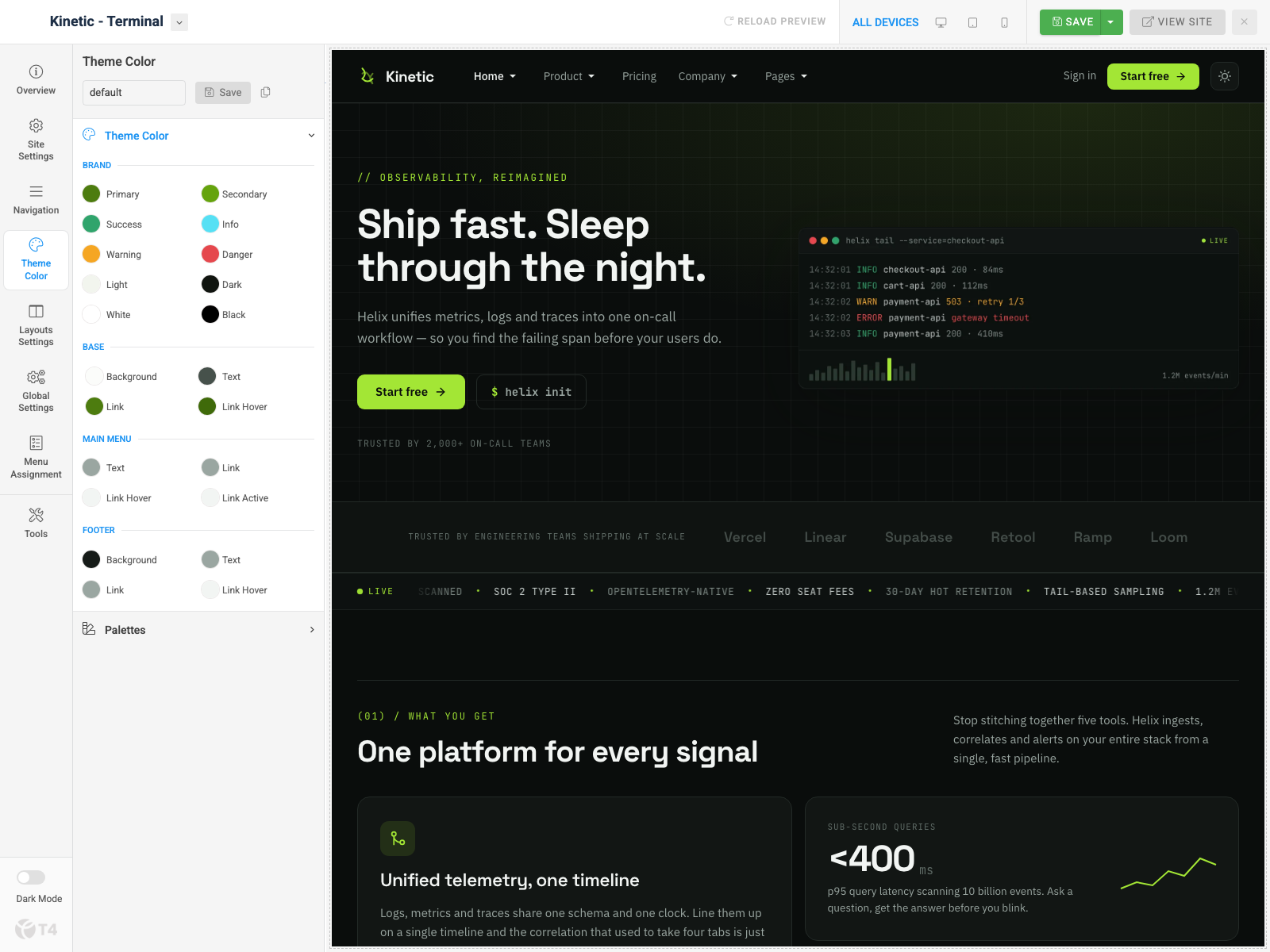
4. Theme color settings
Open Theme Color. Adjust Brand, Base, Main Menu, and Footer colors with the live preview on the right. Kinetic’s default palette uses a green primary with a dark footer surface.
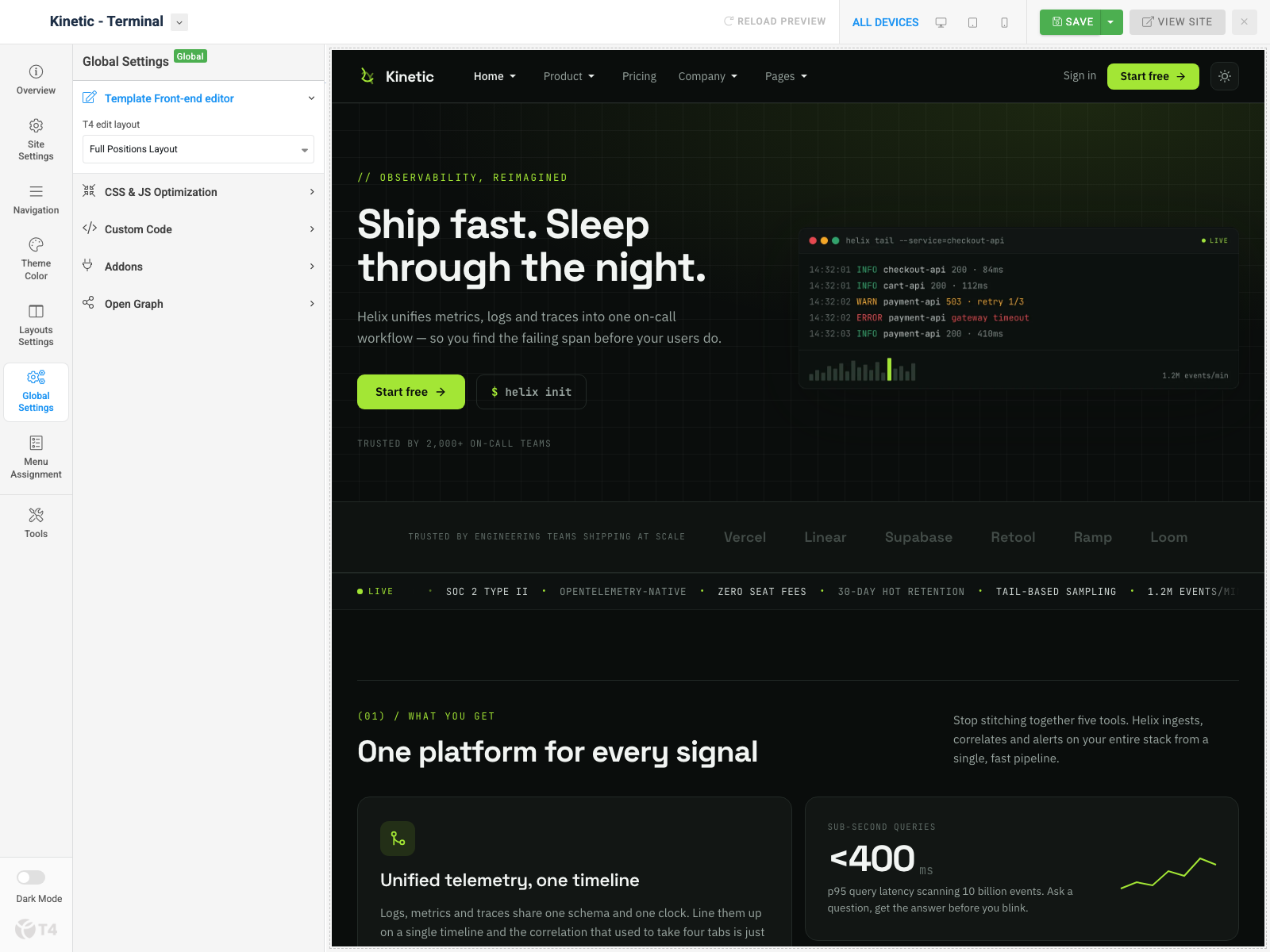
5. Global settings
Open Global Settings:
- T4 edit layout — front-end editor chrome
- CSS & JS optimization — minify/combine
- Custom Code — inject CSS/JS/meta
- Add-ons — Font Awesome / Icomoon toggles
- Open Graph — social defaults
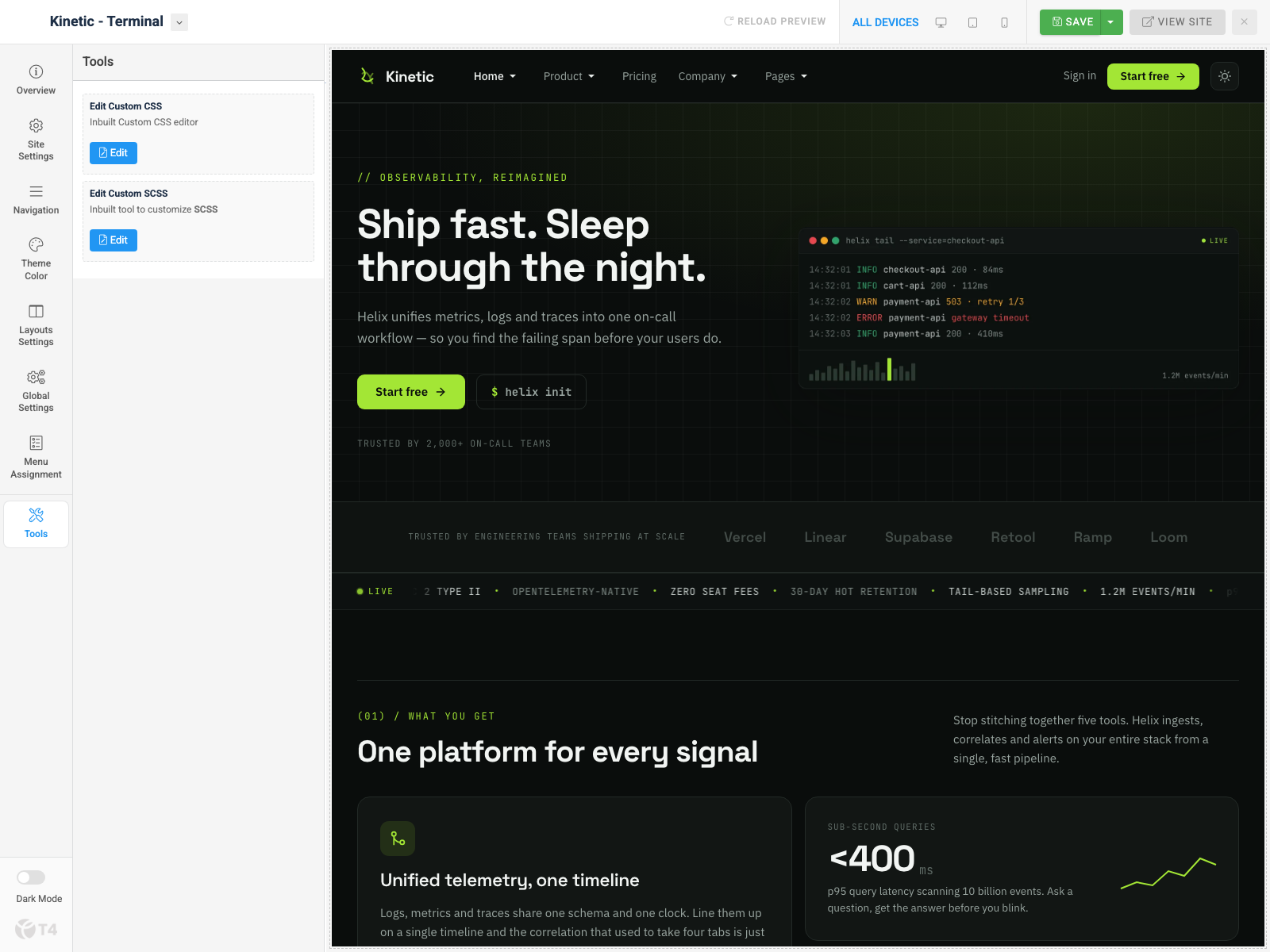
6. CSS & SCSS editor tool
Open Tools. Use Edit Custom CSS and Edit Custom SCSS to override styles without editing core template files.
Build Demo Pages
Demo marketing pages use ACM modules in dedicated positions. Inner pages use style Kinetic - Inner and usually a shell article with . Module titles in the quickstart may still use a [Helix] prefix — rename to Kinetic for production if you prefer.
Home page
Step 1 — Menu item
Menus » Main Menu → add Articles » Featured Articles. Assign a home template style (Terminal / Blueprint / Signal).
Step 2 — Module stack
Layout home positions: hero, section-1 … section-7.
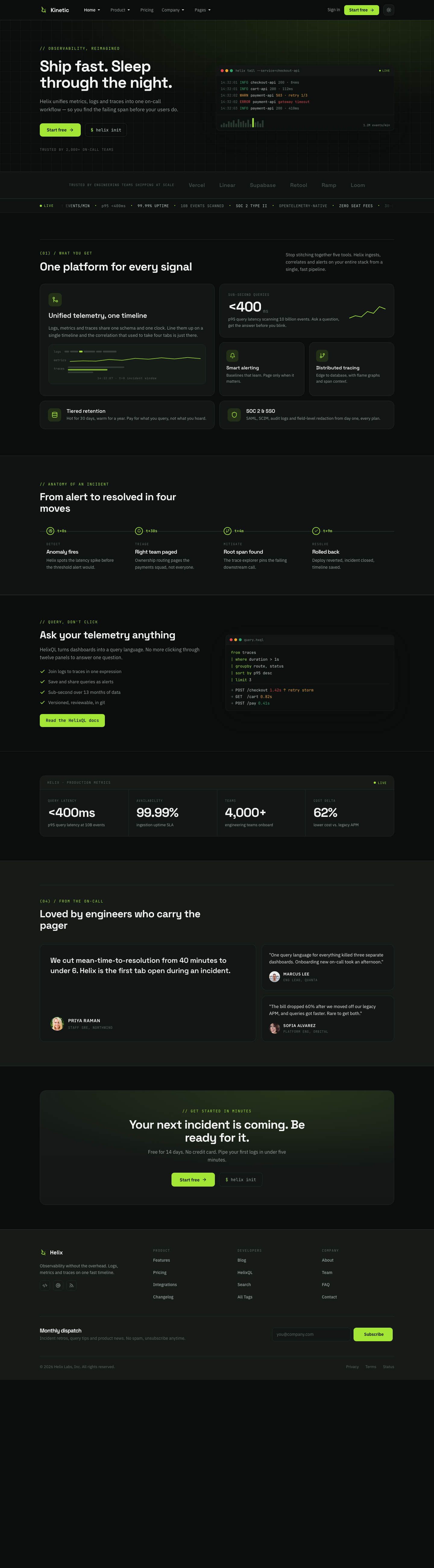
1. Home - Hero — JA ACM
Type: ja_kinetic:hero · style-1
Module position: hero
Module Suffix: NOT USED
Layout: Default
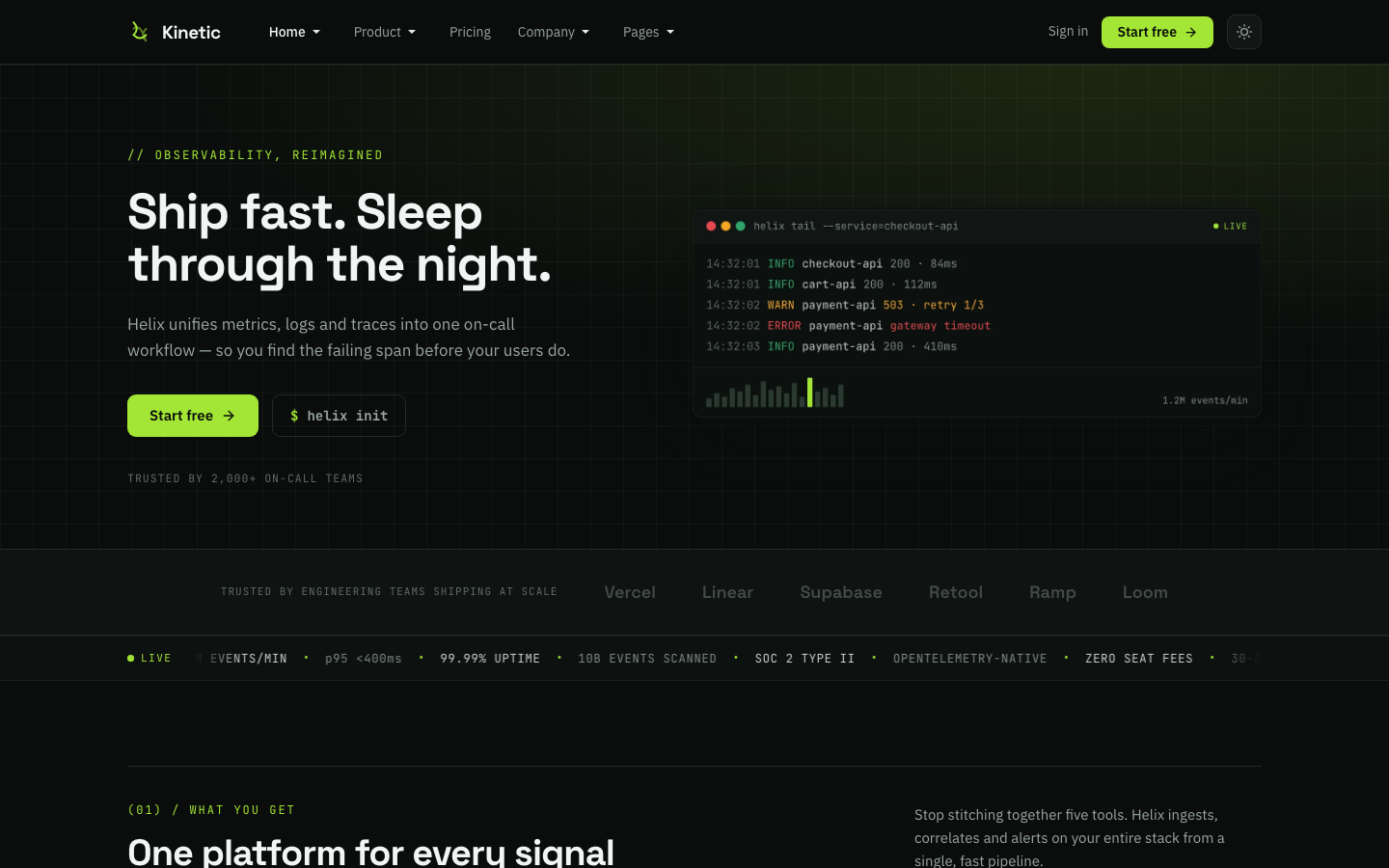
2. Home - Trust Logos — JA ACM
Type: ja_kinetic:clients · style-1
Module position: section-1
Module Suffix: NOT USED
Layout: Default
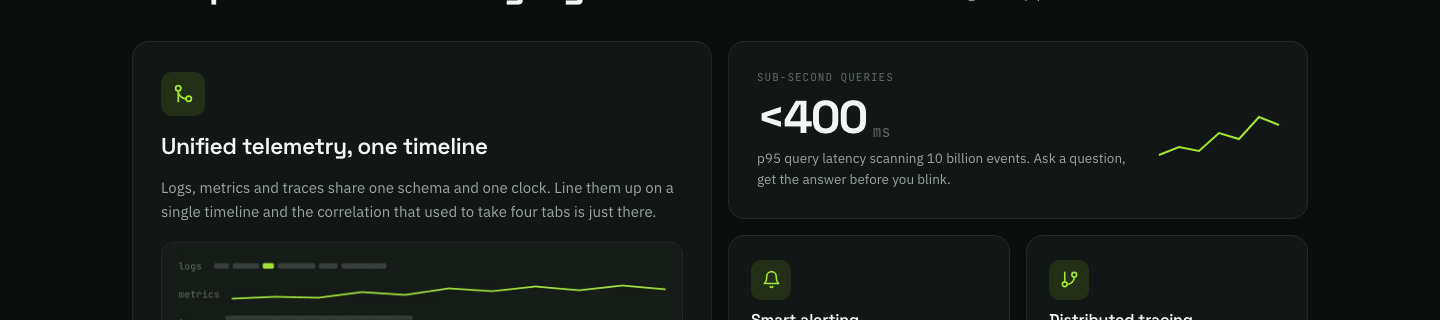
3. Home - Bento — JA ACM
Type: ja_kinetic:bento · style-2
Module position: section-2
Module Suffix: NOT USED
Layout: Default
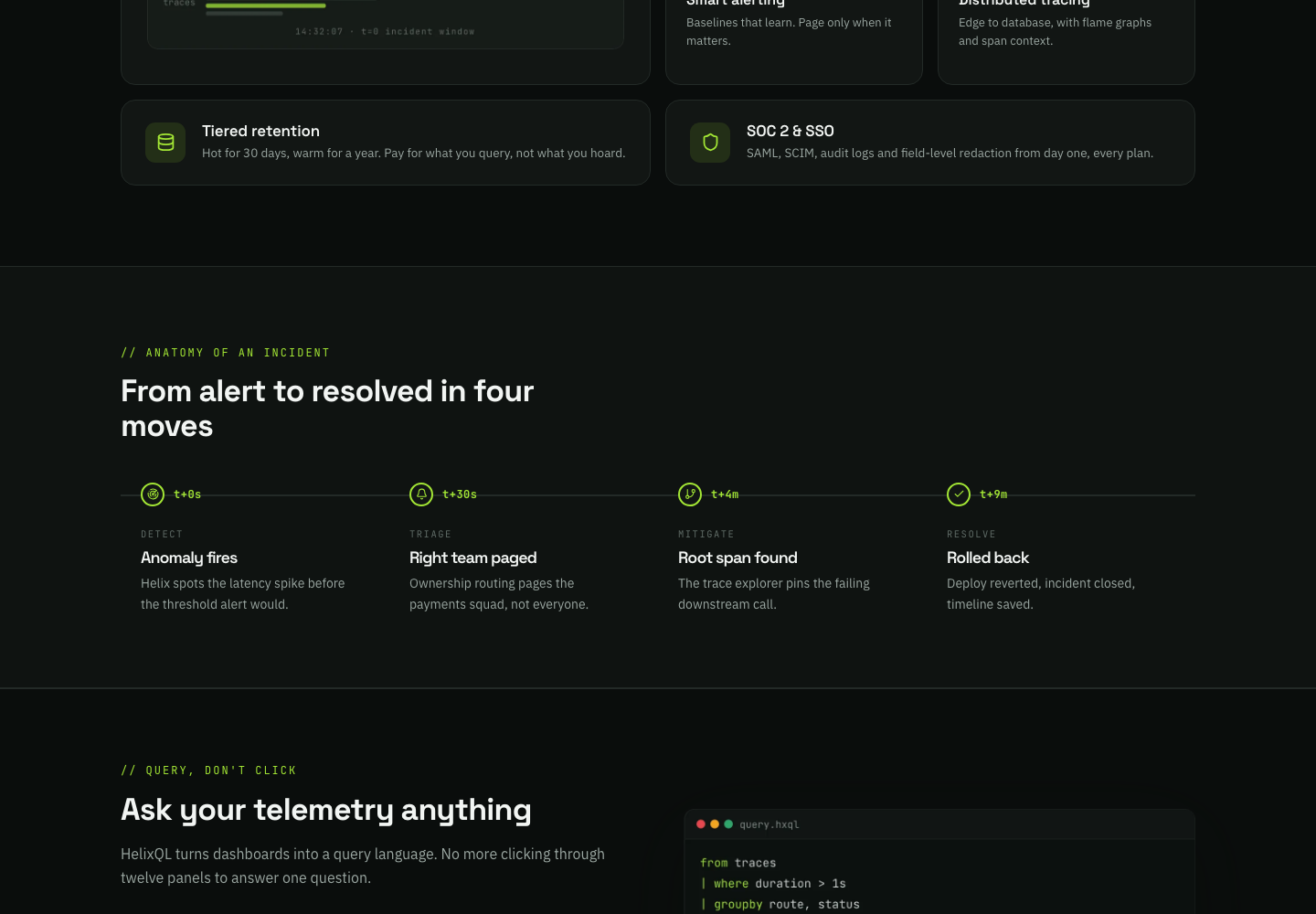
4. Home - Incident Timeline — JA ACM
Type: ja_kinetic:incident-timeline · style-1 · columns=4
Module position: section-3
Module Suffix: NOT USED
Layout: Default
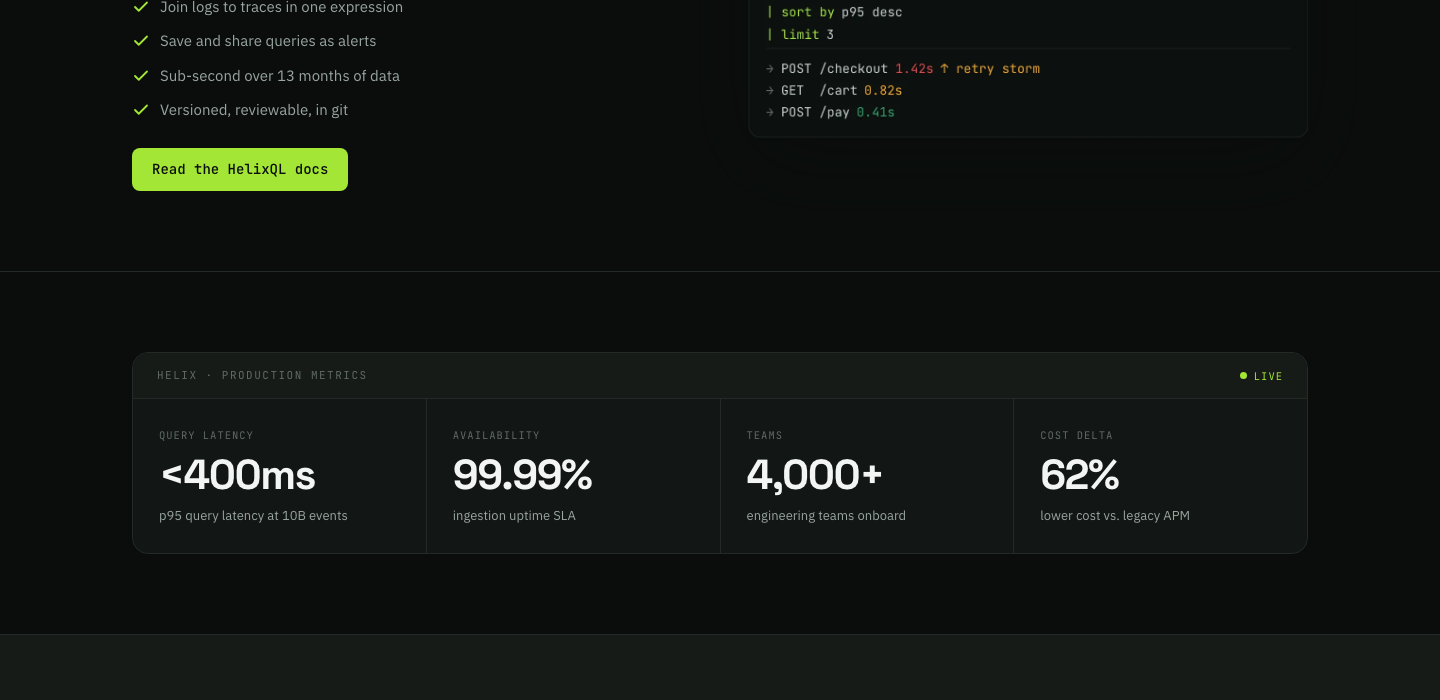
5. Home - KineticQL Split — JA ACM
Type: ja_kinetic:kineticql-split · style-1
Module position: section-4
Module Suffix: NOT USED
Layout: Default
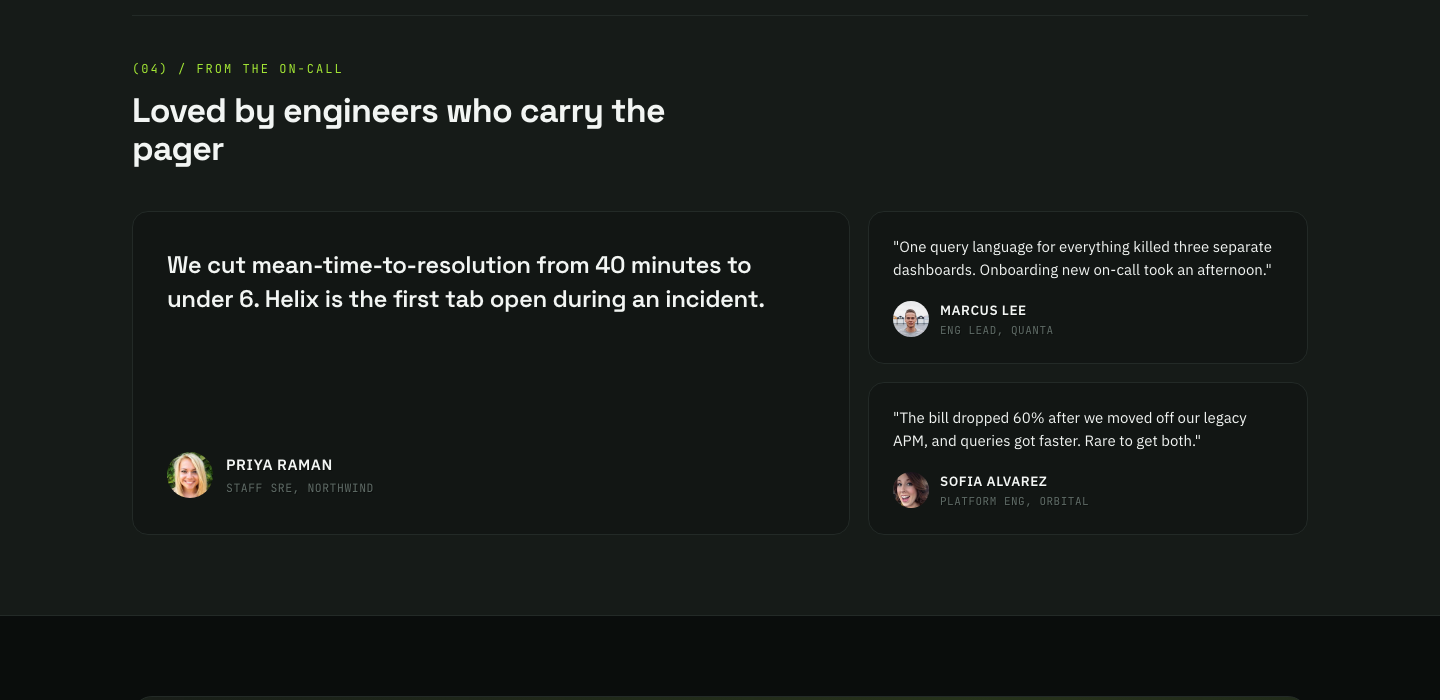
6. Home - Three Signals — JA ACM
Type: ja_kinetic:features-ledger · style-1 · layout metrics
Module position: section-5
Module Suffix: NOT USED
Layout: Default

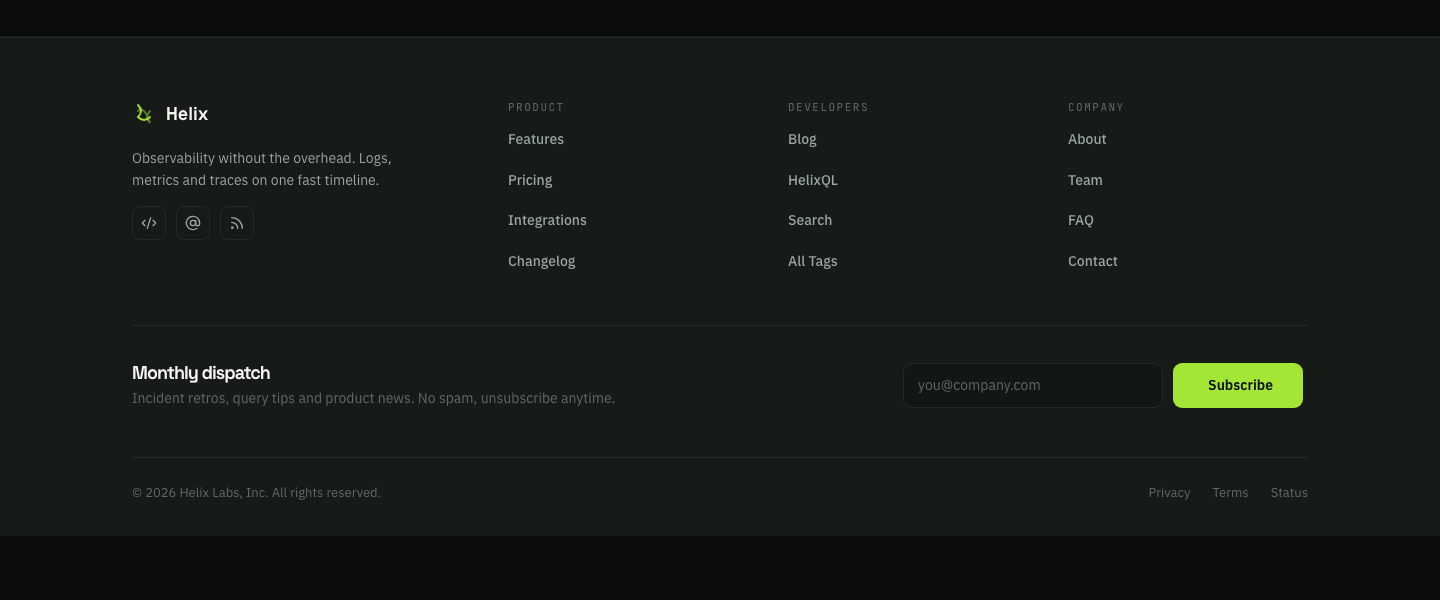
7. Home - Testimonials — JA ACM
Type: ja_kinetic:testimonials · style-1
Module position: section-6
Module Suffix: NOT USED
Layout: Default
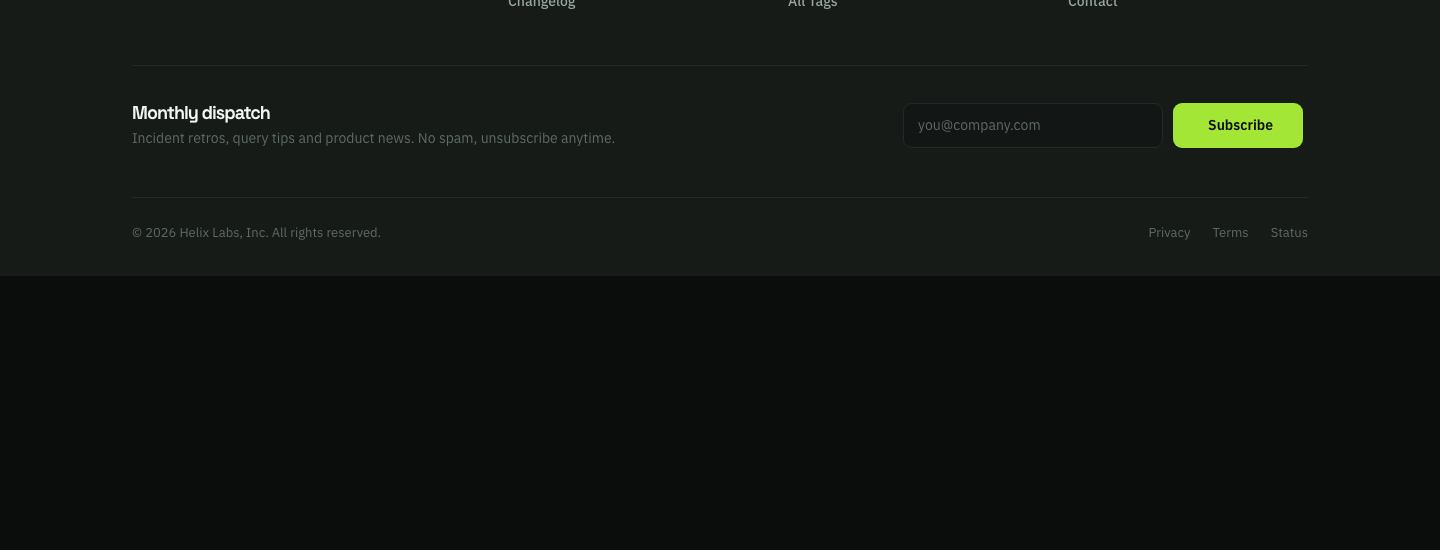
8. Home - CTA — JA ACM
Type: ja_kinetic:cta · style-1 · variant card
Module position: section-7
Module Suffix: NOT USED
Layout: Default
Assign modules 1–8 to Terminal, Blueprint, and Signal menu items so all three homes share one stack.
Home directions
| Menu | Alias | Template style | Profile | Default theme |
|---|---|---|---|---|
| Terminal | home |
Kinetic - Terminal | terminal | Dark |
| Blueprint | home-blueprint |
Kinetic - Blueprint | blueprint | Light |
| Signal | home-signal |
Kinetic - Signal | signal | Dark |
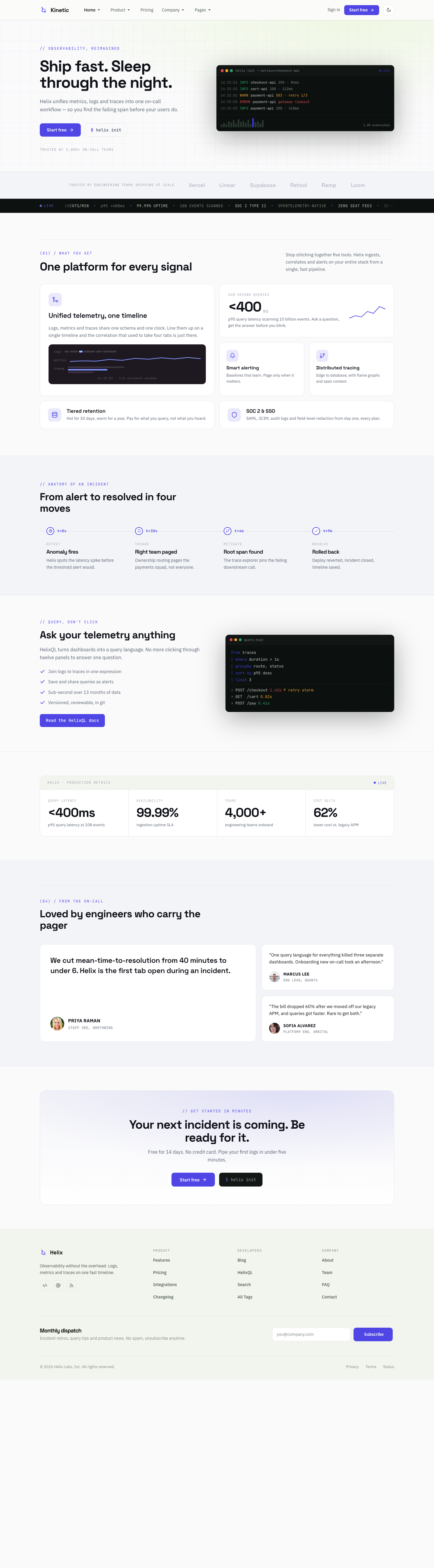
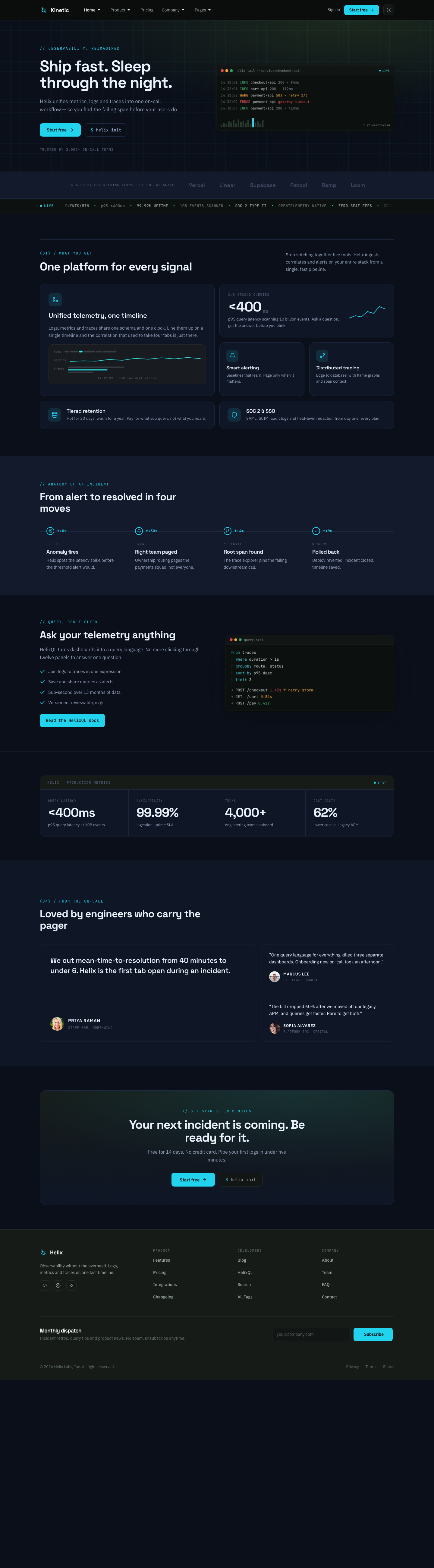
Link the three items in the megamenu Home Styles column. ACM fields that support per-direction images expose Terminal / Blueprint / Signal slots.
Global chrome
These modules are assigned to all pages (menuid = 0):
| Position | Module | Type |
|---|---|---|
menu |
Global - Main Menu | mod_menu (mega) |
header-cta |
Global - Header CTA | ja_kinetic:header-cta style-1 |
offcanvas |
Global - Off-canvas Menu | mod_menu |
footer-brand |
Footer - Brand | ja_kinetic:social style-1 |
footer-col-1/2/3 |
Product / Developers / Company | mod_menu |
footer-newsletter |
Footer - Newsletter | mod_acym (tableless) |
footer-copyright |
Footer - Copyright | ja_kinetic:footerlegal style-1 |
article-cta |
Article - CTA | ja_kinetic:cta (via article override) |
Features
Menu: Product » Features · alias features · style Kinetic - Inner · position features-page.
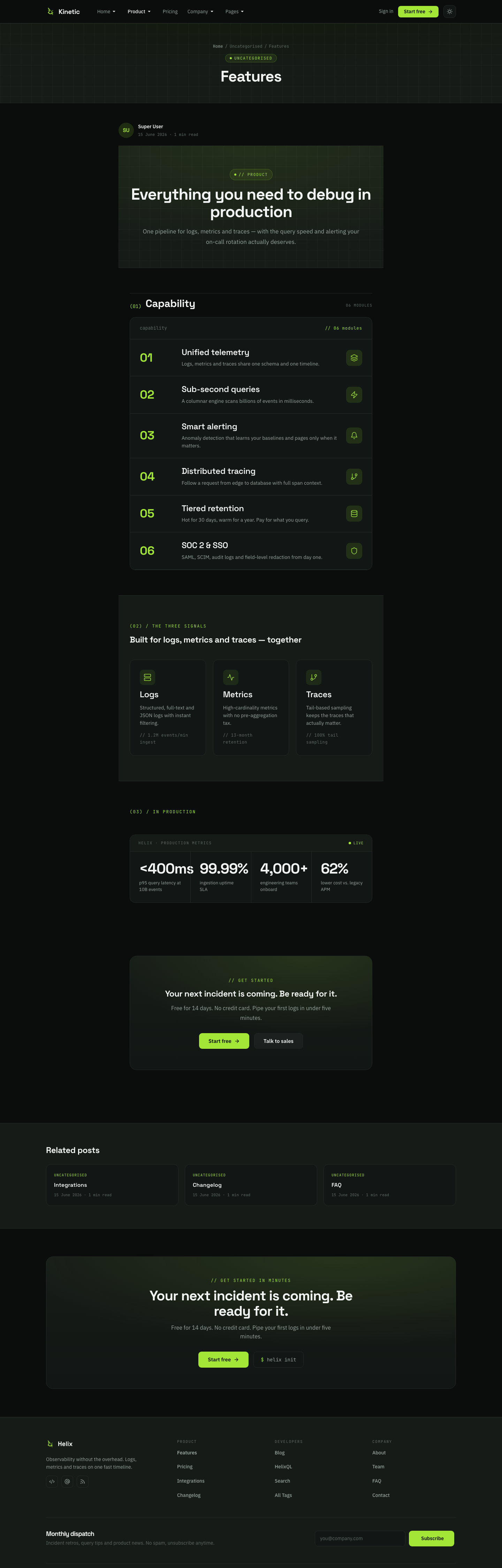
- Features - Masthead →
page-mastheadstyle-1 - Features - Ledger →
features-ledgerstyle-1 · layoutledger - Features - Signals →
features-introstyle-1 · columns=3 - Features - In Production →
features-ledger· layoutmetrics - Features - CTA →
cta· variantcard
Module position: features-page
Module Suffix: NOT USED
Layout: Default
Pricing
Menu: Pricing · alias pricing · style Kinetic - Inner · position pricing-page.
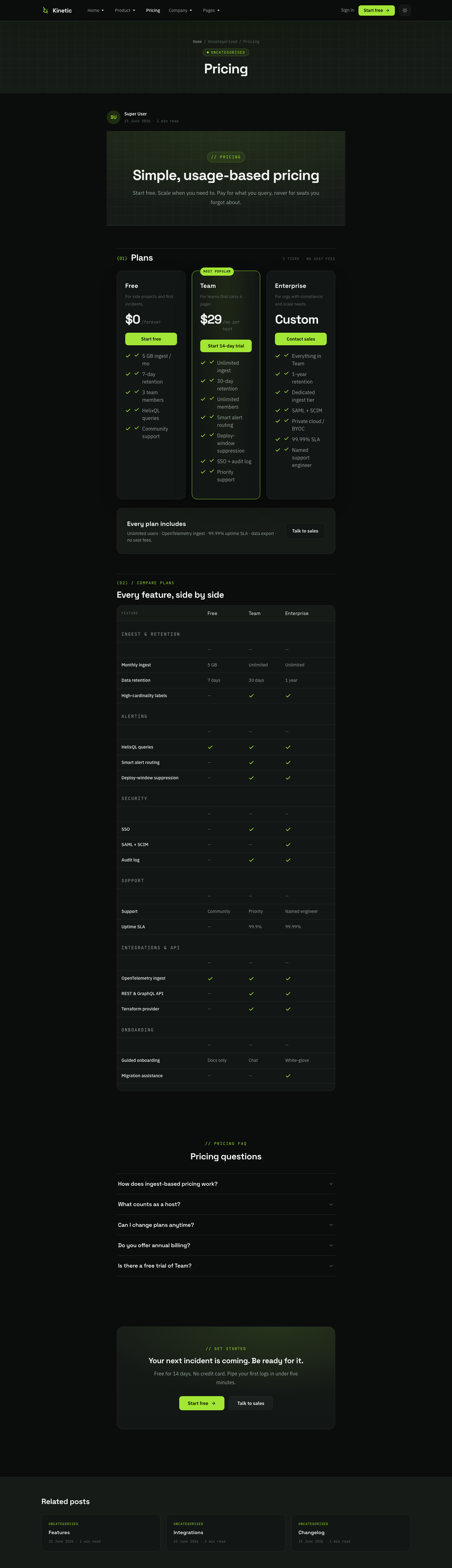
- Pricing - Masthead →
page-masthead - Pricing - Plans →
pricingstyle-1 - Pricing - Comparison Matrix →
pricing-matrixstyle-1 - Pricing - FAQ →
accordionstyle-1 - Pricing - CTA →
cta· variantcard
Module position: pricing-page
Module Suffix: NOT USED
Layout: Default
About
Menu: Company » About · alias about · position about-page.
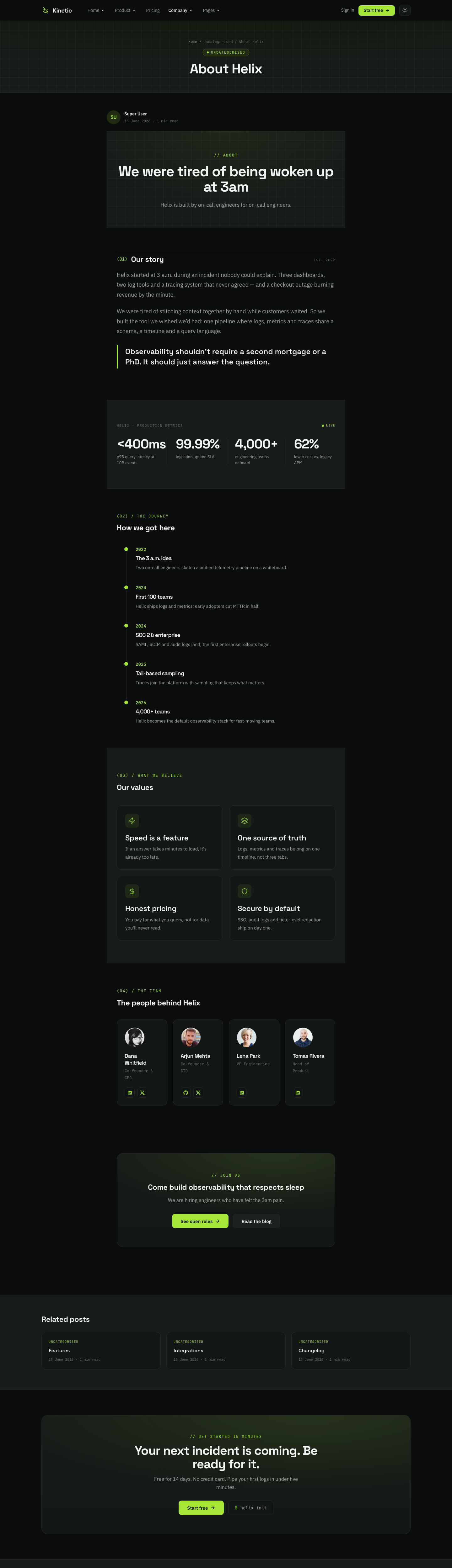
- About - Masthead →
page-masthead - About - Prose Quote →
prose-quote - About - Stats →
features-ledger· metrics - About - Story →
incident-timeline· columns=5 - About - Values →
features-intro· columns=2 - About - Team →
teams· columns=4 - About - CTA →
cta· card
Module position: about-page
Module Suffix: NOT USED
Layout: Default
Team
Menu: Company » Team · alias team · position team-page.
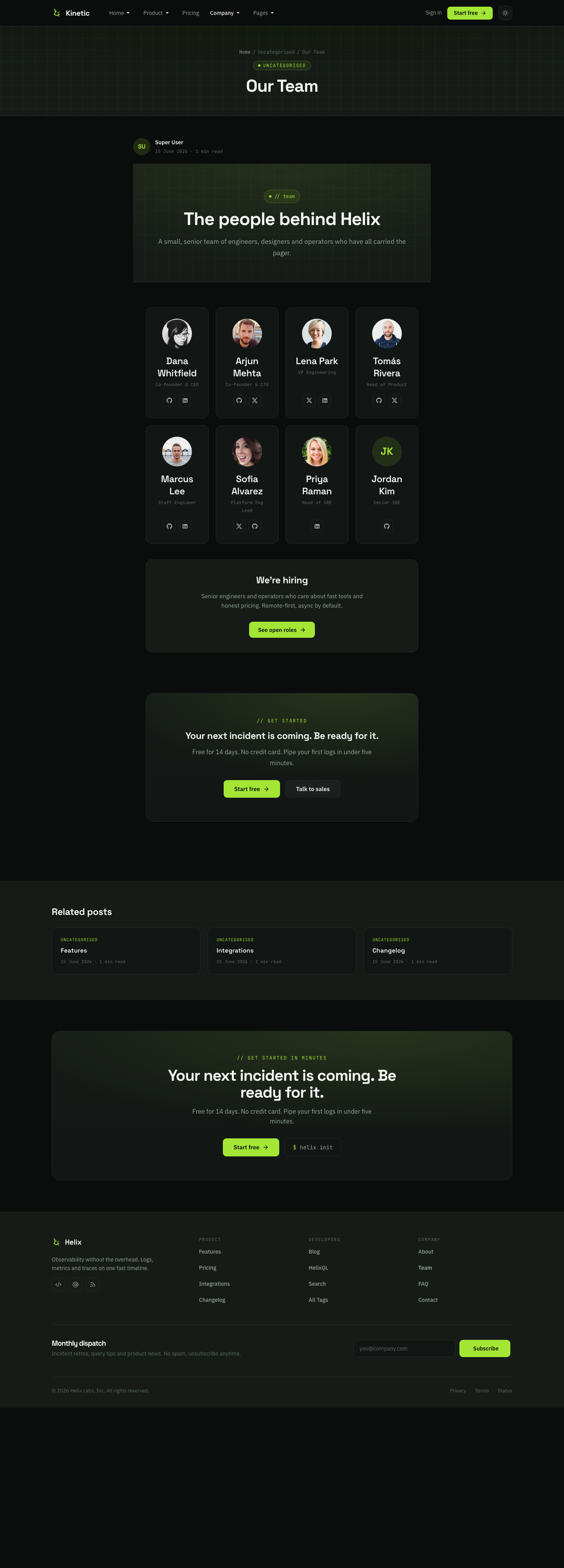
- Team - Masthead →
page-masthead - Team - Members →
teamsstyle-1 · columns=4 - Team - CTA →
cta - Team - Incident CTA →
cta· card
Module position: team-page
Module Suffix: NOT USED
Layout: Default
FAQ
Menu: Product » FAQ · alias faq · position faq-page.
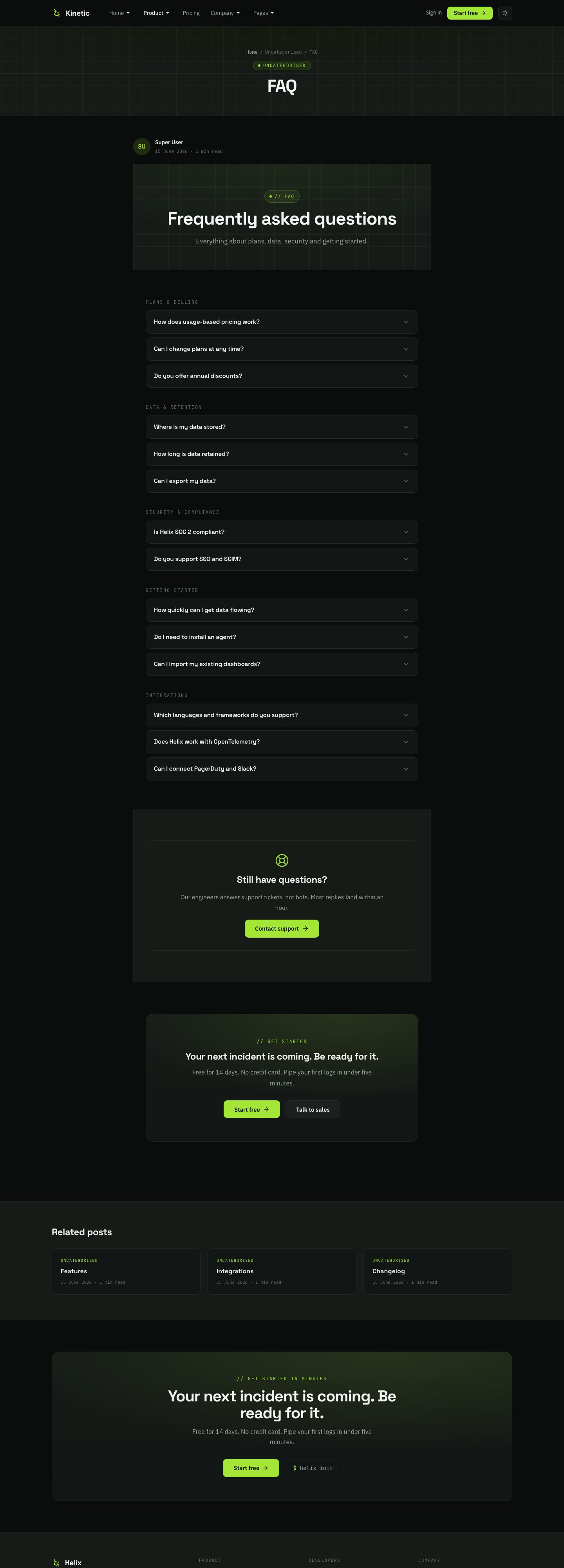
- FAQ - Masthead →
page-masthead - FAQ - Accordion →
accordion - FAQ - Support Card →
faq-support - FAQ - CTA →
cta· card
Module position: faq-page
Module Suffix: NOT USED
Layout: Default
Integrations
Menu: Product » Integrations · alias integrations · position integrations-page.
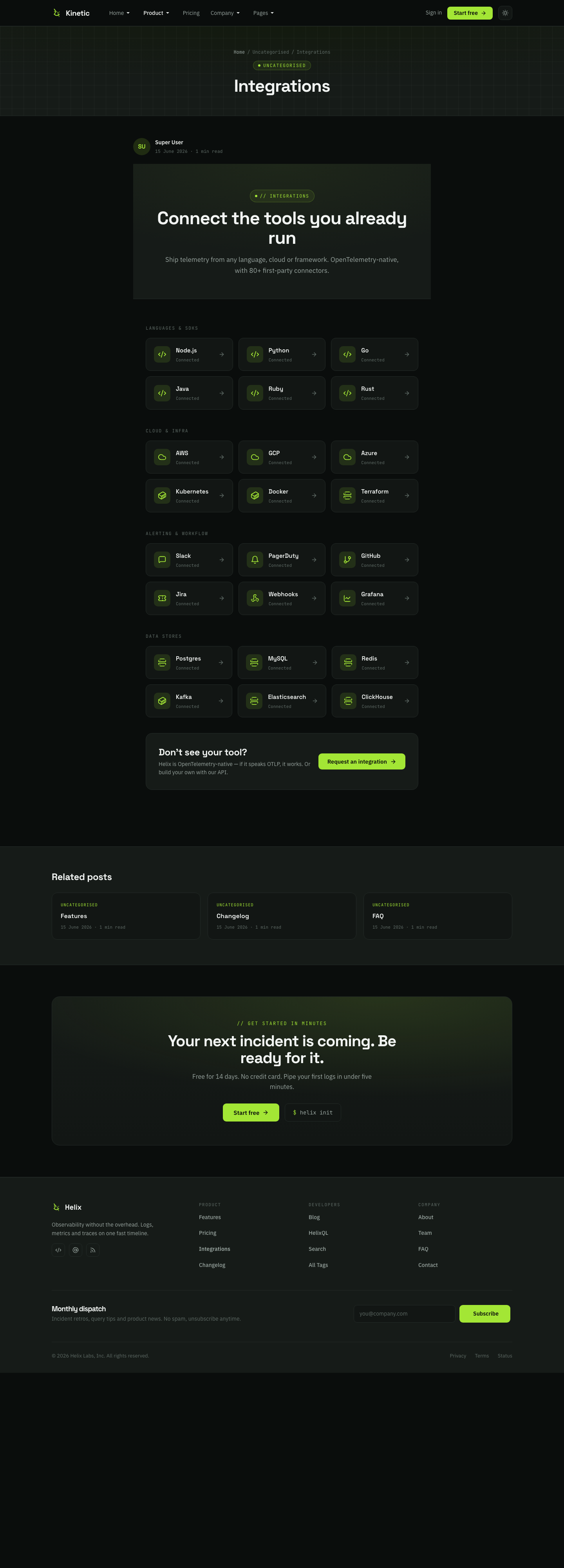
- Integrations - Masthead →
page-masthead - Integrations - Logos →
clients· style-2 - Integrations - How it connects →
features-intro· columns=3 - Integrations - CTA →
cta· variantbar
Module position: integrations-page
Module Suffix: NOT USED
Layout: Default
Changelog
Menu: Product » Changelog · alias changelog · position changelog-page.
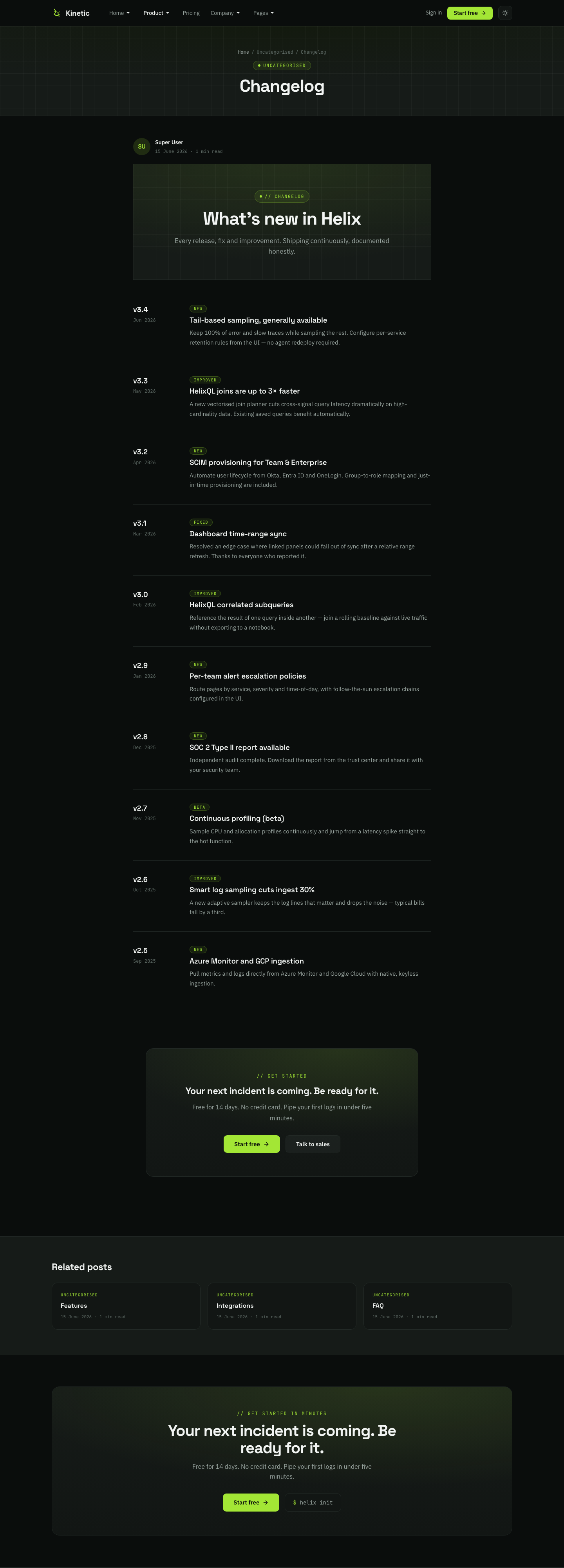
- Changelog - Masthead →
page-masthead - Changelog - Releases →
incident-timeline(release log) - Changelog - CTA →
cta· card
Module position: changelog-page
Module Suffix: NOT USED
Layout: Default
Landing
Menu: Pages » Landing · alias landing · style Kinetic - Landing · position landing-page.
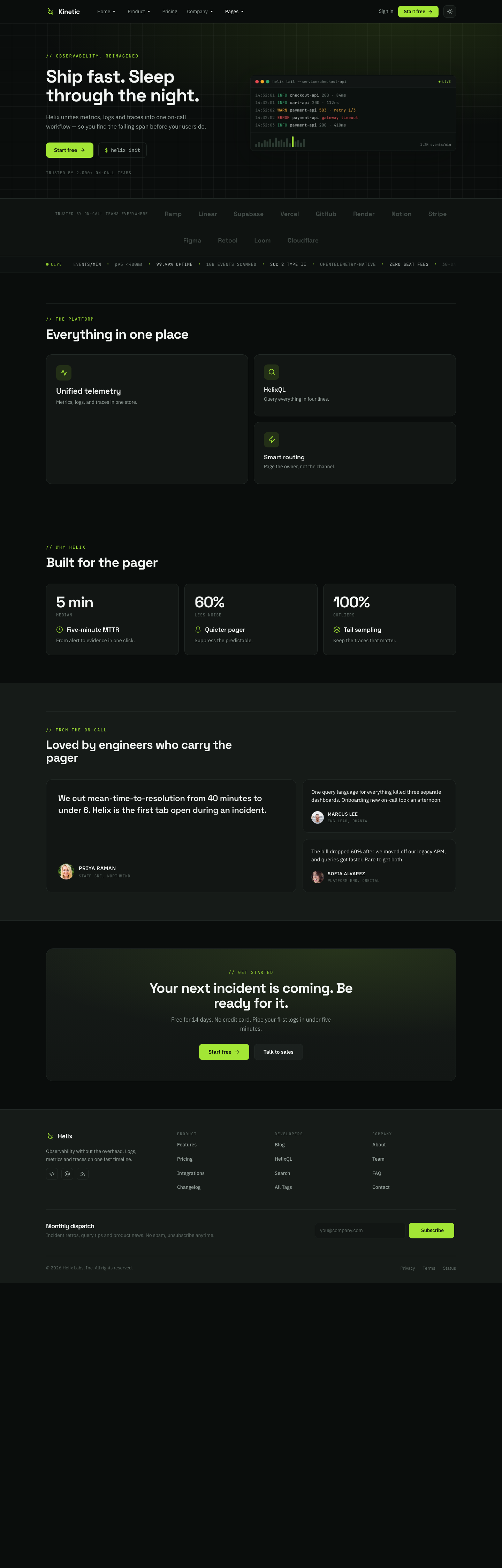
- Landing - Hero →
herostyle-1 - Landing - Clients →
clientsstyle-1 - Landing - Bento →
bento· style-1 (home uses style-2) - Landing - Ledger →
features-ledger - Landing - Testimonials →
testimonials - Landing - CTA →
cta· card
Module position: landing-page
Module Suffix: NOT USED
Layout: Default
Contact
Menu: Company » Contact · alias contact · com_contact view · style Inner.
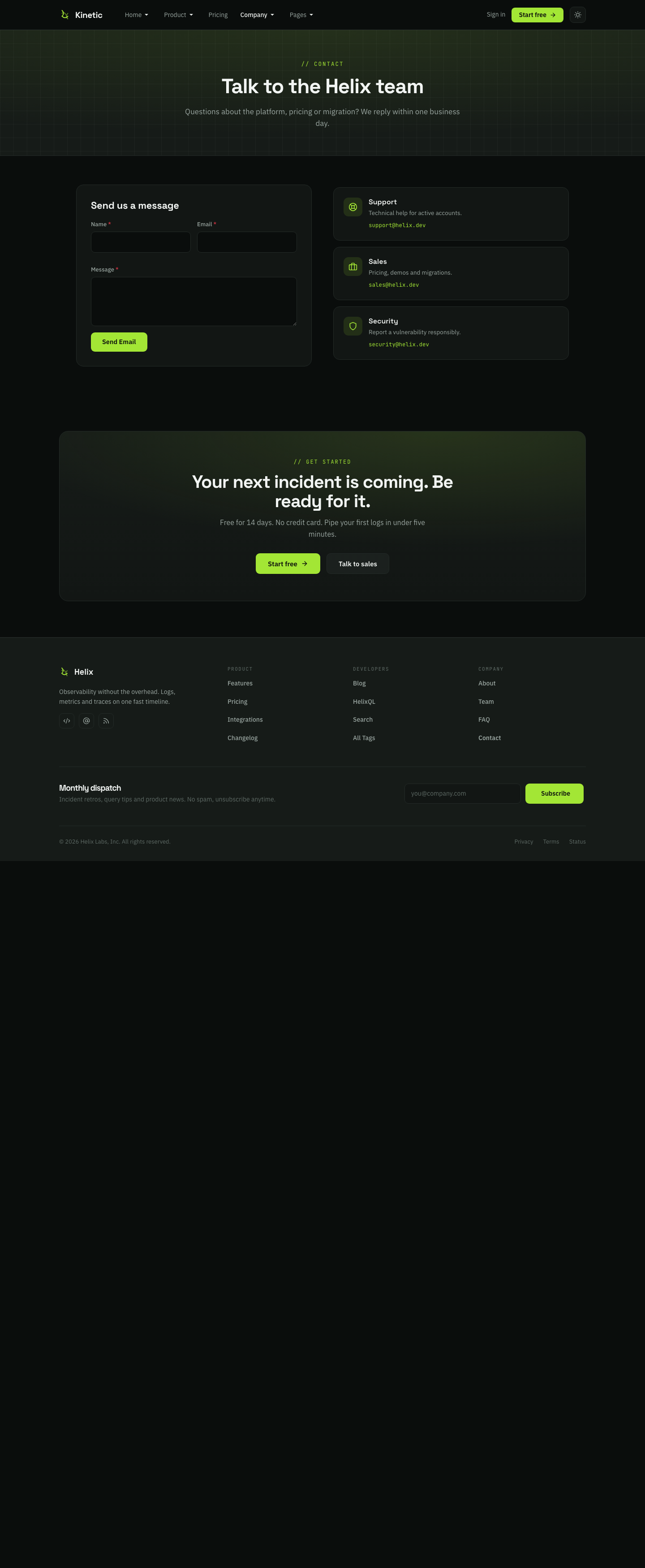
- Contact - Masthead → position
page-top·page-masthead - Core contact form (Contact ID 1)
- Contact - CTA → position
page-bottom·cta· card
Blog
Menu: Product » Blog · alias blog · category blog layout · style Inner.
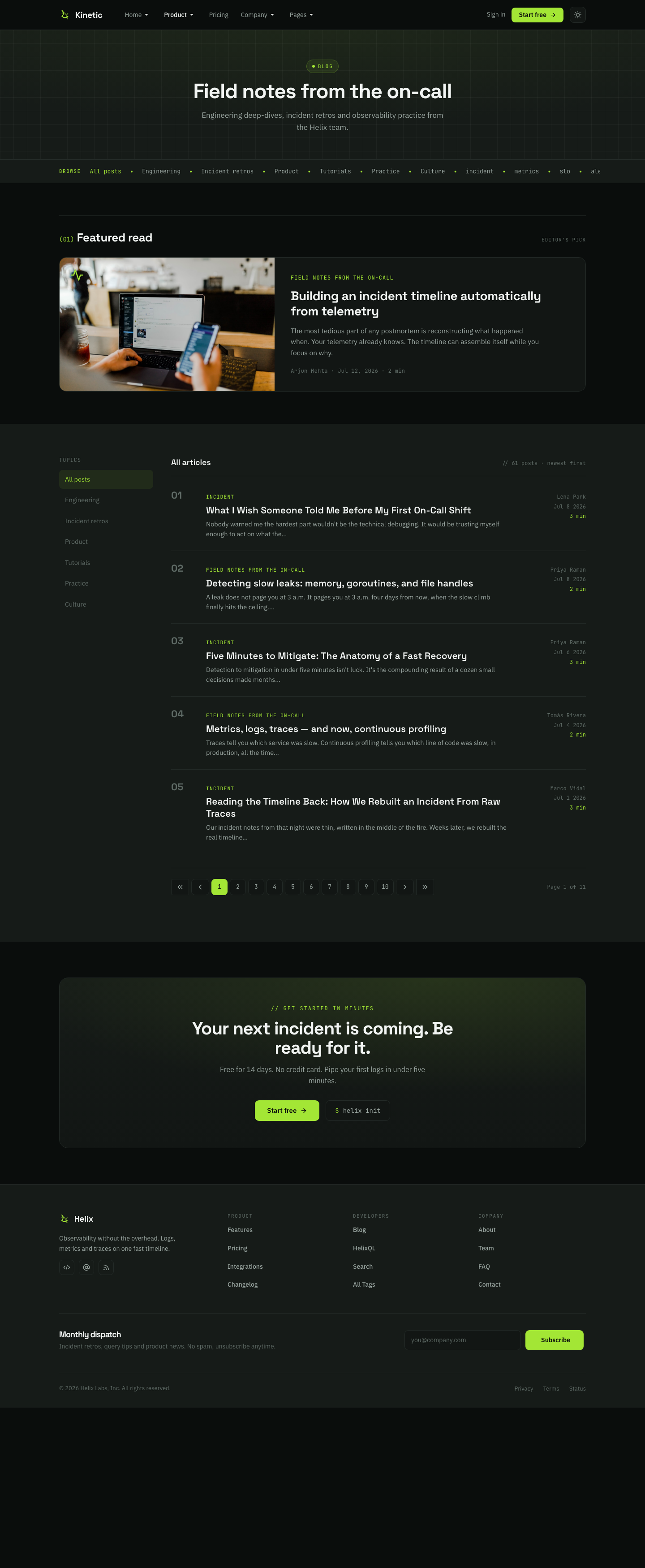
- Category listing (demo category “Field notes from the on-call”)
- Blog - CTA → position
blog-page·cta· card (loaded via category override) - Single articles also show global Article - CTA on
article-cta
ACM block catalog
All blocks live under /templates/ja_kinetic/acm/. ACM type prefix: ja_kinetic:<block>.
| Block | Styles | Used on demo |
|---|---|---|
| hero | style-1 | Home, Landing |
| clients | style-1, style-2 | Home (1), Integrations (2), Landing (1) |
| bento | style-1, style-2 | Home (2), Landing (1) |
| incident-timeline | style-1 | Home, About, Changelog |
| kineticql-split | style-1 | Home |
| features-ledger | style-1 | Home, Features, About, Landing |
| features-intro | style-1 | Features, About, Integrations |
| testimonials | style-1 | Home, Landing |
| cta | style-1 | Most pages (card / bar variants) |
| page-masthead | style-1 | Inner marketing pages |
| pricing | style-1 | Pricing |
| pricing-matrix | style-1 | Pricing |
| accordion | style-1 | Pricing, FAQ |
| faq-support | style-1 | FAQ |
| prose-quote | style-1 | About |
| teams | style-1 | About, Team |
| header-cta | style-1 | Global header |
| social | style-1 | Footer brand |
| footerlegal | style-1 | Footer copyright |
| footernews | style-1 | Available (demo uses AcyMailing) |
Upgrade Instruction
Take a full backup
Always back up files and database before upgrading so you can restore if needed.
Upgrade JoomlArt products with JA Extension Manager.
1. Set up JA Extension Manager
Download from this link, install, then open Components » JA Extension Manager » Service Manager. Set JoomlArt as default service and add your account.
2. Upgrade JA Kinetic
Filter for JA Kinetic → Check Update → upgrade when available.
3. Upgrade T4 and other JA extensions
Check/update T4 Framework, JA ACM, and related JA products the same way.
