JoomlArt's Blog

Joomla Tutorials, info, Discussions and much more...

Hi everyone,

We’re excited to introduce GeoReport — a brand-new product from JoomlArt that measures and improves your website’s AI visibility. It shows whether AI assistants like ChatGPT, Gemini, Claude and Perplexity can find, trust, and cite your site — and gives you the exact fixes.

The best part: your active JoomlArt subscription is already active on GeoReport. Just sign in with your JoomlArt account — there’s no separate account to create.

Details

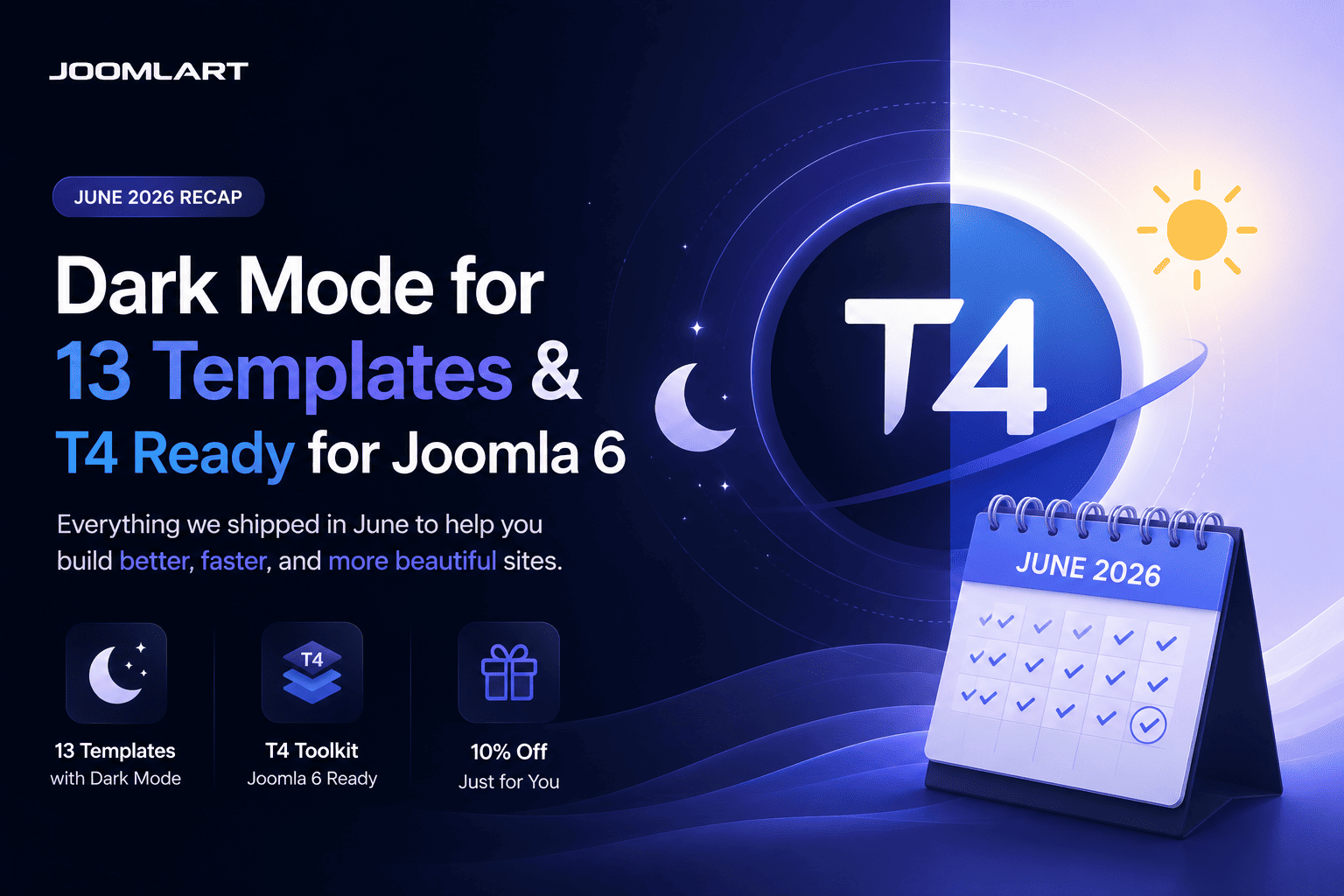
June was one of our busiest months yet. We brought built-in Dark Mode to 13 templates - and rebuilt the entire T4 toolkit to be ready for Joomla 6. Here's the full recap.

13
templates got Dark Mode
T4
ready for Joomla 6
200+
templates in one plan

Dark Mode arrived on 13 templates

Dark Mode was the headline of the month. One by one, we added a built-in light / dark toggle to 13 of our most popular templates - each with automatic detection of the visitor's system preference, a remembered choice for returning visitors, and your existing light design left fully intact.

JoomlArt

Templates updated with Dark Mode in June

Switching on takes one quick template update - your content and settings stay exactly where they are. Prefer light only? Leave it: light mode remains the default and untouched.

The T4 toolkit is now Joomla 6 ready

It wasn't only about looks. We also shipped a major update to the T4 ecosystem, focused on Joomla 6 compatibility, PHP 8.x support, and improved stability across the board - so upgrading your site is smoother and safer.

What we updated

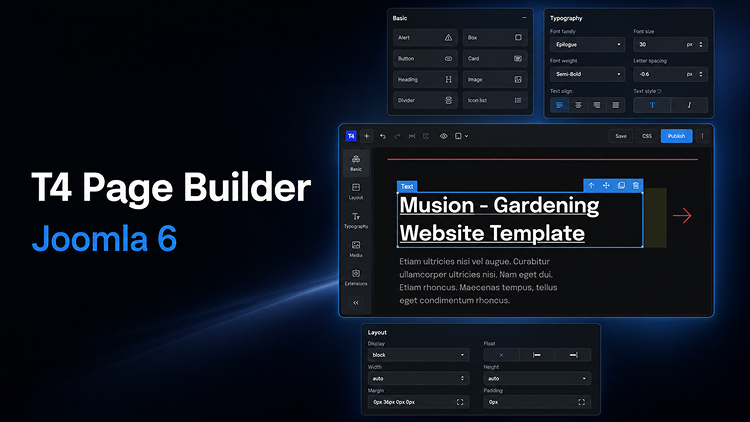
  • T4 Page Builder v2.2.0 - full Joomla 6 support, with the same drag-and-drop visual editing
  • T4 Framework v2.6.0 - Joomla 6 compatible and more stable across T4-based templates
  • T4 Builder Article Integration Plugin v2.2.0 - smoother Joomla article editing inside the builder
  • T4 Blank Template v1.2.0 - a clean Joomla 6 starting point for developers and agencies

If you're planning a move to Joomla 6, this release is built to make that transition reliable - tested for modern hosting environments and the latest Joomla backend changes.

Why this matters

Modern visitors expect a dark option, and Joomla 6 is the platform's next chapter. In a single month, your JoomlArt collection moved forward on both fronts - and the roll-out keeps going into July, with more dark-mode templates and ongoing Joomla 6 updates landing week after week.

The simplest way to get all of it? A JoomlArt membership. One plan unlocks every template above, the full T4 toolkit, and everything we ship next.

Get every template with one membership

All 200+ templates, the full T4 toolkit, and every update we ship next.

Explore membership plans →

Thank you for being part of the journey - here's to an even bigger July.
— The JoomlArt Team

Details

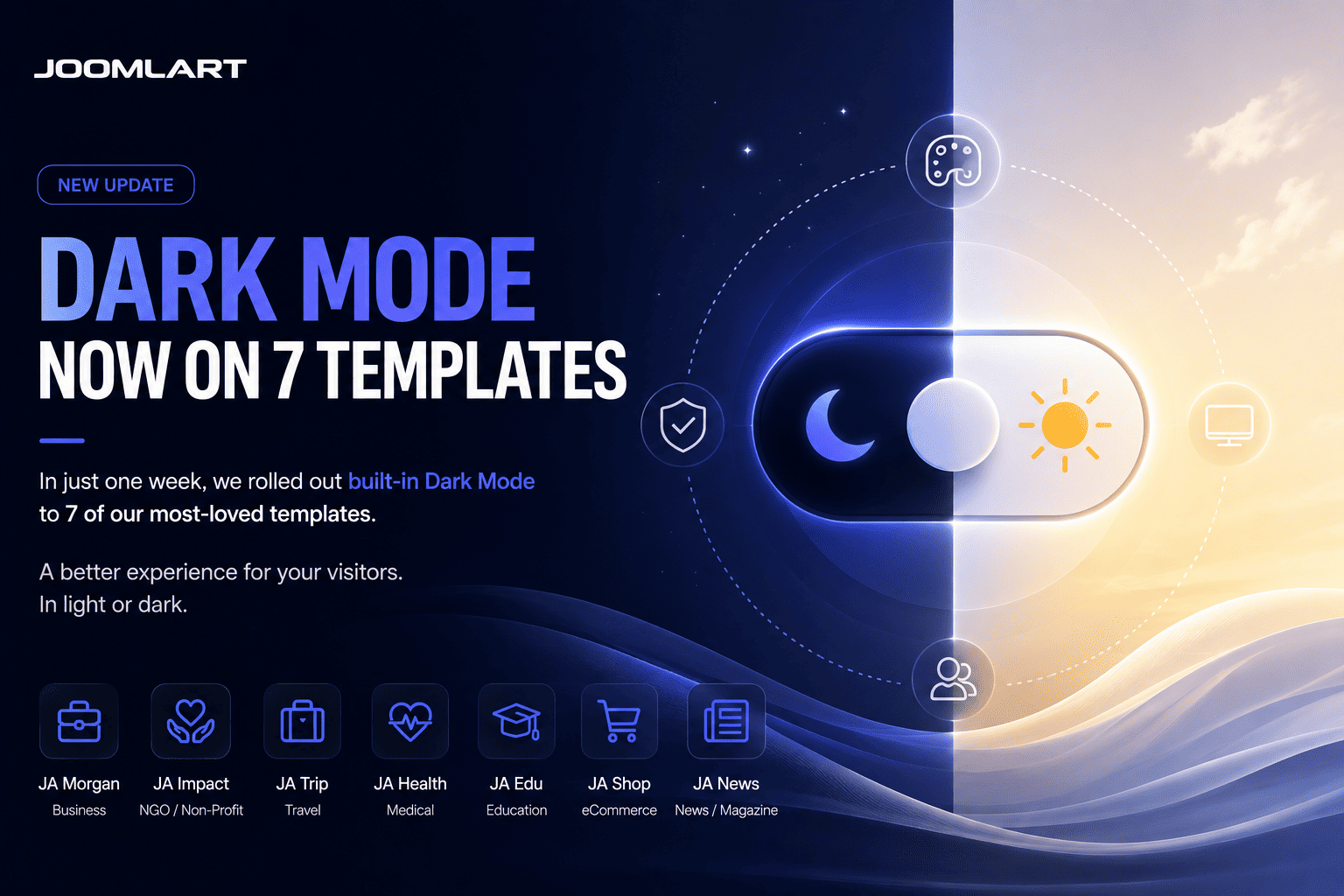
Dark Mode is moving quickly across the JoomlArt template collection. In just one week, seven Joomla templates have been updated with built-in light and dark mode support.

This is part of our ongoing effort to keep JoomlArt templates modern, flexible, and easier to use for real websites. Whether you run a business site, magazine, travel portal, non-profit project, or agriculture brand, your visitors can now enjoy a cleaner browsing experience in both light and dark styles.

No redesign required. These updates are built into the templates, so your existing light design remains untouched while Dark Mode becomes available as an additional viewing option.

7 Templates Updated with Dark Mode
JoomlArt

This week’s rollout brings Dark Mode support to the following templates:

JA Vega

Business and corporate Joomla template with a modern professional design.

JA Morgan

Multipurpose business template for companies, agencies, and service websites.

JA Impact

NGO and non-profit template for campaigns, events, donations, and causes.

JA Vogue

Fashion, lifestyle, and magazine template with strong visual storytelling.

JA Trip

Travel and tour template for destinations, tour packages, and travel blogs.

JA Spark

Modern multipurpose Joomla template for creative and business websites.

JA Agrivita

Agriculture and organic farming template for farms, food brands, and green businesses.

What Dark Mode Adds to Your Website

Dark Mode gives your visitors more control over how they view your site. Some users prefer a brighter interface during the day, while others prefer a darker layout at night or in low-light environments.

With these updates, each supported template now offers a more flexible front-end experience without changing your content structure, menu setup, modules, or existing layouts.

Main highlights

  • Built-in Light / Dark Mode support
  • Clean sun / moon toggle for visitors
  • Automatic system preference detection
  • Remembered mode selection for returning visitors
  • Dark styling refined across key template pages
  • Existing Light Mode design preserved
  • Simple template update process

Why We Are Rolling This Out Across More Templates

Dark Mode is no longer just a visual trend. It has become a common expectation across apps, operating systems, dashboards, and modern websites.

For Joomla site owners, this means a site can feel more current and user-friendly without needing a complete redesign. That is why we are gradually bringing Dark Mode to more templates in the JoomlArt library, starting with popular templates across different categories.

The goal is simple: help your existing Joomla website stay fresh, while giving you more design flexibility for new projects.

A Better Experience Across Different Website Types

Each template serves a different type of website, so the Dark Mode treatment has been adjusted to fit the purpose of each design.

For business websites

Templates like JA Vega, JA Morgan, and JA Spark benefit from a sharper, more polished presentation that works well for corporate profiles, service pages, portfolios, and landing pages.

For content-heavy websites

JA Vogue and JA Trip can now offer a more comfortable reading experience for magazine articles, travel stories, destination guides, and blog content.

For cause-driven and niche websites

JA Impact and JA Agrivita now support a modern dark interface while keeping the warmth and clarity needed for non-profit, agriculture, organic, and community-focused websites.

How to Update Your Template

If you are already using one of the updated templates, you can access Dark Mode by installing the latest template package from JoomlArt.

  1. Go to your JoomlArt account and download the latest version of your template.
  2. Install the update over your current template version.
  3. Open your site and test the Light / Dark Mode toggle in the front-end header.
  4. Review your main pages to make sure everything looks right with your own content and images.

Your existing content, modules, and template settings remain in place during the update.

If your website uses heavy custom CSS or third-party extensions, we recommend checking the main pages after updating to make sure custom sections also look good in Dark Mode.

More Updates Are Coming

This seven-template rollout is another step in our wider update plan for the JoomlArt collection. We will continue improving templates with modern features, compatibility updates, design refinements, and Joomla platform support.

If your favorite template is not in this batch yet, stay tuned. More Dark Mode updates and template improvements are on the way.

Thank you for using JoomlArt.
— The JoomlArt Team

Details

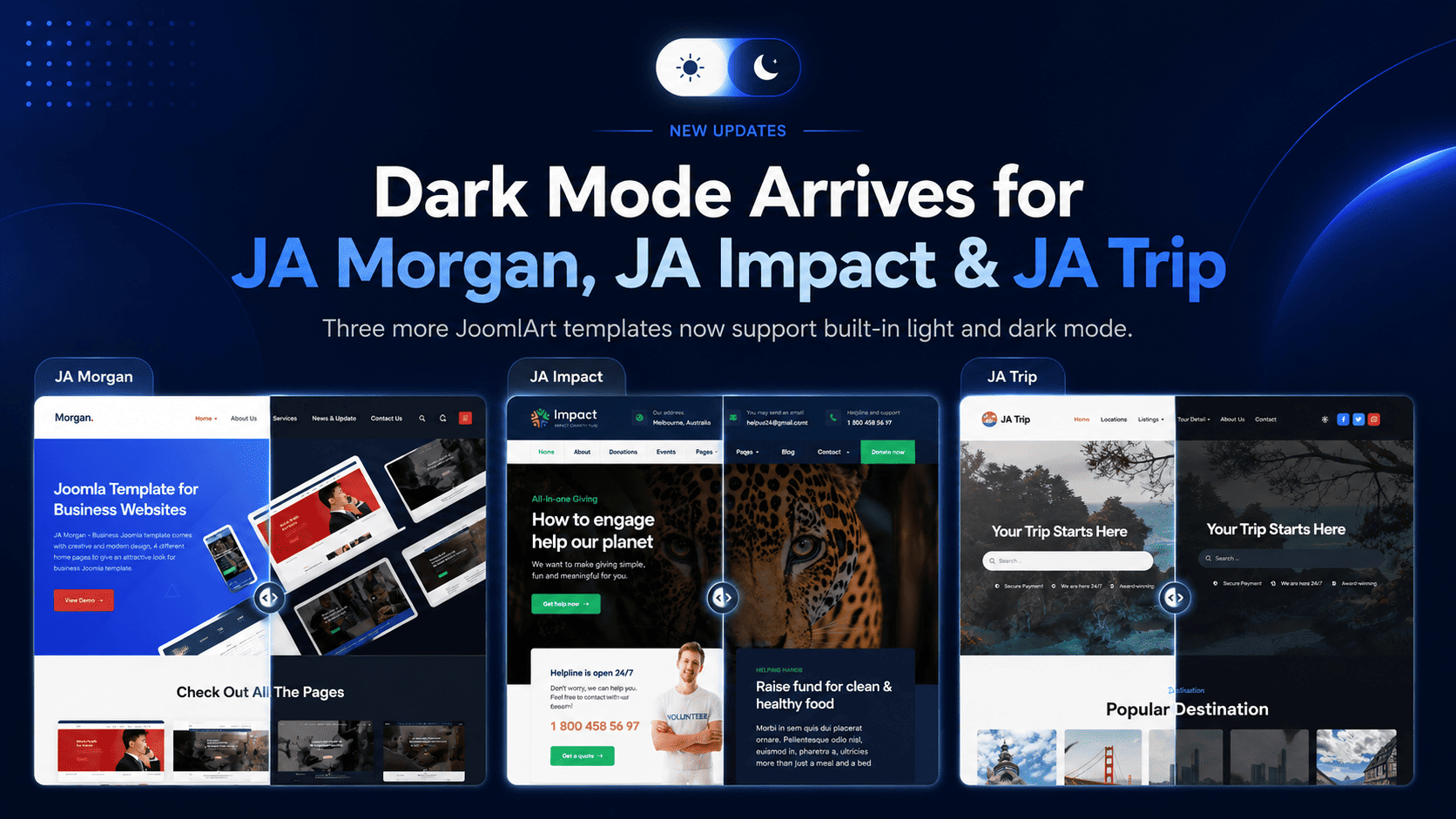
After bringing Dark Mode to JA Vega, we are happy to extend the same feature to three more popular templates: JA Morgan, JA Impact, and JA Trip.

Each template now ships with built-in Dark Mode, giving your visitors a more modern viewing experience while keeping the original light design fully intact. No matter which of these templates powers your site, the upgrade is a simple template update - your content and settings stay exactly where they are.

JoomlArt

Why Dark Mode Matters

Many website visitors now expect the option to switch between light and dark viewing modes.

Dark Mode is especially useful when visitors browse in the evening, in low-light environments, or on devices where a darker interface feels easier on the eyes. It also adds a more modern and premium feel to your site without changing its core structure.

With this release, visitors to your Morgan, Impact, or Trip site can choose the experience that fits them best.

What's New Across All Three Templates

The main highlight of this release is built-in Dark Mode support. Every site can now display beautifully in both light and dark styles.

This update includes

  • A clean sun / moon toggle in the site header
  • Automatic detection of the visitor's system preference
  • Remembered mode selection for returning visitors
  • Dark Mode styling across key template pages
  • Light Mode kept as the default experience
  • No need to rebuild your existing website layout

Your current light design remains unchanged. If you prefer to keep using only the light version, you can continue exactly as before.

The Three Updates

JA Morgan 2.3.0

JA Morgan - Multipurpose Business Template

JA Morgan is a flexible, multipurpose template for businesses, corporate firms, and creative agencies. Built on the T3 Framework, it now brings Dark Mode to all 4 homepage styles plus the About, Services, Blog, and Contact pages - so your company site looks polished in either mode.

Update JA Morgan →
JA Impact 1.2.0

JA Impact - NGO & Non-Profit Template

JA Impact is purpose-built for NGOs, non-profits, environmental initiatives, and animal welfare organizations. Powered by the T4 Framework, Dark Mode now extends across its campaign, event, donation, blog, and contact layouts - helping your cause look current and trustworthy at any time of day.

Update JA Impact →
JA Trip 1.2.0

JA Trip - Travel & Tour Template

JA Trip is our premier template for travel agencies and tour operators. Also built on the T4 Framework, it now offers Dark Mode across the home, tours, destinations, travel blog, and contact pages - giving your destinations a sleek, modern showcase in both light and dark.

Update JA Trip →

Designed for a Smooth Update

We know many Joomla site owners want improvements but do not want complicated updates. That is why each of these releases was designed to be a simple template update.

You can download the latest package, install it over your current version, and continue using your existing content and settings. There is no need to rebuild your pages from scratch, and no framework or core files were changed.

How to Update

To use the new Dark Mode feature on any of the three templates:

  1. Download the latest package for your template (JA Morgan, JA Impact, or JA Trip) from JoomlArt.
  2. Install the update over your current template.
  3. Open your site and use the sun / moon toggle in the header to preview Dark Mode.

Your content and existing configuration will remain in place.

Get the Update Today

If you are already using JA Morgan, JA Impact, or JA Trip, this is a quick update that can make your website feel more modern in just a few minutes. Dark Mode is part of our ongoing effort to bring this feature to more JoomlArt templates - stay tuned for the next ones.

Thank you for using JoomlArt.
— The JoomlArt Team

Details

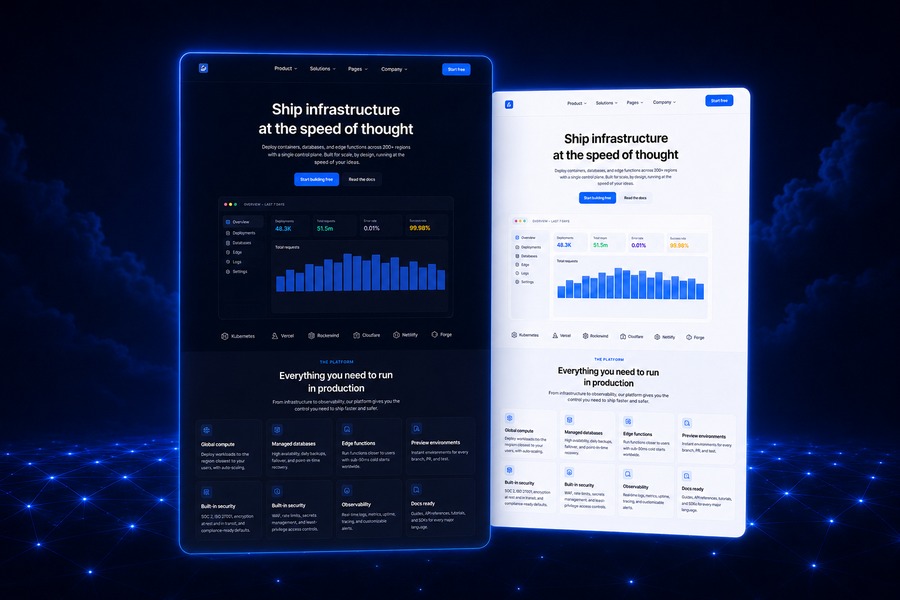
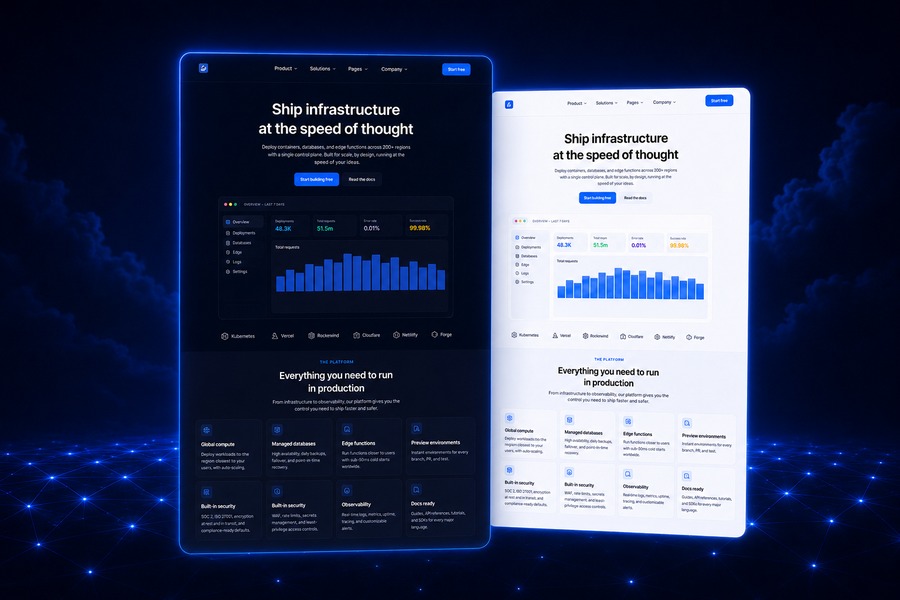
Meet JA Stratum - our newest Joomla template, purpose-built for SaaS, startups, cloud platforms and technology products. If you're launching a software business, this one's for you.

JA Stratum pairs a clean, product-focused interface with bold typography and conversion-ready layouts - so you can present your software, tell your story, and turn visitors into users, all on Joomla.

JoomlArt

What's inside JA Stratum

A modern SaaS homepage

The homepage is built for software products: a strong hero section, dashboard preview, platform features, statistics, pricing, testimonials, FAQ, and conversion-focused calls to action - everything a SaaS landing page needs, out of the box.

Ready-made SaaS pages

JA Stratum ships with the pages software teams actually use:

  • Integrations - present your product ecosystem and connected tools
  • Pricing - clear, structured plan comparison
  • Changelog - keep users up to date with product releases
  • Solutions - map your product to different use cases

Dark & Light Mode, from day one

JA Stratum supports both dark and light visual styles natively - the modern, premium look that cloud platforms, developer tools and technology brands expect.

Content & company pages

Modern blog and article layouts are ready for product updates, engineering posts and tutorials, while dedicated Company, About and Team pages help you build trust with your story, values, customer stories and hiring CTAs. Every standard Joomla page - login, registration, profile, contact, search, error and offline - is fully styled too.

Built on T4, ready for Joomla 6

Powered by the T4 Framework, JA Stratum gives you advanced layout control, theme customization and a performance-focused structure. It's built for Joomla 6, the platform's latest generation.

JA Stratum is a Joomla 6 template. Not on Joomla 6 yet? Our T4 toolkit - Page Builder, Framework and Blank Template - is now fully Joomla 6 ready to help you make the move smoothly.

Get JA Stratum

JA Stratum is available now and included with any JoomlArt membership - one plan unlocks Stratum, all 200+ templates, the full T4 toolkit, and everything we ship next.

Build your next SaaS site on Joomla - starting with JA Stratum.
— The JoomlArt Team

Details

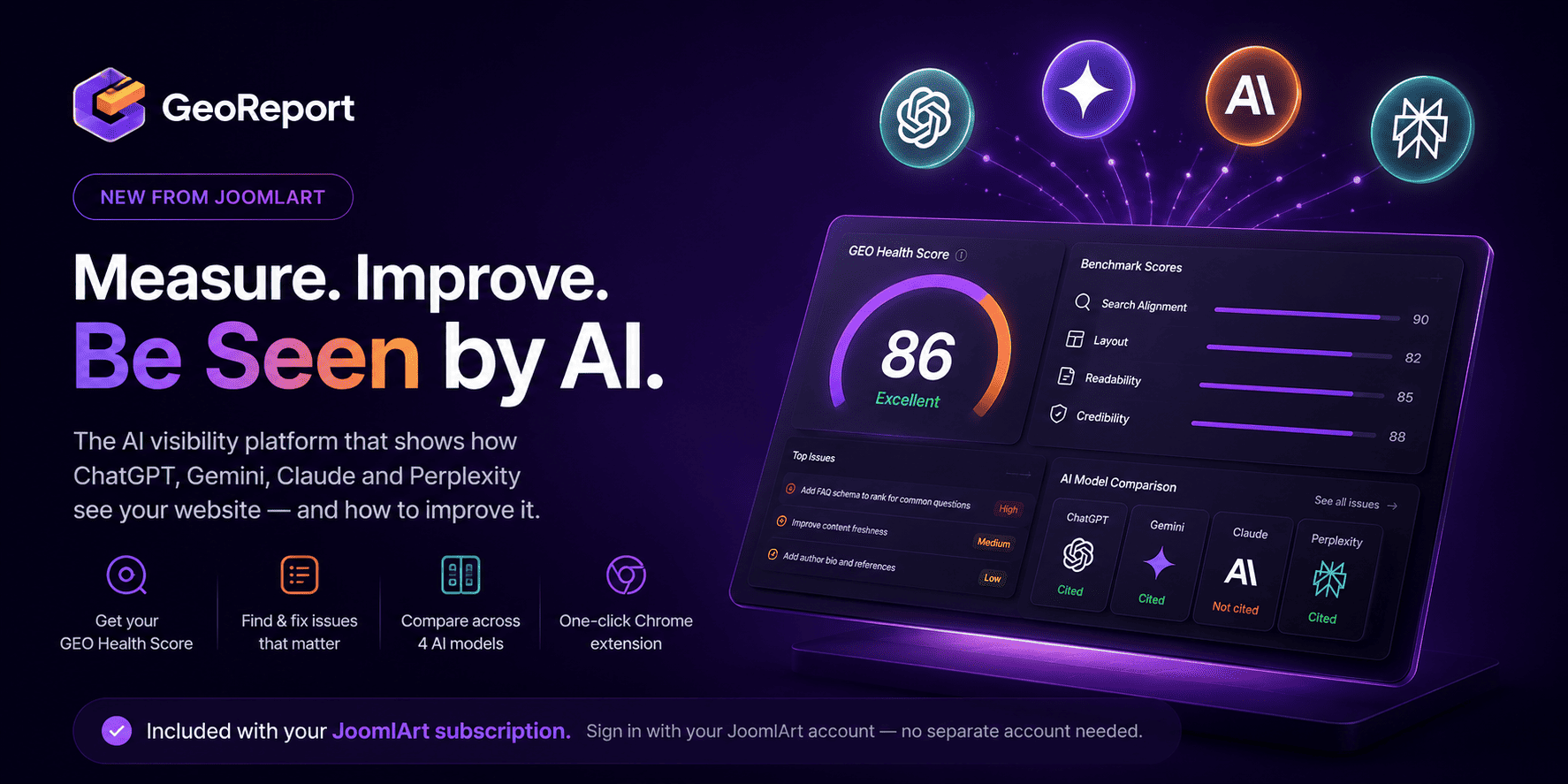
Hi everyone,

We’re excited to introduce GeoReport — a brand-new product from JoomlArt that measures and improves your website’s AI visibility. It shows whether AI assistants like ChatGPT, Gemini, Claude and Perplexity can find, trust, and cite your site — and gives you the exact fixes.

The best part: your active JoomlArt subscription is already active on GeoReport. Just sign in with your JoomlArt account — there’s no separate account to create.

Details

June was one of our busiest months yet. We brought built-in Dark Mode to 13 templates - and rebuilt the entire T4 toolkit to be ready for Joomla 6. Here's the full recap.

13
templates got Dark Mode
T4
ready for Joomla 6
200+
templates in one plan

Dark Mode arrived on 13 templates

Dark Mode was the headline of the month. One by one, we added a built-in light / dark toggle to 13 of our most popular templates - each with automatic detection of the visitor's system preference, a remembered choice for returning visitors, and your existing light design left fully intact.

JoomlArt

Templates updated with Dark Mode in June

Switching on takes one quick template update - your content and settings stay exactly where they are. Prefer light only? Leave it: light mode remains the default and untouched.

The T4 toolkit is now Joomla 6 ready

It wasn't only about looks. We also shipped a major update to the T4 ecosystem, focused on Joomla 6 compatibility, PHP 8.x support, and improved stability across the board - so upgrading your site is smoother and safer.

What we updated

  • T4 Page Builder v2.2.0 - full Joomla 6 support, with the same drag-and-drop visual editing
  • T4 Framework v2.6.0 - Joomla 6 compatible and more stable across T4-based templates
  • T4 Builder Article Integration Plugin v2.2.0 - smoother Joomla article editing inside the builder
  • T4 Blank Template v1.2.0 - a clean Joomla 6 starting point for developers and agencies

If you're planning a move to Joomla 6, this release is built to make that transition reliable - tested for modern hosting environments and the latest Joomla backend changes.

Why this matters

Modern visitors expect a dark option, and Joomla 6 is the platform's next chapter. In a single month, your JoomlArt collection moved forward on both fronts - and the roll-out keeps going into July, with more dark-mode templates and ongoing Joomla 6 updates landing week after week.

The simplest way to get all of it? A JoomlArt membership. One plan unlocks every template above, the full T4 toolkit, and everything we ship next.

Get every template with one membership

All 200+ templates, the full T4 toolkit, and every update we ship next.

Explore membership plans →

Thank you for being part of the journey - here's to an even bigger July.
— The JoomlArt Team

Details

We are excited to announce the release of T4 Page Builder v2.2.0, now fully ready for Joomla 6. This update ensures smoother compatibility with the latest Joomla generation, improved support for modern server environments, and better integration with the latest T4 Framework and Joomla extensions.

With this release, T4 Page Builder continues to provide a flexible visual website-building experience for Joomla users, combining drag-and-drop editing, reusable layouts, rich content elements, and deep Joomla integration. Whether you are building new Joomla 6 websites or preparing existing projects for upgrade, this update helps make the transition smoother and more reliable.

Details

Dark Mode is moving quickly across the JoomlArt template collection. In just one week, seven Joomla templates have been updated with built-in light and dark mode support.

This is part of our ongoing effort to keep JoomlArt templates modern, flexible, and easier to use for real websites. Whether you run a business site, magazine, travel portal, non-profit project, or agriculture brand, your visitors can now enjoy a cleaner browsing experience in both light and dark styles.

No redesign required. These updates are built into the templates, so your existing light design remains untouched while Dark Mode becomes available as an additional viewing option.

7 Templates Updated with Dark Mode

JoomlArt

This week’s rollout brings Dark Mode support to the following templates:

JA Vega

Business and corporate Joomla template with a modern professional design.

JA Morgan

Multipurpose business template for companies, agencies, and service websites.

JA Impact

NGO and non-profit template for campaigns, events, donations, and causes.

JA Vogue

Fashion, lifestyle, and magazine template with strong visual storytelling.

JA Trip

Travel and tour template for destinations, tour packages, and travel blogs.

JA Spark

Modern multipurpose Joomla template for creative and business websites.

JA Agrivita

Agriculture and organic farming template for farms, food brands, and green businesses.

What Dark Mode Adds to Your Website

Dark Mode gives your visitors more control over how they view your site. Some users prefer a brighter interface during the day, while others prefer a darker layout at night or in low-light environments.

With these updates, each supported template now offers a more flexible front-end experience without changing your content structure, menu setup, modules, or existing layouts.

Main highlights

  • Built-in Light / Dark Mode support
  • Clean sun / moon toggle for visitors
  • Automatic system preference detection
  • Remembered mode selection for returning visitors
  • Dark styling refined across key template pages
  • Existing Light Mode design preserved
  • Simple template update process

Why We Are Rolling This Out Across More Templates

Dark Mode is no longer just a visual trend. It has become a common expectation across apps, operating systems, dashboards, and modern websites.

For Joomla site owners, this means a site can feel more current and user-friendly without needing a complete redesign. That is why we are gradually bringing Dark Mode to more templates in the JoomlArt library, starting with popular templates across different categories.

The goal is simple: help your existing Joomla website stay fresh, while giving you more design flexibility for new projects.

A Better Experience Across Different Website Types

Each template serves a different type of website, so the Dark Mode treatment has been adjusted to fit the purpose of each design.

For business websites

Templates like JA Vega, JA Morgan, and JA Spark benefit from a sharper, more polished presentation that works well for corporate profiles, service pages, portfolios, and landing pages.

For content-heavy websites

JA Vogue and JA Trip can now offer a more comfortable reading experience for magazine articles, travel stories, destination guides, and blog content.

For cause-driven and niche websites

JA Impact and JA Agrivita now support a modern dark interface while keeping the warmth and clarity needed for non-profit, agriculture, organic, and community-focused websites.

How to Update Your Template

If you are already using one of the updated templates, you can access Dark Mode by installing the latest template package from JoomlArt.

  1. Go to your JoomlArt account and download the latest version of your template.
  2. Install the update over your current template version.
  3. Open your site and test the Light / Dark Mode toggle in the front-end header.
  4. Review your main pages to make sure everything looks right with your own content and images.

Your existing content, modules, and template settings remain in place during the update.

If your website uses heavy custom CSS or third-party extensions, we recommend checking the main pages after updating to make sure custom sections also look good in Dark Mode.

More Updates Are Coming

This seven-template rollout is another step in our wider update plan for the JoomlArt collection. We will continue improving templates with modern features, compatibility updates, design refinements, and Joomla platform support.

If your favorite template is not in this batch yet, stay tuned. More Dark Mode updates and template improvements are on the way.

Thank you for using JoomlArt.
— The JoomlArt Team
Details

After bringing Dark Mode to JA Vega, we are happy to extend the same feature to three more popular templates: JA Morgan, JA Impact, and JA Trip.

Each template now ships with built-in Dark Mode, giving your visitors a more modern viewing experience while keeping the original light design fully intact. No matter which of these templates powers your site, the upgrade is a simple template update - your content and settings stay exactly where they are.

JoomlArt

Why Dark Mode Matters

Many website visitors now expect the option to switch between light and dark viewing modes.

Dark Mode is especially useful when visitors browse in the evening, in low-light environments, or on devices where a darker interface feels easier on the eyes. It also adds a more modern and premium feel to your site without changing its core structure.

With this release, visitors to your Morgan, Impact, or Trip site can choose the experience that fits them best.

What's New Across All Three Templates

The main highlight of this release is built-in Dark Mode support. Every site can now display beautifully in both light and dark styles.

This update includes

  • A clean sun / moon toggle in the site header
  • Automatic detection of the visitor's system preference
  • Remembered mode selection for returning visitors
  • Dark Mode styling across key template pages
  • Light Mode kept as the default experience
  • No need to rebuild your existing website layout

Your current light design remains unchanged. If you prefer to keep using only the light version, you can continue exactly as before.

The Three Updates

JA Morgan 2.3.0

JA Morgan - Multipurpose Business Template

JA Morgan is a flexible, multipurpose template for businesses, corporate firms, and creative agencies. Built on the T3 Framework, it now brings Dark Mode to all 4 homepage styles plus the About, Services, Blog, and Contact pages - so your company site looks polished in either mode.

Update JA Morgan →
JA Impact 1.2.0

JA Impact - NGO & Non-Profit Template

JA Impact is purpose-built for NGOs, non-profits, environmental initiatives, and animal welfare organizations. Powered by the T4 Framework, Dark Mode now extends across its campaign, event, donation, blog, and contact layouts - helping your cause look current and trustworthy at any time of day.

Update JA Impact →
JA Trip 1.2.0

JA Trip - Travel & Tour Template

JA Trip is our premier template for travel agencies and tour operators. Also built on the T4 Framework, it now offers Dark Mode across the home, tours, destinations, travel blog, and contact pages - giving your destinations a sleek, modern showcase in both light and dark.

Update JA Trip →

Designed for a Smooth Update

We know many Joomla site owners want improvements but do not want complicated updates. That is why each of these releases was designed to be a simple template update.

You can download the latest package, install it over your current version, and continue using your existing content and settings. There is no need to rebuild your pages from scratch, and no framework or core files were changed.

How to Update

To use the new Dark Mode feature on any of the three templates:

  1. Download the latest package for your template (JA Morgan, JA Impact, or JA Trip) from JoomlArt.
  2. Install the update over your current template.
  3. Open your site and use the sun / moon toggle in the header to preview Dark Mode.

Your content and existing configuration will remain in place.

Get the Update Today

If you are already using JA Morgan, JA Impact, or JA Trip, this is a quick update that can make your website feel more modern in just a few minutes. Dark Mode is part of our ongoing effort to bring this feature to more JoomlArt templates - stay tuned for the next ones.

Thank you for using JoomlArt.
— The JoomlArt Team
Details

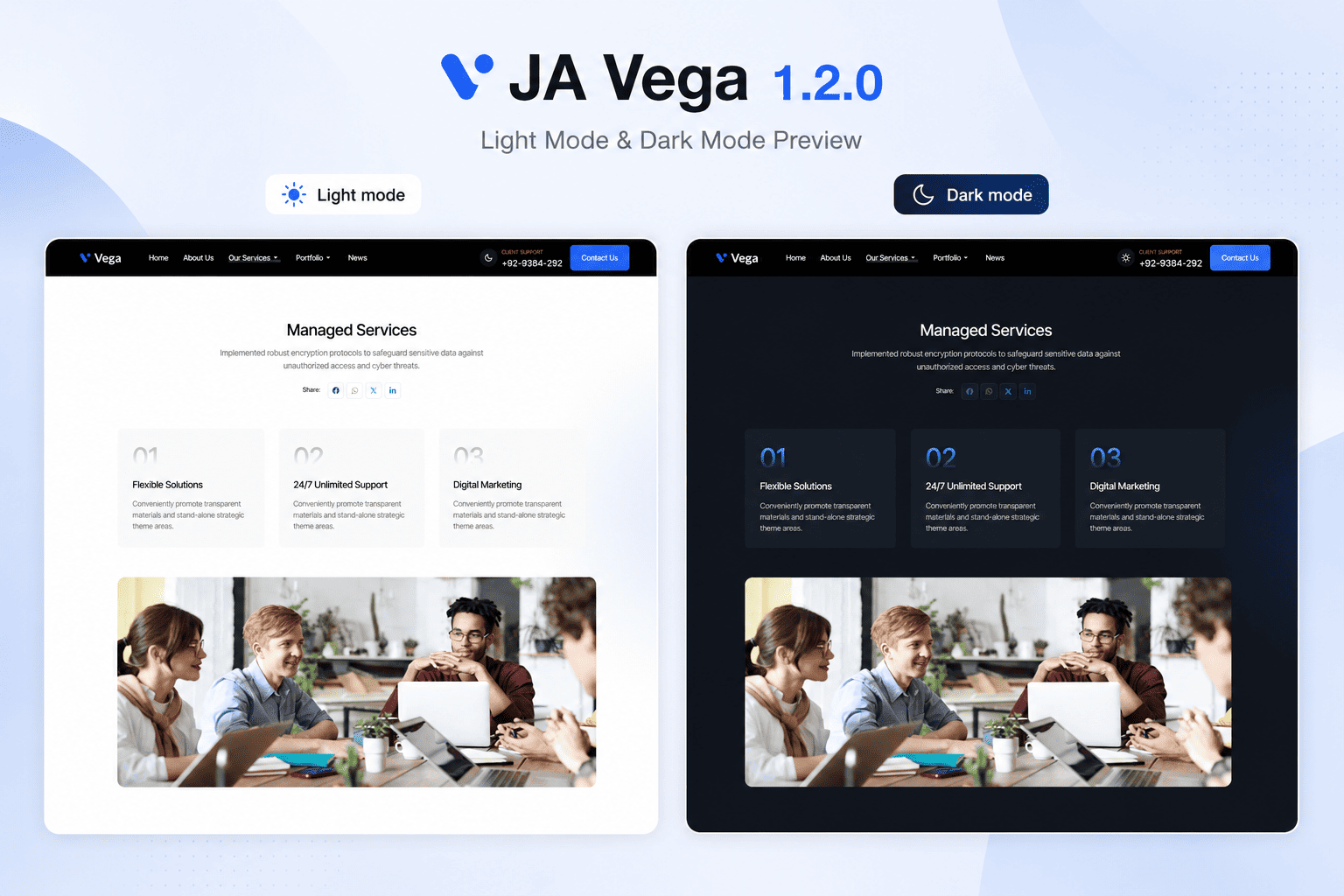
We are pleased to announce the release of JA Vega 1.2.0, now available with a brand-new Dark Mode.

JA Vega was built for business, corporate, agency, and service websites that need a clean and professional Joomla template. With this update, the template now gives your visitors a more modern viewing experience while keeping the original light design fully intact.

JoomlArt

Why Dark Mode Matters

Many website visitors now expect the option to switch between light and dark viewing modes.

Dark Mode is especially useful when visitors browse your site in the evening, in low-light environments, or on devices where a darker interface feels easier on the eyes.

For business websites, it also adds a more modern and premium feel without changing the core structure of your site.

With JA Vega 1.2.0, you can now offer both experiences.

What's New in JA Vega 1.2.0

The main highlight of this release is built-in Dark Mode support. Your site can now display beautifully in both light and dark styles, giving visitors a choice that fits their preference.

This update includes

  • A clean sun / moon toggle in the site header
  • Automatic detection of the visitor's system preference
  • Remembered mode selection for returning visitors
  • Dark Mode styling across key template pages
  • Light Mode kept as the default experience
  • No need to rebuild your existing website layout

Your current light design remains unchanged. If you prefer to keep using only the light version, you can continue exactly as before.

Designed for a Smooth Update

We know many Joomla site owners want improvements, but do not want complicated updates. That is why JA Vega 1.2.0 was designed to be a simple template update.

You can download the latest package, install it over your current version, and continue using your existing content and settings. There is no need to rebuild your pages from scratch.

A Better Experience for Business Websites

JA Vega is often used for company websites, service pages, portfolios, and corporate landing pages.

With Dark Mode, these websites can now feel more current and polished while still keeping the same clear structure that business visitors expect.

Whether your visitors prefer a bright interface during the day or a darker interface at night, JA Vega now supports both.

How to Update

To use the new Dark Mode feature:

  1. Download the latest JA Vega 1.2.0 package from JoomlArt.
  2. Install the update over your current JA Vega template.
  3. Open your site and use the sun / moon toggle in the header to preview Dark Mode.

Your content and existing configuration will remain in place.

Update JA Vega Today

If you are already using JA Vega, this is a quick update that can make your website feel more modern in just a few minutes.

Dark Mode is now available in JA Vega 1.2.0.

Thank you for using JoomlArt.
— The JoomlArt Team
Details

Hey,

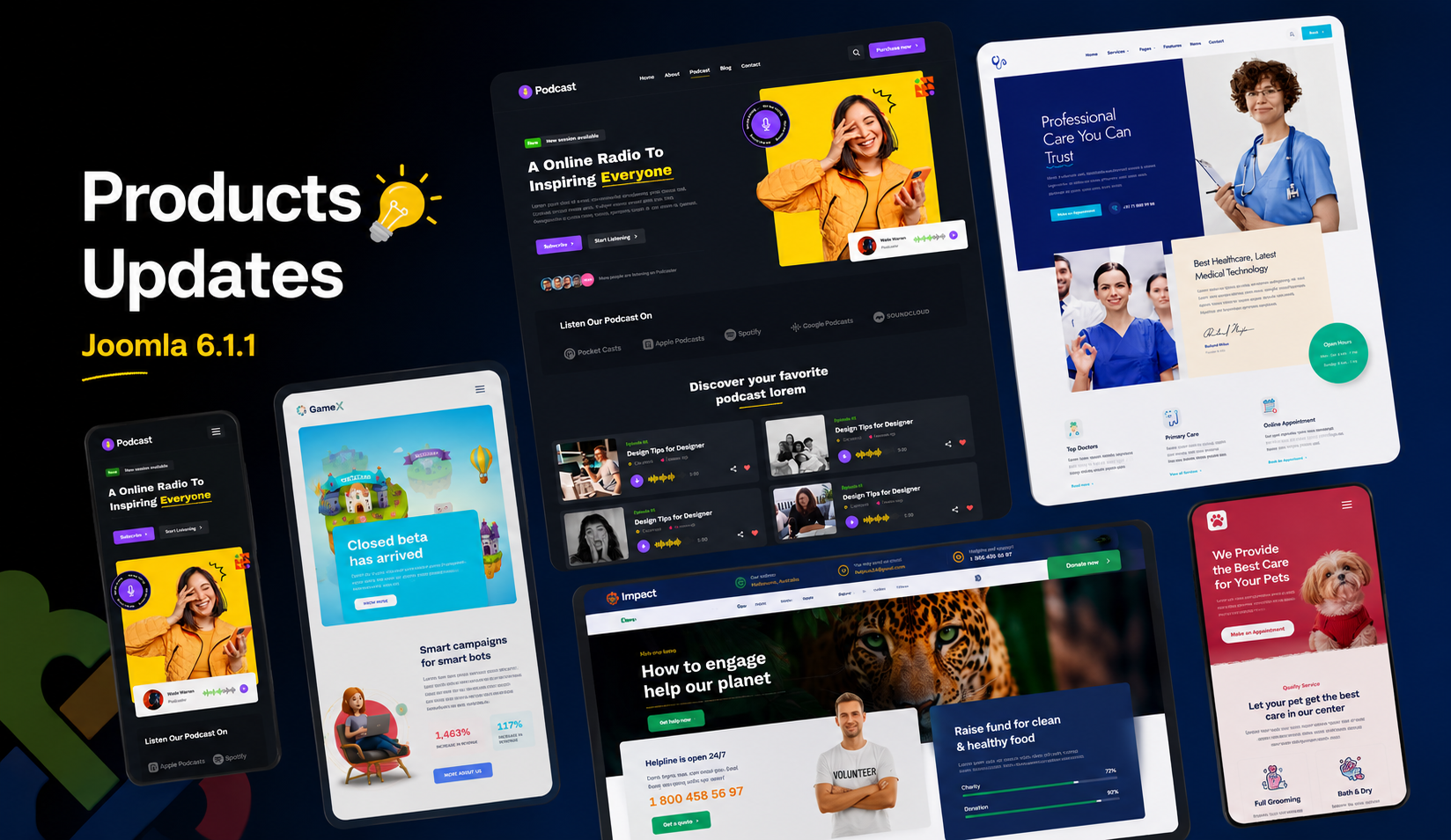
We’re back with another massive update — 20 Joomla templates are now fully compatible with Joomla 6.1.1 and Joomla 5.4.6! These updates bring improved security, bugfixes and improvements, and the latest T4 Framework enhancements to keep your Joomla sites faster, more stable, and future-ready.

Details

Dear JoomlArt friends,

For many years, website owners focused on one goal: being found on search engines. Today, that is beginning to change.

More people are asking ChatGPT, Gemini, Claude, and other AI assistants for answers instead of searching the traditional way. If AI cannot understand your website, it cannot recommend it.

That is why 2026 will be one of the most important years in JoomlArt's history. Alongside Joomla 6 support, new templates, dark mode, and major T4 improvements, we are introducing new AI tools built specifically for Joomla website owners.

JoomlArt

The Biggest Change in 2026: AI for Joomla

AI Analytics - Find Out How AI Sees Your Website

More people are using AI assistants to discover businesses, products, and content. The challenge is simple: if AI cannot understand your website, it cannot recommend it.

Many Joomla websites are missing important signals that AI systems use to understand content. Most site owners do not even realize it.

AI Analytics helps you see your website through the eyes of AI:

  • Can AI understand your content?
  • Which pages are AI-ready?
  • Which pages need improvement?
  • What should you fix first?

The tool provides clear recommendations in plain language, making it easier to prepare your website for the next generation of search and discovery.

The websites that adapt early will have an advantage. Those that wait may find competitors appearing in AI-generated answers while their own content remains unseen.

AI Customer Service - Help Whenever You Need It

Joomla has always been powerful, but sometimes you need help quickly. Whether you are migrating a site, configuring a template, or troubleshooting an issue, our new AI Customer Service assistant is available 24/7 inside your member area.

It can:

  • Answer common Joomla and T4 questions
  • Help troubleshoot issues
  • Guide you through setup and migration tasks
  • Point you to the right documentation instantly

And when human support is needed, all the conversation history and context can be passed directly to our support team.

Faster answers. Less waiting. Less frustration.

Full Support for Joomla 6

When Joomla 6 arrives, JoomlArt templates will be ready from day one. No waiting for compatibility updates. No uncertainty about migrations.

Our team has been working closely with Joomla development changes to ensure a smooth transition for customers.

Light and Dark Modes

Every JoomlArt template is being updated with built-in light and dark mode support. No additional plugins. No complicated setup.

Visitors can choose the experience that works best for them, automatically.

More Than 15 New Templates

We are developing more than 15 new templates for:

  • Business websites
  • Online stores
  • Education platforms
  • News and magazine sites
  • Portfolios
  • Agency landing pages

In addition, T4 Page Builder Premium will receive more than 30 new content blocks to help you build pages faster.

Looking Ahead

Most of these features will begin rolling out to JoomlArt members first. If you already use JoomlArt, you will be among the first to benefit from these improvements.

If you have been considering joining or renewing your membership, this may be the best time to do it.

The way people discover websites is changing. Our goal is to help Joomla users stay ahead of that change.

Thank you for being part of our community.
The JoomlArt Team
Details

Hi everyone,

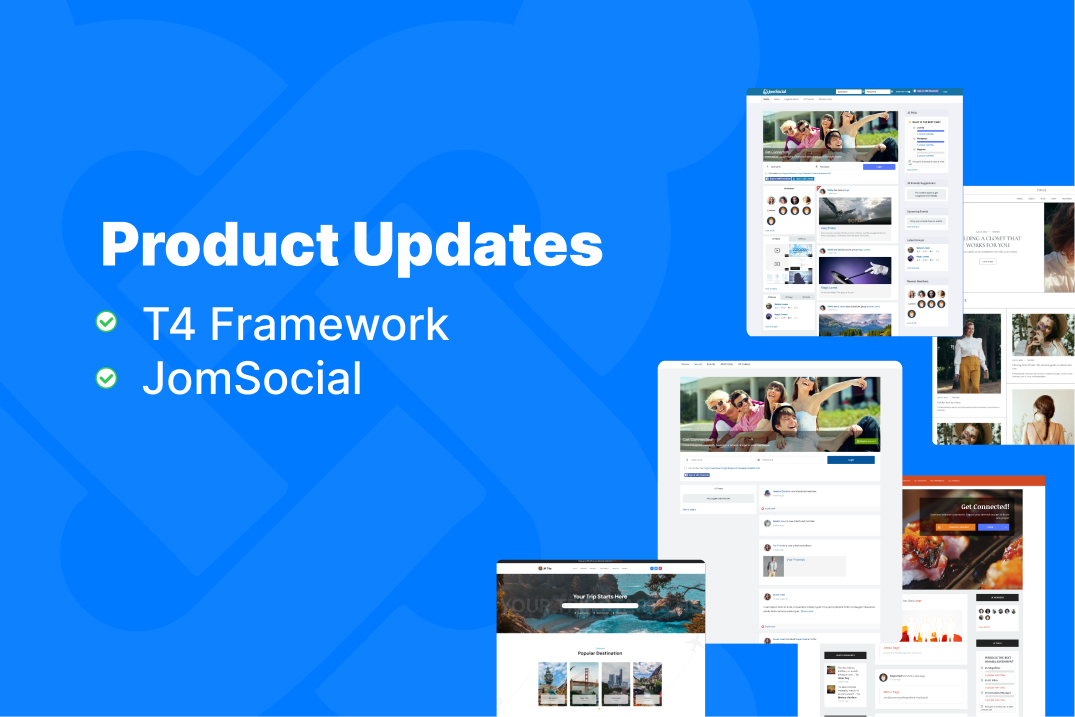
We’re rolling out new updates for T4 Framework and JomSocial. In this release, both products are updated to improve compatibility, performance, and security—ensuring they work smoothly with the latest Joomla versions.

These updates include enhancements for Joomla 5 and Joomla 6, along with important bug fixes and improvements.

Details

Hi everyone,

We’re planning our next updates for Joomla 6 — and we’d love your input.

As more users upgrade to Joomla 6, we’re continuing to improve and expand our products to ensure everything runs smoothly, stays compatible, and delivers the best experience for your websites.

To help us prioritize our next steps, we’d like to hear directly from you.

Details

Hi everyone,

Joomla 6.0.3 is here, and we’re rolling out another round of updates. Today, we’re releasing a new batch of JoomlArt templates updated and fully tested for Joomla 6.0.3, ensuring your websites remain secure, compatible, and ready for the latest Joomla environment.

All templates in this release are built on the latest T4 Framework and verified to run smoothly with Joomla 6.0.3.

Details

Hi everyone,

Another Joomla 6.0.2 update is now available. Today, we’re releasing a new batch of JoomlArt templates updated and fully tested for Joomla 6.0.2, helping you keep your websites secure, compatible, and future-ready.

All templates in this release are built on the latest T4 Framework and verified to work smoothly with Joomla 6.0.2.

Details

Hi everyone,

New updates for Joomla 6 are here. We’re happy to announce a new batch of JoomlArt templates fully updated and tested for Joomla 6.0.2, bringing improved stability, compatibility, and long-term reliability for your Joomla websites.

All templates in this release are built on the latest T4 Framework and carefully tested with Joomla 6.0.2 to ensure smooth upgrades and consistent performance.

Details

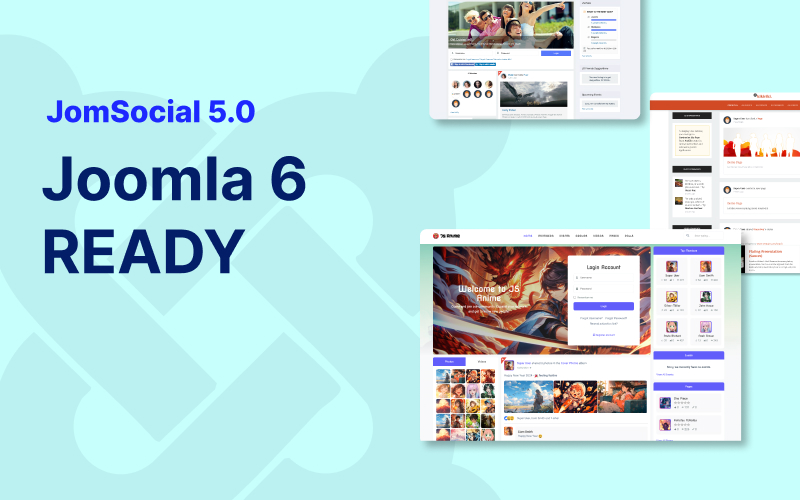
We’re excited to announce a major milestone for the JomSocial community: JomSocial 5.0.0 is now available, delivering full compatibility with Joomla 6 and PHP 8.3.

This release also includes refactoring across both backend and frontend areas to ensure a smooth upgrade path and long-term stability.

Even better: all JomSocial themes and templates are also fully compatible with Joomla 6, so you can upgrade with confidence while keeping your current look and feel intact.

If you’re planning a Joomla 6 migration (or already running Joomla 6), this update is the recommended foundation for a secure, modern, and future-ready community website.

JomSocial 5.0.0 update - Joomla 6 and PHP 8.3 compatibility


What’s new in JomSocial 5.0.0

Version 5.0.0 focuses on Joomla 6 readiness with a full review of deprecated APIs and legacy calls, plus key improvements to installation, configuration, and media workflows. Below is the full changelog:

Version 5.0.0 changelog

  • Update for Joomla 6 compatibility
  • Refactored deprecated backend methods and legacy code
  • Resolved installation and configuration issues
  • Replaced deprecated frontend methods and legacy calls
  • Refactored photo upload workflow to comply with Joomla 6 APIs
  • Fixed: Incorrect return value for hash in pro/dev version
  • Fixed: JavaScript error in Terms & Conditions popup

JomSocial Themes – Joomla 6 ready

All JomSocial themes have been reviewed and updated to ensure full compatibility with Joomla 6 and PHP 8.3. You can safely upgrade your Joomla core while keeping your community design consistent and stable.

JomSocial Templates – Joomla 6 ready

In addition to themes, all official JomSocial templates are now fully compatible with Joomla 6. These templates work seamlessly with JomSocial 5.0.0 and help you customize layouts without breaking core functionality.


Download JomSocial 5.0.0

Get the latest packages:

Download JomSocial 5.0.0 Download Themes Download Templates


Upgrade instructions

  1. Backup first: Create a full site backup (files + database) before making changes.
  2. Update Joomla & PHP: Ensure your environment is running Joomla 6 and PHP 8.3 (or upgrade in a staging site first).
  3. Install JomSocial 5.0.0: Download the package and install it via Joomla Extension Manager.
  4. Update themes/templates: If you use JomSocial themes or templates, download the Joomla 6 compatible versions and apply them as needed.
  5. Verify site functionality: Test registration, activity stream, photos, user profiles, and key workflows.

Tip: If your site includes heavy customizations or template overrides, we recommend testing in a staging environment first to ensure a seamless transition.


Need help upgrading to Joomla 6?

If you’re planning to migrate your site to Joomla 6 and want a smooth, risk-free upgrade, our Joomla 6 Migration Service can help.

Explore Joomla 6 Migration

Details

Hi guys,

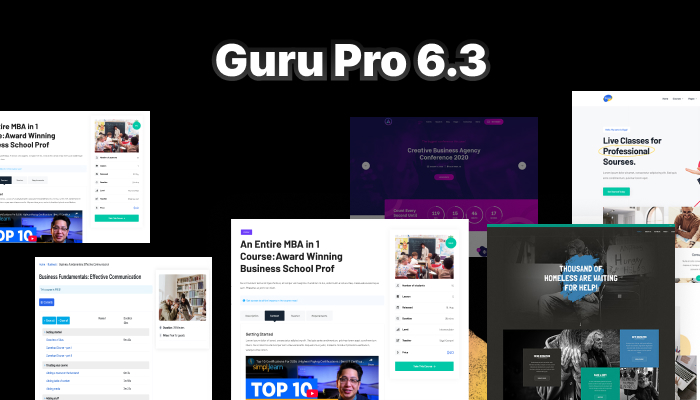
Guru Pro 6.3.0 is now ready to download.

This update brings full Joomla 6 compatibility, improved PHP 8.x support, and a set of important bug fixes to ensure a stable and future-proof LMS experience.

Guru Pro is a powerful Joomla LMS extension for building online courses, universities, and training platforms that generate revenue. Version 6.3.0 ensures your LMS is fully aligned with the latest Joomla standards.

Details

Hi everyone,

Another Joomla update is here. We’re releasing a new batch of JoomlArt templates updated for Joomla 6.0.1 and Joomla 5.4, ensuring continued compatibility, stability, and performance with the latest Joomla versions.

All templates in this release are built on the latest T4 Framework and fully tested with Joomla 6.0.1 and Joomla 5.4.

Details

Hi everyone,

The Joomla 6 upgrade continues! We’re excited to announce another large batch of Joomla 6–ready template updates, further expanding our compatibility coverage across the JoomlArt portfolio.

All templates below are now fully compatible with Joomla 6 (and also support Joomla 5.4 / Joomla 4), ensuring smooth upgrades and long-term stability for your sites.

Details

Hi everyone,

We’re keeping the Joomla 6 momentum going! 🚀 Following our earlier compatibility releases, today we’re excited to announce a new batch of updates for Joomla 6 and Joomla 5.4. This release covers templates built on both the T4 Framework and T3 Framework, as well as a set of Gavick templates – all now ready for the latest Joomla versions.

Details

Hi everyone,

We’re continuing our Joomla 6 upgrade rollout! Following the release of Joomla 6 Stable and our first batch of compatible templates, today we’re excited to announce that 15 more JoomlArt templates are now fully ready for Joomla 6.

Details