-
AuthorPosts
-
May 18, 2016 at 9:22 am #931915
How can I change it to normal
???
May 18, 2016 at 9:23 am #931916p class?
Luna Garden Moderator
Luna Garden
- Join date:
- July 2011
- Posts:
- 2617
- Downloads:
- 80
- Uploads:
- 96
- Thanks:
- 78
- Thanked:
- 453 times in 425 posts
May 19, 2016 at 8:37 am #932221Hi,
In Porfolio of JA Jason demo, we don’t add <p class="lead"> to article. And I checked on your site, there’s no <p class="lead">
Is your problem fixed ?
If not, share the Article link that contains the <p class="lead"> and admin account of your site in Private Reply, we’ll check problem for you.
 May 19, 2016 at 8:44 am #932223
@LunaGarden I can’t see your response…
May 19, 2016 at 9:07 am #932230This reply has been marked as private.May 19, 2016 at 9:10 am #932231This reply has been marked as private.May 19, 2016 at 9:51 am #932254Can you tell me what is wrong?
Luna Garden
- Join date:
- July 2011
- Posts:
- 2617
- Downloads:
- 80
- Uploads:
- 96
- Thanks:
- 78
- Thanked:
- 453 times in 425 posts
May 19, 2016 at 9:54 am #932258So, your problem is that the font-size is too big ? What part do you want to reduce the font-size or you want to do it for the whole article ? I’ll suggest you to add css to file custom.css .
May 19, 2016 at 10:56 am #932287Luna, are you there?
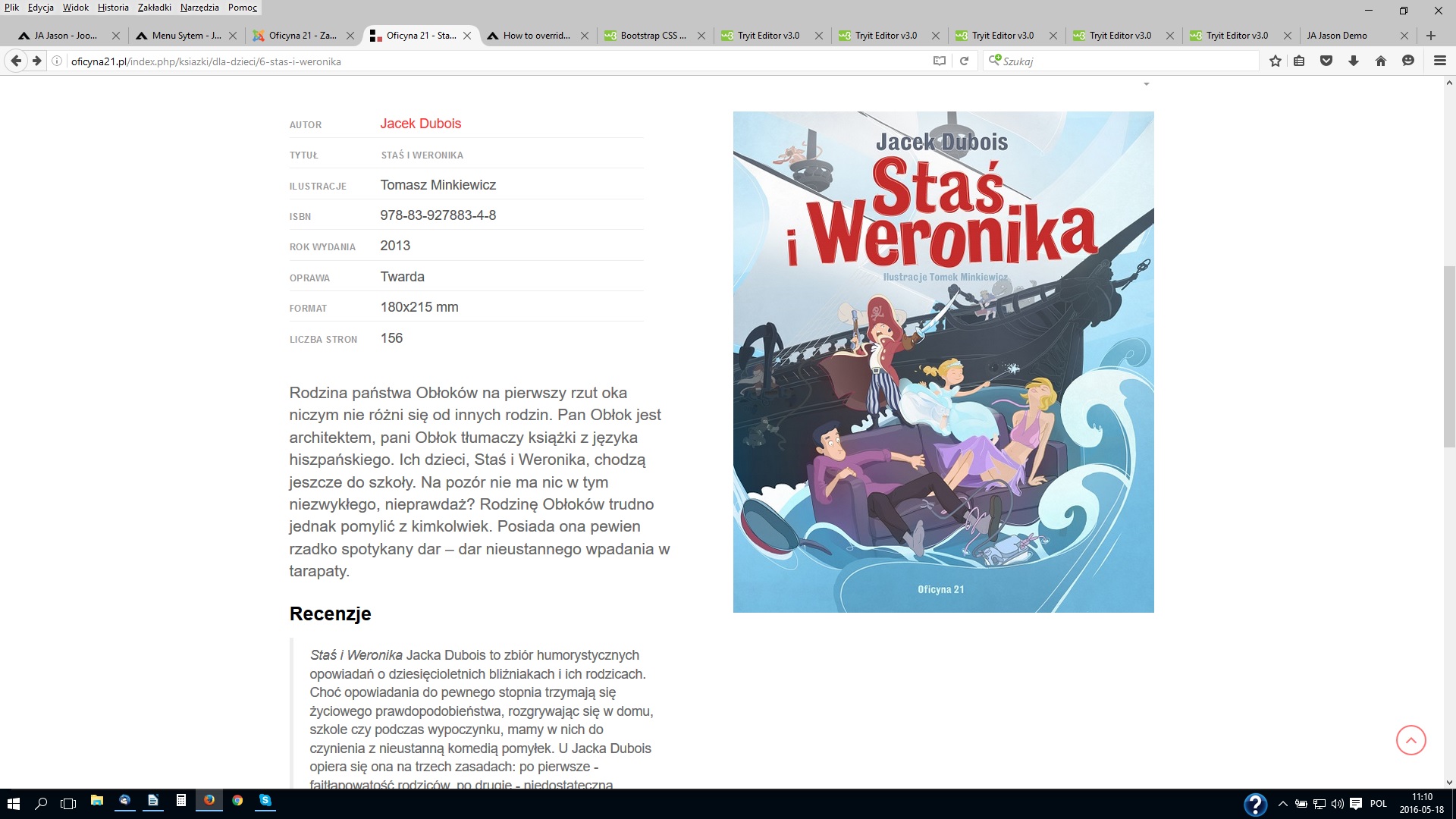
May 20, 2016 at 7:19 am #932553Yes, I want to reduce the font-size in item description and in extrafields. And I don’t know what to add in my custom.css. The problem is that the font in portfolio article should look different. Look at the examples – fonts1.jpg (demo JA Jason) and fonts2.jpg (my site). What should I do?
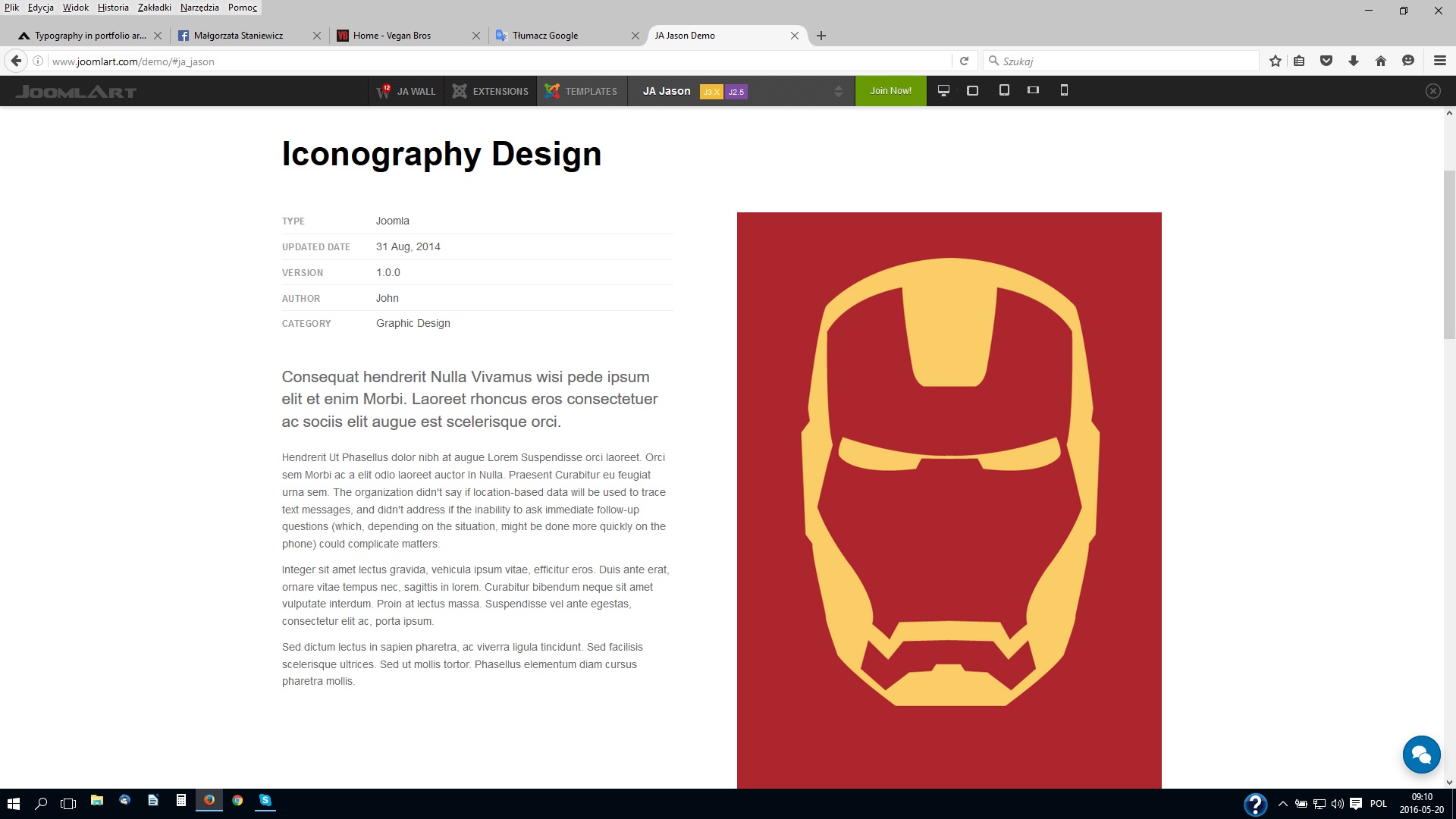
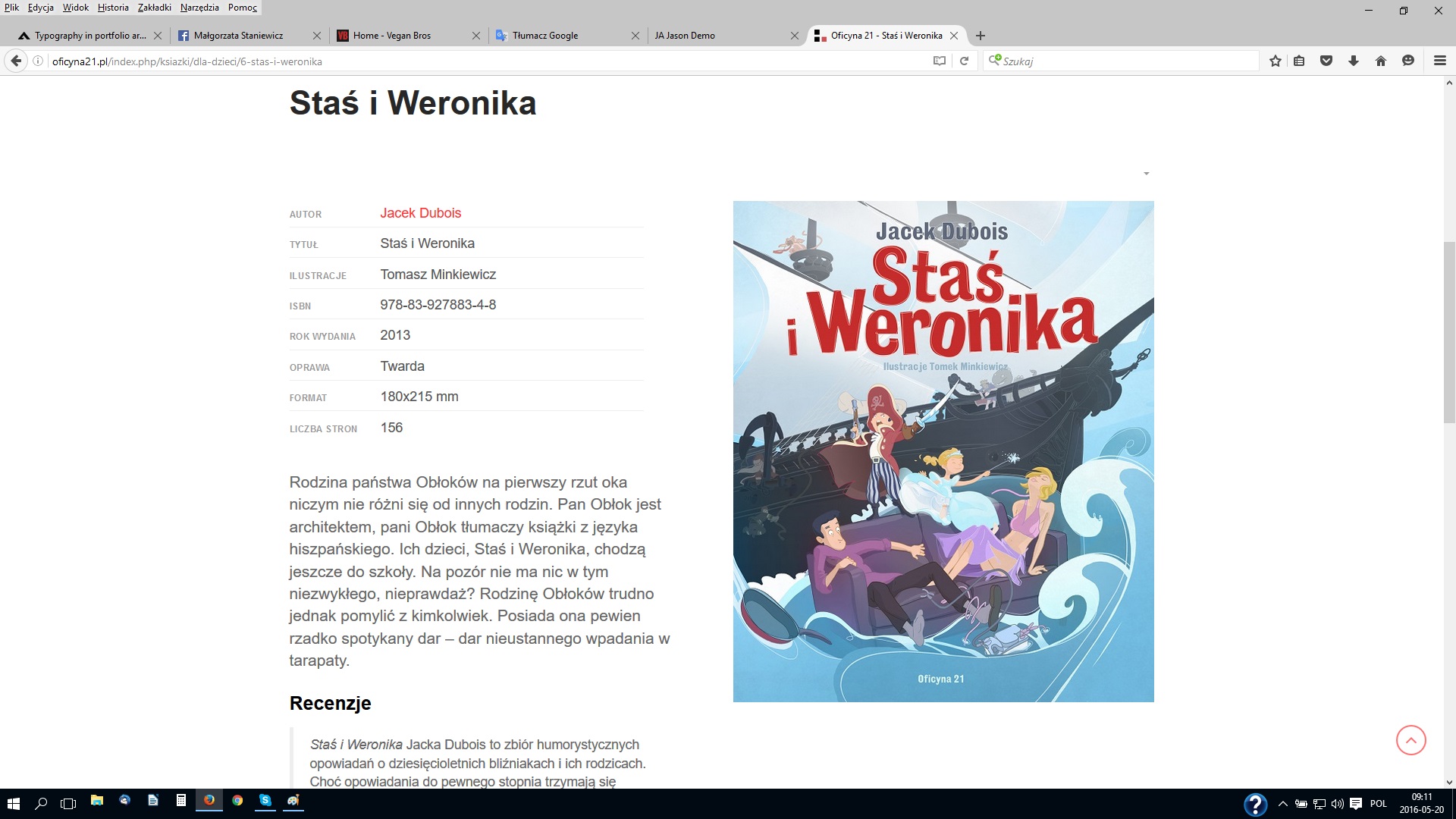 May 20, 2016 at 7:24 am #932556
In portfolio article on my site is only one font size – "lead size".
Luna Garden
- Join date:
- July 2011
- Posts:
- 2617
- Downloads:
- 80
- Uploads:
- 96
- Thanks:
- 78
- Thanked:
- 453 times in 425 posts
May 20, 2016 at 9:30 am #932603Hi,
The lead size is for intro text part of content, but as in your site, there’s no intro text, so the template see that the whole content is intro text, and that’s why the whole article’s font-size was too big. You can change by adding Readmore to the article as I has done with article ‘Staś i Weronika’. You can go to backend to check the content.
Or else, just add to custom.css as below:
.portfolio-default .quick-info .item-des, .portfolio-default .quick-info blockquote{ font-size: 14px; }May 20, 2016 at 9:41 am #932608I can’t see your post
-
AuthorPosts
Viewing 14 posts - 1 through 14 (of 14 total)This topic contains 14 replies, has 2 voices, and was last updated by
oficyna21 8 years, 8 months ago.
The topic ‘Typography in portfolio article’ is closed to new replies.
Jump to forum
melih