

-
AuthorPosts
-
vernontee Friend
vernontee
- Join date:
- November 2015
- Posts:
- 440
- Downloads:
- 53
- Uploads:
- 22
- Thanks:
- 18
- Thanked:
- 4 times in 4 posts
February 3, 2016 at 12:04 pm #875342http://screenpresso.com/=exHhd
What are the addthis settings to get this?
Saguaros Moderator
Saguaros
- Join date:
- September 2014
- Posts:
- 31405
- Downloads:
- 237
- Uploads:
- 471
- Thanks:
- 845
- Thanked:
- 5346 times in 4964 posts
February 4, 2016 at 4:00 am #875963Hi @vernontee,
Pls check out the documentation of this template: https://www.joomlart.com/documentation/joomla-templates/ja-magz-ii#typo-tools
vernontee
- Join date:
- November 2015
- Posts:
- 440
- Downloads:
- 53
- Uploads:
- 22
- Thanks:
- 18
- Thanked:
- 4 times in 4 posts
February 4, 2016 at 10:40 am #876245Im aware of that… already changed…. im mentioning about the setting in AddThis
http://screenpresso.com/=b1lUb
Right now the sharing area is blank…. what do i need to enable?
vernontee
- Join date:
- November 2015
- Posts:
- 440
- Downloads:
- 53
- Uploads:
- 22
- Thanks:
- 18
- Thanked:
- 4 times in 4 posts
February 4, 2016 at 2:48 pm #876393ive solved it. Sharing buttons need to be enabled in AddThis. May i have a question then, since AddThis is already being used, how do i enable the mobile sharing toolbar to appear in mobile devices view? Right now even with that turned on, it does not appear in mobile devices view.
Saguaros
- Join date:
- September 2014
- Posts:
- 31405
- Downloads:
- 237
- Uploads:
- 471
- Thanks:
- 845
- Thanked:
- 5346 times in 4964 posts
February 5, 2016 at 3:59 am #876819You can try opening the file: ROOT/templates/ja_magz_ii/css/custom.css (create this file if it doesn’t exist)
and add this css rule:
@media (max-width: 480px) {
  .item-page .article-tools {
    display: block !important;
  }
}
vernontee
- Join date:
- November 2015
- Posts:
- 440
- Downloads:
- 53
- Uploads:
- 22
- Thanks:
- 18
- Thanked:
- 4 times in 4 posts
February 5, 2016 at 1:31 pm #877224Nothing seems to happen after adding above. Addthis has that feature where it will pop up the sharing toolbar at the bottom of the view.
vernontee
- Join date:
- November 2015
- Posts:
- 440
- Downloads:
- 53
- Uploads:
- 22
- Thanks:
- 18
- Thanked:
- 4 times in 4 posts
February 5, 2016 at 1:34 pm #877225this one
http://screenpresso.com/=gFZqgSaguaros
- Join date:
- September 2014
- Posts:
- 31405
- Downloads:
- 237
- Uploads:
- 471
- Thanks:
- 845
- Thanked:
- 5346 times in 4964 posts
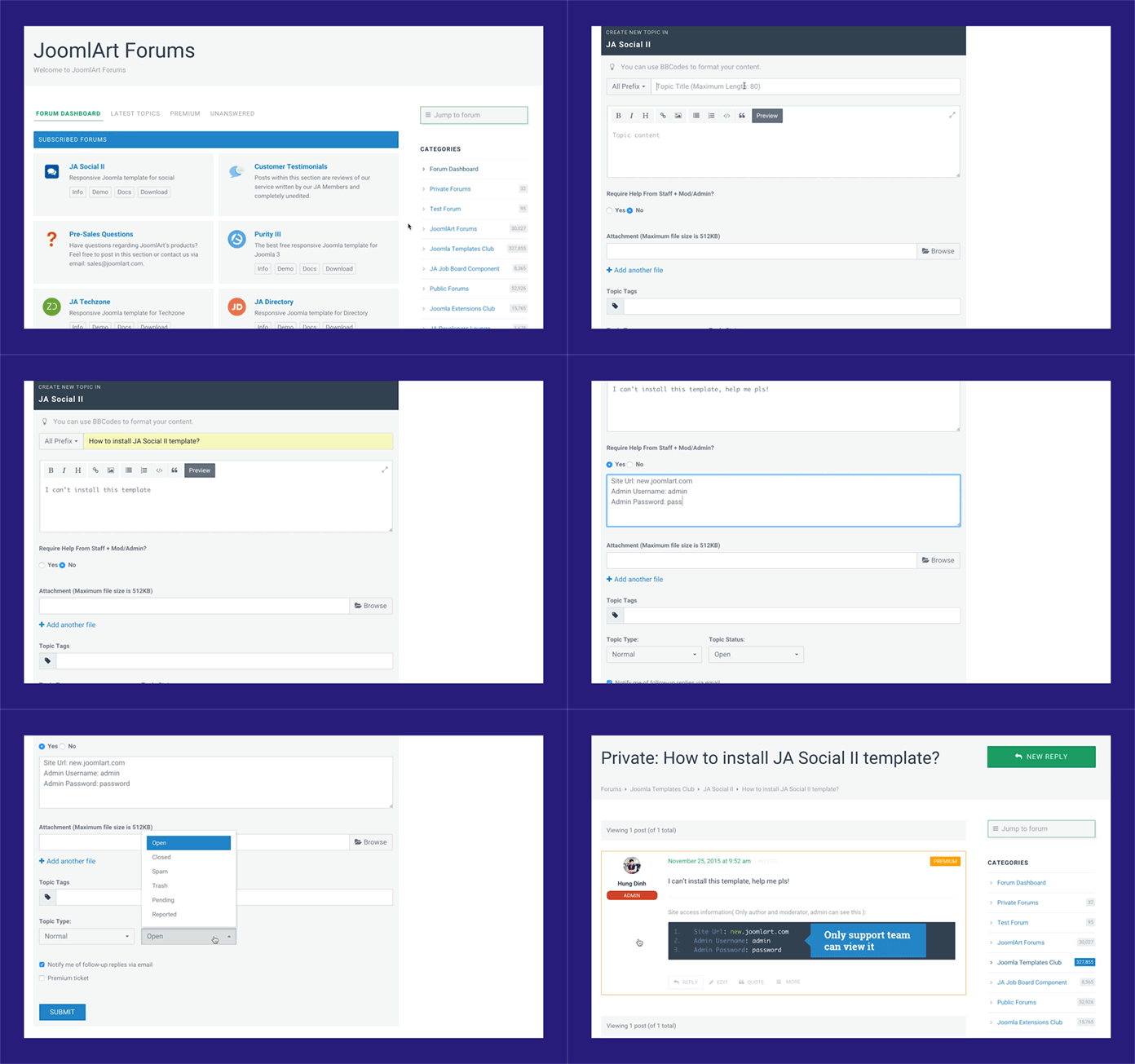
February 9, 2016 at 4:34 am #879693You can update credentials (URL, admin & ftp account) of your site in this topic so I will have a look
http://static.joomlart.com/images/blog/2015/nov/Add-new-post.gif
-
AuthorPosts
This topic contains 7 replies, has 2 voices, and was last updated by 
We moved to new unified forum. Please post all new support queries in our New Forum