-
AuthorPosts
-
November 11, 2016 at 12:13 pm #985565
Hello
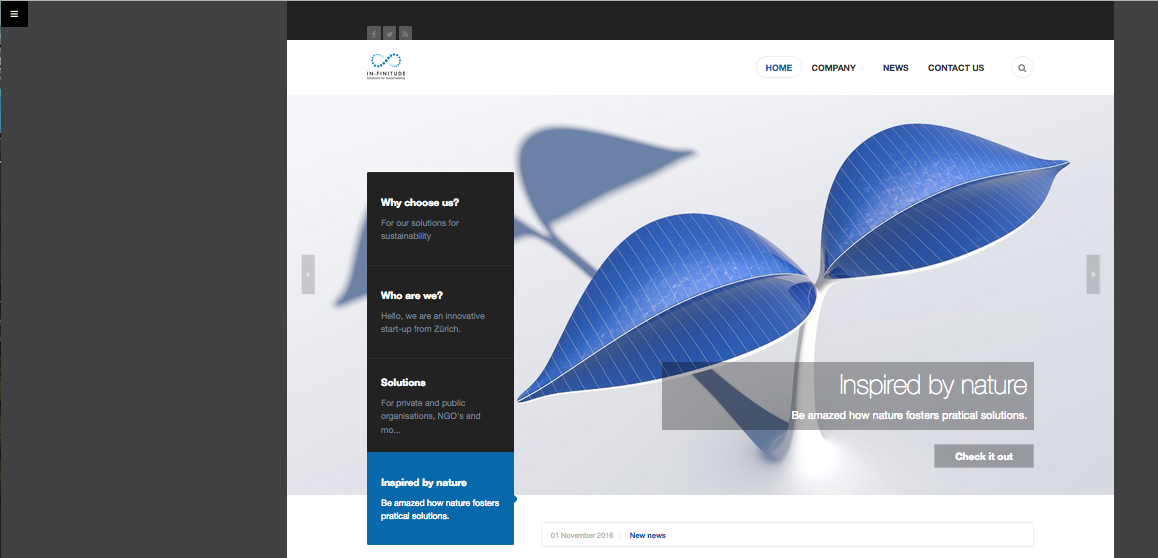
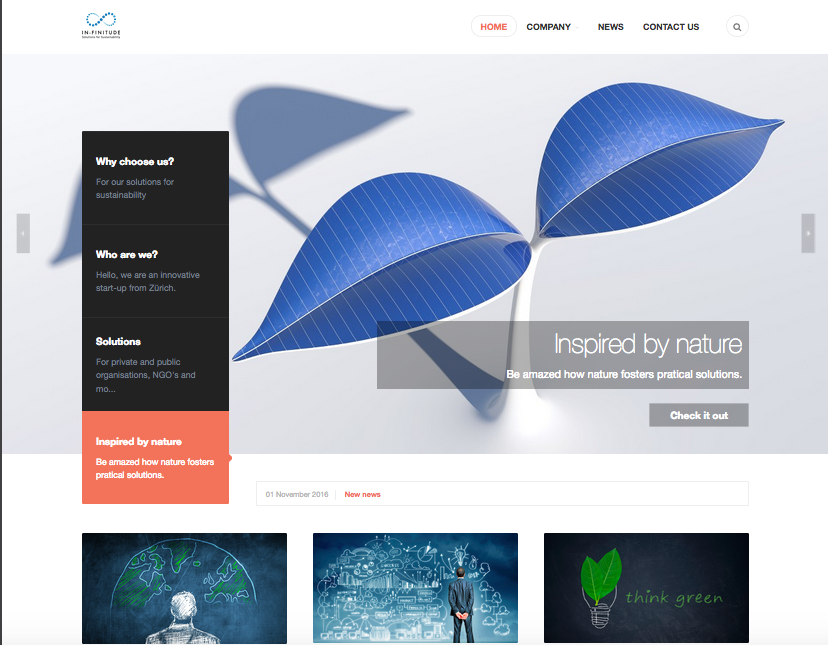
I have unpublished the sidebar in the template, and by doing so, the theme color has changed from blue (changed myself) to the original orange. Same problem when i want to unpublisched the module newsletter.
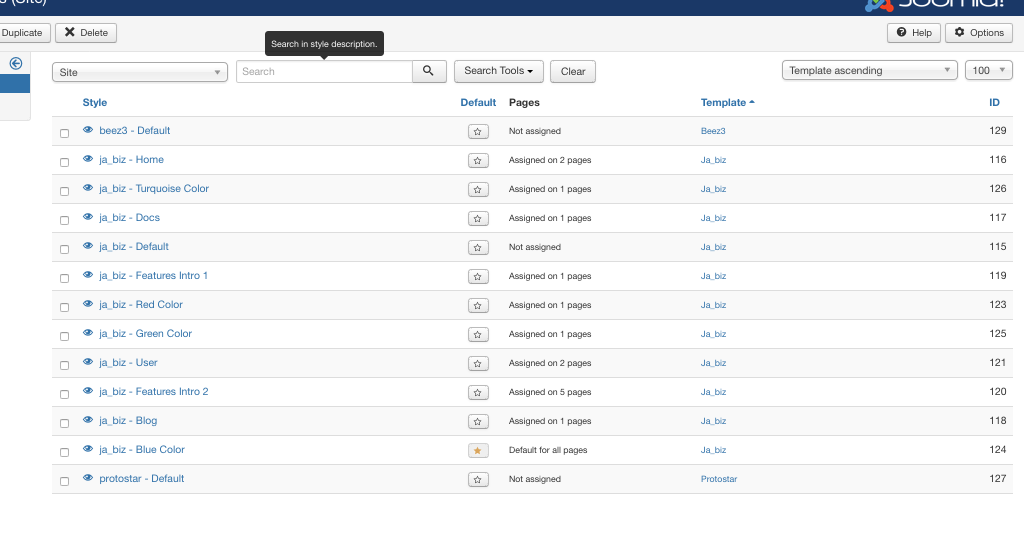
The default template is ja_biz – Blue Color.
What should I do? I try to replace the *.css files in the t3-assets folder, but nothing have changed.
Should I delete all other templates?
Thanks for your help.
 Pankaj Sharma
Moderator
Pankaj Sharma
Moderator
Pankaj Sharma
- Join date:
- February 2015
- Posts:
- 24589
- Downloads:
- 144
- Uploads:
- 202
- Thanks:
- 127
- Thanked:
- 4196 times in 4019 posts
November 12, 2016 at 4:20 am #985684Hi
If you are making changes via t3-aseets folder , do not make changes from it.
Its used to cache the CSS/js/less files . The changes you will apply , will be removed after some time .
If you want to use your own theme I suggest you use Theme magic option from template options .
And create your own theme .
Let me know with site details via Private reply if still, you have any issue in this .November 12, 2016 at 5:08 pm #985774Hello
Thanks for your answer, where do I find this theme? I went to the template and nothing there.
If I understand you, with this theme, I could use the same Ja Biz template with my customized colors?
Thanks
November 13, 2016 at 12:30 pm #985839I think i found it:
https://www.joomlart.com/video-tutorials/t3-framework/thememagic-customPankaj Sharma
Moderator
Pankaj Sharma
- Join date:
- February 2015
- Posts:
- 24589
- Downloads:
- 144
- Uploads:
- 202
- Thanks:
- 127
- Thanked:
- 4196 times in 4019 posts
November 14, 2016 at 1:35 am #985973Hi
Yes : https://www.joomlart.com/video-tutorials/t3-framework/thememagic-custom
This will guide you how to use ThemeMagic .Regards
November 14, 2016 at 9:32 am #986082Hello
So i did everything explain on this link:
http://www.joomlaux.com/forum/jux-wedding/3777-thememagic-changes-not-applying.html?limitstart=01) I have made Thememagic on for modifications
2) I have openend Thememagic and there I have changed the backgroud color
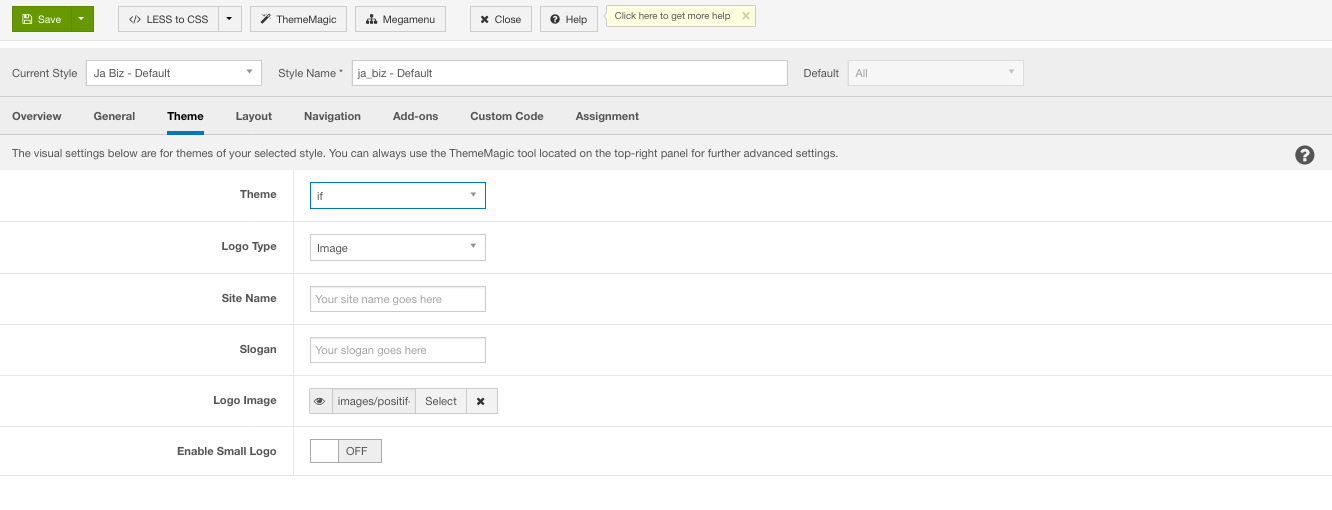
3) I have saved the file with the name if
4) I went to the administrator panel and under theme i put the theme if
5) I have launched the less to CSS
6) And the then save the allAfter finishing this, I have check in the thememagic if the changes were done and it is working, but my website still have the original color. Don’t understand the problem.
Thanks for the support
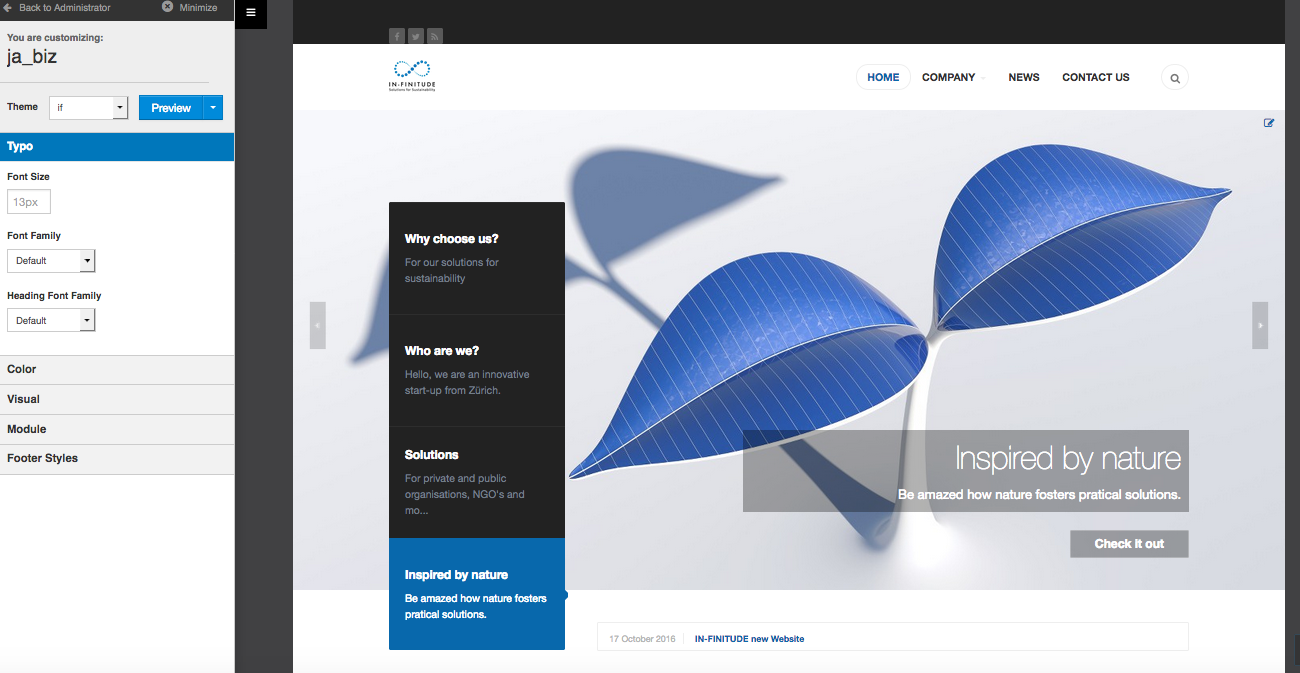
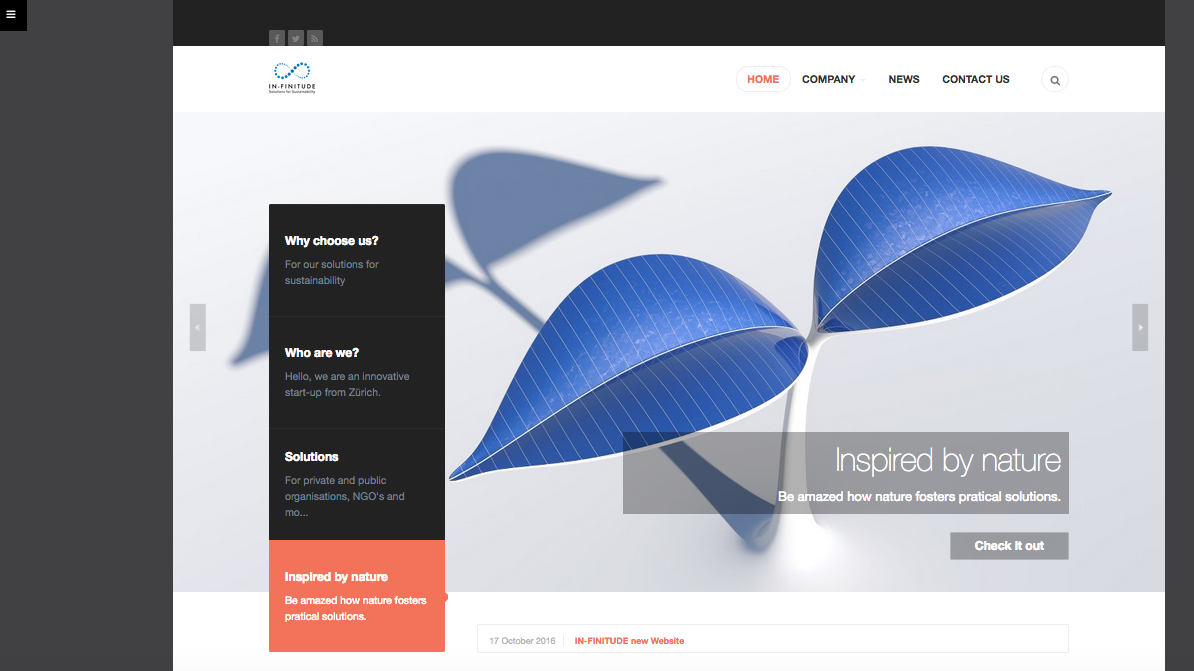 Pankaj Sharma
Moderator
Pankaj Sharma
Moderator
Pankaj Sharma
- Join date:
- February 2015
- Posts:
- 24589
- Downloads:
- 144
- Uploads:
- 202
- Thanks:
- 127
- Thanked:
- 4196 times in 4019 posts
November 14, 2016 at 9:40 am #986089Hi
Kindly send site super user details via Private reply . I will have a closer look on it.November 14, 2016 at 10:08 am #986107This reply has been marked as private.Pankaj Sharma
Moderator
Pankaj Sharma
- Join date:
- February 2015
- Posts:
- 24589
- Downloads:
- 144
- Uploads:
- 202
- Thanks:
- 127
- Thanked:
- 4196 times in 4019 posts
November 14, 2016 at 10:26 am #986110Hi
I just changed the theme to If and its working fine. home menu item using JA Biz Home template style , you forgot to change the theme for this style.
Kindly check your site now.For social topic , kindly open a new thread for different topic.
November 14, 2016 at 10:42 am #986119Hello
Great, thank you very much, I will open a new topic for the social media.
Cheers
Pankaj Sharma
Moderator
Pankaj Sharma
- Join date:
- February 2015
- Posts:
- 24589
- Downloads:
- 144
- Uploads:
- 202
- Thanks:
- 127
- Thanked:
- 4196 times in 4019 posts
November 14, 2016 at 10:47 am #986122You are welcome!
AuthorPostsViewing 11 posts - 1 through 11 (of 11 total)This topic contains 10 replies, has 2 voices, and was last updated by
Pankaj Sharma 8 years, 2 months ago.We moved to new unified forum. Please post all new support queries in our New Forum
Jump to forum
Unpublished sidebar leads to change in the template color
Viewing 11 posts - 1 through 11 (of 11 total)