-
AuthorPosts
-
May 10, 2016 at 11:40 am #928908
Hi
Update shows there is an update for this template. When I try to run it I get:
Warning
Update path does not exist.
Message
Error updating COM_INSTALLER_TYPETYPE.
Notice
Before updating ensure that the update is compatible with your Joomla! installation.JA Extension Manager shows no item under Template. What am I supposed to do?
Joomla Version 3.5.1Thanks
 Pankaj Sharma
Moderator
Pankaj Sharma
Moderator
Pankaj Sharma
- Join date:
- February 2015
- Posts:
- 24589
- Downloads:
- 144
- Uploads:
- 202
- Thanks:
- 127
- Thanked:
- 4196 times in 4019 posts
May 10, 2016 at 12:14 pm #928931Hi
All JA Extension are updated via JA EXtension manager component .
Kindly install the JA EXtension manager component and configure your JA Account in it ,select Joomlart updates for update JA Extension and templates .
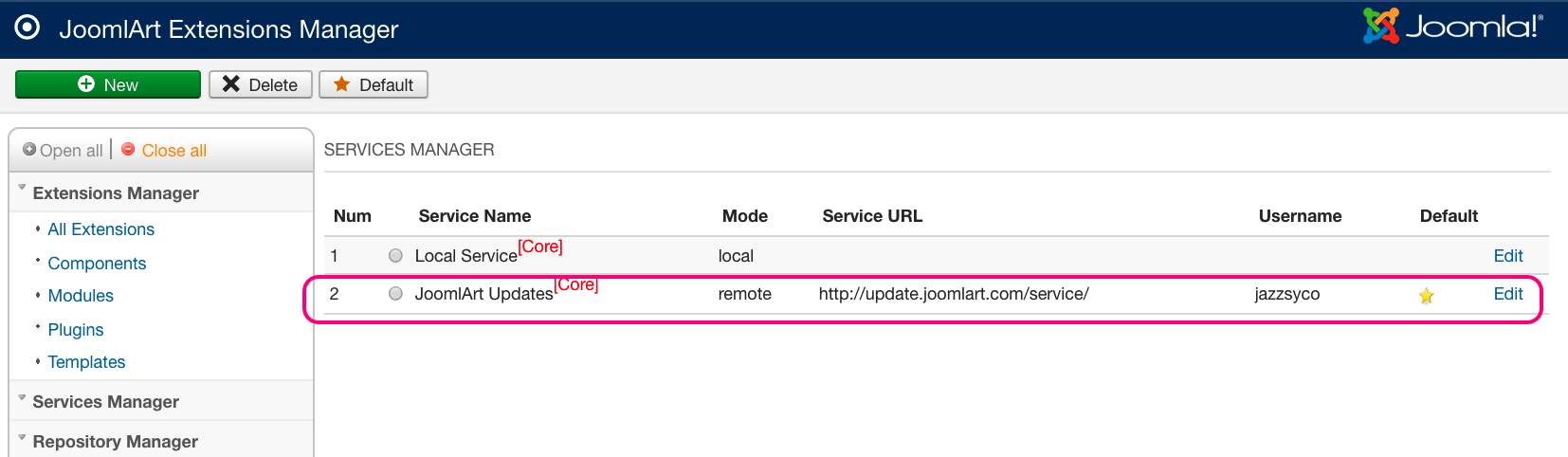
Also go to service manager > Joomlart updates and add your JA Account updates ,
The try to update .
If you have already using latest version then there is Joomla cache and Joomla update Db table not updated
You can Purge the Joomla cache and it will be remove .May 10, 2016 at 11:54 pm #929139Hi Pankaj
Thank you for your response.
As mentioned earlier, I do have JA Extension manager installed (pls see attached images) but the template does not come up. I wonder why that is?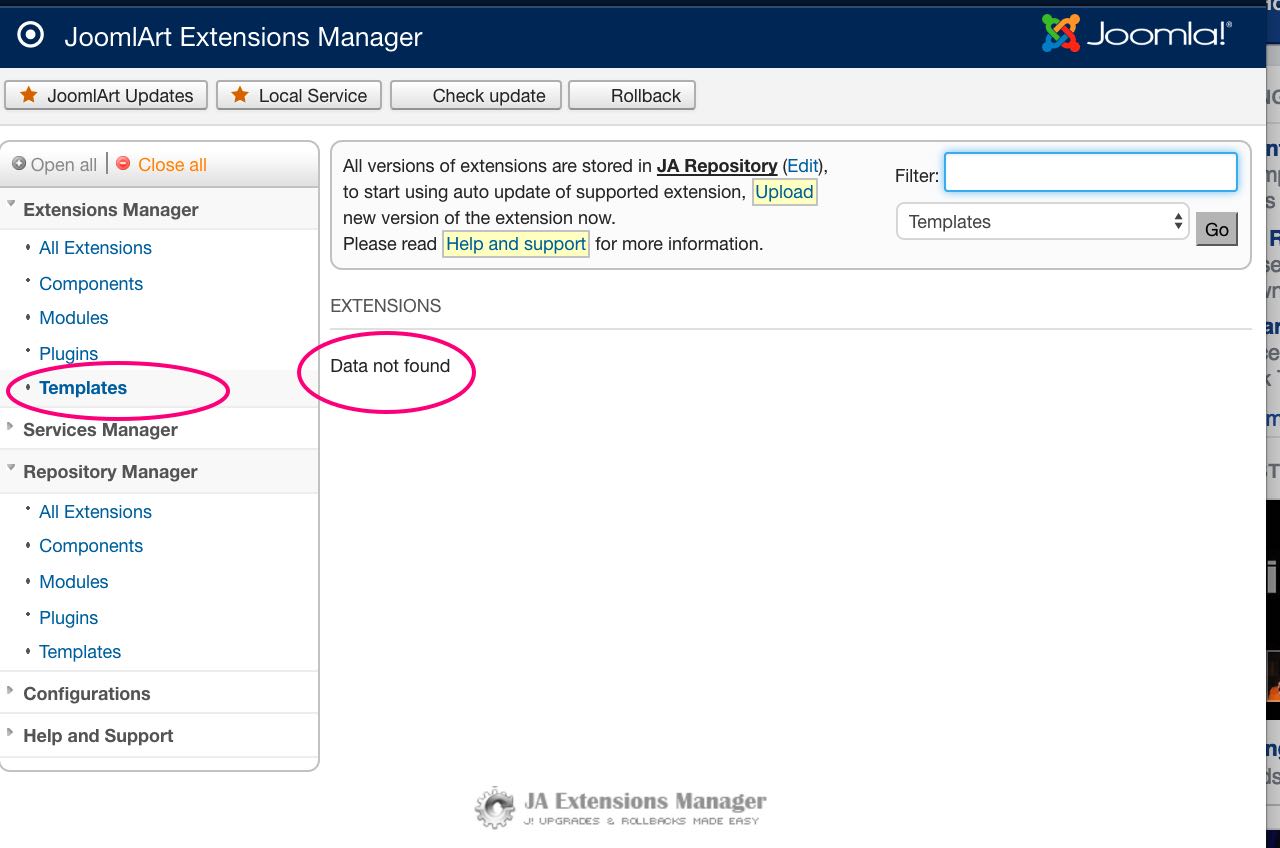
 Pankaj Sharma
Moderator
Pankaj Sharma
Moderator
Pankaj Sharma
- Join date:
- February 2015
- Posts:
- 24589
- Downloads:
- 144
- Uploads:
- 202
- Thanks:
- 127
- Thanked:
- 4196 times in 4019 posts
May 11, 2016 at 12:53 am #929156Hi
Go to JA Extension manager > Configurations > Hide non JA Extension > NO .
Save and check
Let me know if it helps .-
AuthorPosts
Viewing 5 posts - 1 through 5 (of 5 total)This topic contains 4 replies, has 2 voices, and was last updated by
jazzsyco 8 years, 8 months ago.
We moved to new unified forum. Please post all new support queries in our New Forum
Jump to forum
melih


