-
AuthorPosts
-
 Pankaj Sharma
Moderator
Pankaj Sharma
Moderator
Pankaj Sharma
- Join date:
- February 2015
- Posts:
- 24589
- Downloads:
- 144
- Uploads:
- 202
- Thanks:
- 127
- Thanked:
- 4196 times in 4019 posts
April 19, 2017 at 2:24 am #1027340Hi
Kindly open menu module in Joomla admin panel. In module show submenu- YES
Save and check.
Regardsbillo0071 Friend
billo0071
- Join date:
- November 2016
- Posts:
- 32
- Downloads:
- 30
- Uploads:
- 2
- Thanks:
- 3
- Thanked:
- 3 times in 3 posts
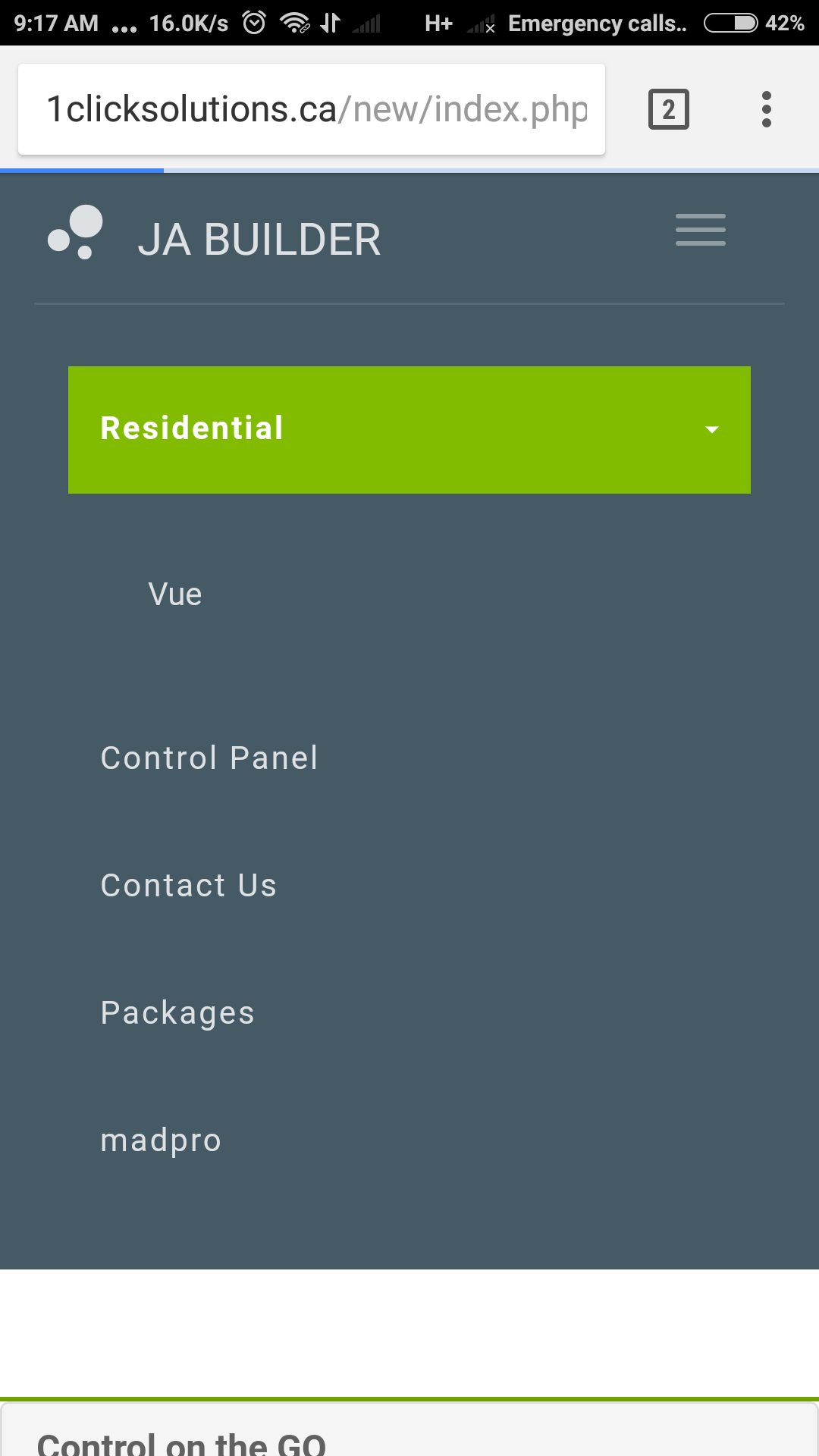
April 19, 2017 at 9:39 pm #1027537Like I said it’s working on desktop and show submenus is enabled but when you use chrome for android the submenu is there but not clickable.
Pankaj Sharma
Moderator
Pankaj Sharma
- Join date:
- February 2015
- Posts:
- 24589
- Downloads:
- 144
- Uploads:
- 202
- Thanks:
- 127
- Thanked:
- 4196 times in 4019 posts
April 20, 2017 at 3:49 am #1027598Hi
I can see the submenu in google chrome in Android.
Please see the attached file.
You are using a clickable parent item, in mobile when u click on it will also open the page of parent item .
I suggest you to use menu type text separater to avoid the menu click.billo0071
- Join date:
- November 2016
- Posts:
- 32
- Downloads:
- 30
- Uploads:
- 2
- Thanks:
- 3
- Thanked:
- 3 times in 3 posts
April 20, 2017 at 1:01 pm #1027747Hello well that seems like a band aid fix, that does not address the bug. So if I understand this correctly I can only use text separator menu type to fix the bug. That is not convenient at all. I need the the main menu item clickable. This is not a joomla problem.
Pankaj Sharma
Moderator
Pankaj Sharma
- Join date:
- February 2015
- Posts:
- 24589
- Downloads:
- 144
- Uploads:
- 202
- Thanks:
- 127
- Thanked:
- 4196 times in 4019 posts
April 21, 2017 at 1:48 am #1027854Hi
Add below code in custom css block save and check@media (max-width:468px) { .jub-block .header .nav>li.parent>a {max-width:200px;}}now you if will click on the right side it open the drop down and it you will click on the name of the parent item, it will open the Menu item.
Also if the menu is linked to an item it always goes to that page on click, this is normal behviour of menu item.For the Gap below the header, Kindly open the Menu > Main menu > Home > page display > Show page heading > NO.
save and check.billo0071
- Join date:
- November 2016
- Posts:
- 32
- Downloads:
- 30
- Uploads:
- 2
- Thanks:
- 3
- Thanked:
- 3 times in 3 posts
April 21, 2017 at 2:45 am #1027860the sub menu not being clickable on android chrome. I don’t think your understanding. The desktop version has no sub menu issues works as it should. When I tested on android chrome with txt separator sub menu works , as a reg menu item the sub menu is not clickable and opens the parent. This is not normal behavior. Test it yourself. http://1clicksolutions.ca/new/index.php/en/
First residential menu item sub menu not working , the last residential menu item sub menu works.Pankaj Sharma
Moderator
Pankaj Sharma
- Join date:
- February 2015
- Posts:
- 24589
- Downloads:
- 144
- Uploads:
- 202
- Thanks:
- 127
- Thanked:
- 4196 times in 4019 posts
April 21, 2017 at 3:53 am #1027865Hi
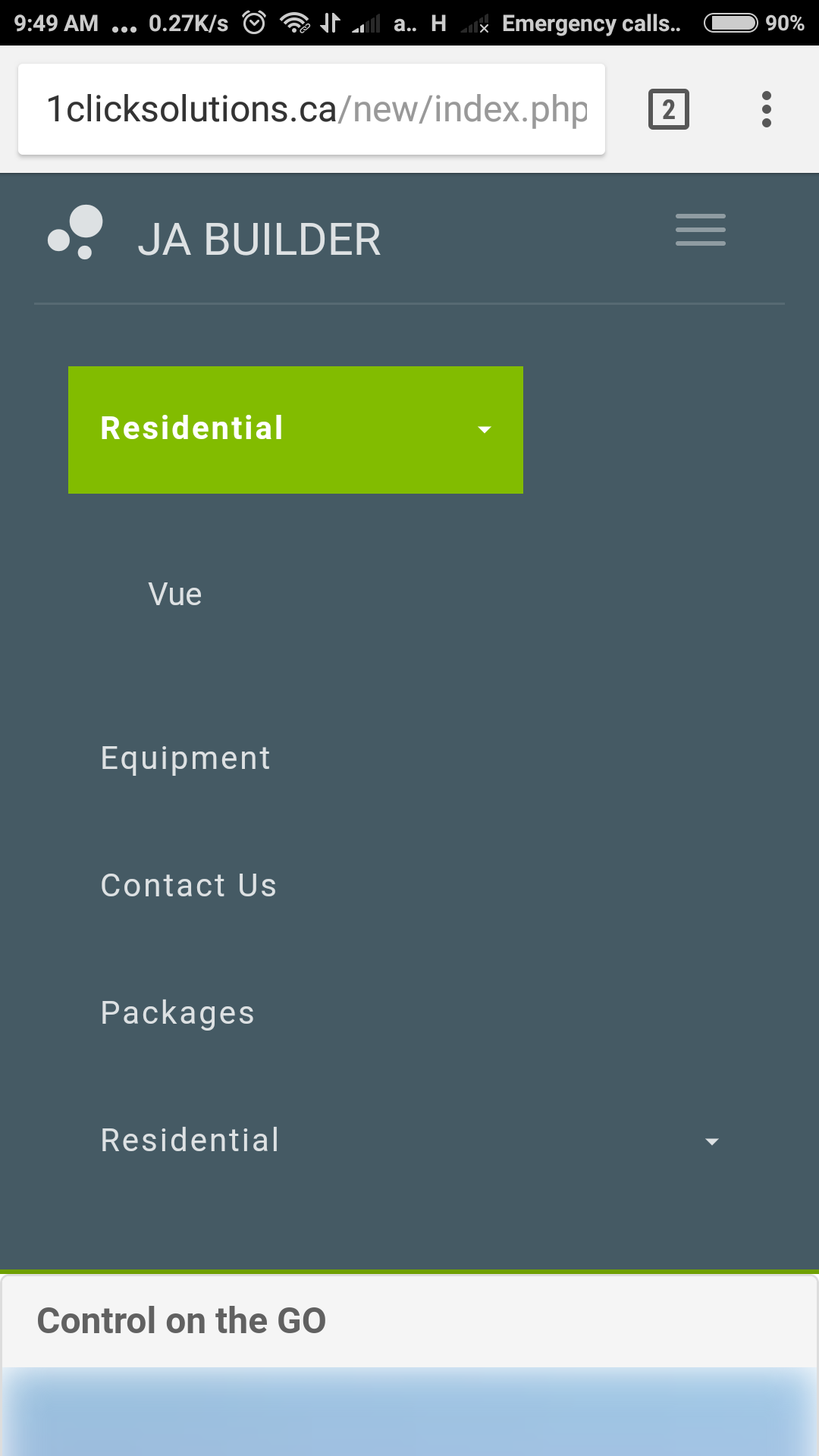
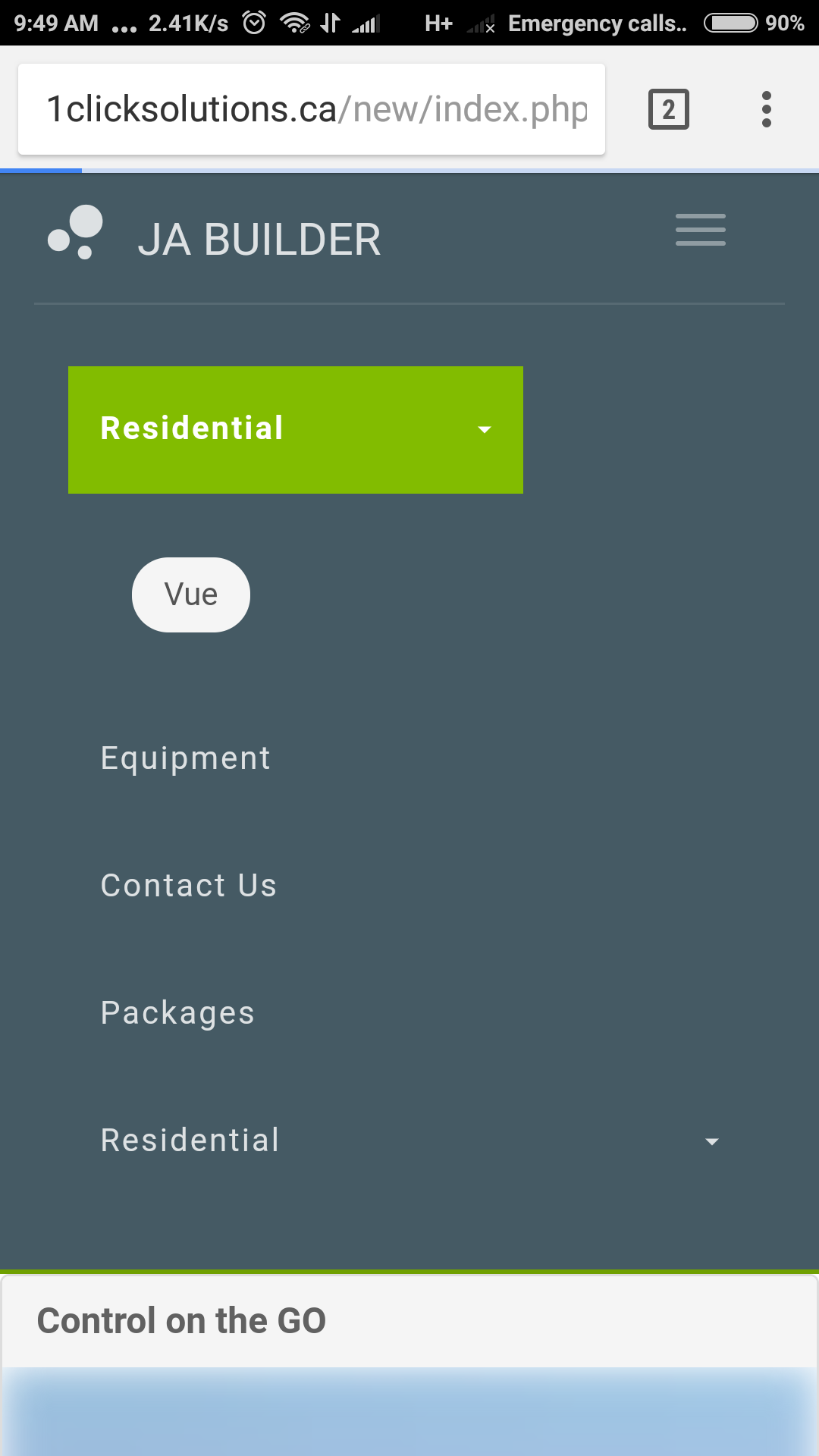
The submenu is showing fine. Please check it again. On first touch it shows the submenu and if u will click on menu item, it will redirect to menu item link. Check below screenshots.Regards
billo0071
- Join date:
- November 2016
- Posts:
- 32
- Downloads:
- 30
- Uploads:
- 2
- Thanks:
- 3
- Thanked:
- 3 times in 3 posts
April 21, 2017 at 3:39 pm #1028004This reply has been marked as private.billo0071
- Join date:
- November 2016
- Posts:
- 32
- Downloads:
- 30
- Uploads:
- 2
- Thanks:
- 3
- Thanked:
- 3 times in 3 posts
April 21, 2017 at 3:44 pm #1028005I tried it on 3 different devices and still get the same result when I click on the parent and then try to click on the child it opens the parent child still is not clickable. This needs to be fixed as it will be a deal breaker if I can’t make submenus that will work on mobile.
Pankaj Sharma
Moderator
Pankaj Sharma
- Join date:
- February 2015
- Posts:
- 24589
- Downloads:
- 144
- Uploads:
- 202
- Thanks:
- 127
- Thanked:
- 4196 times in 4019 posts
April 22, 2017 at 1:45 am #1028054Hi
Its already working on your site.
This is normal behaviour in mobile.
On touch devices the hover is work on first touch.
On first touch it shows the submenu and if u will further click on menu item, it will redirect to menu item link. Check my screenshots taken from your site.-
AuthorPosts
Viewing 11 posts - 1 through 11 (of 11 total)This topic contains 11 replies, has 2 voices, and was last updated by
billo0071 7 years, 9 months ago.
The topic ‘Sub menu items in header not working on mobile’ is closed to new replies.
Jump to forum
melih