

Viewing 4 posts - 1 through 4 (of 4 total)
-
AuthorPosts
-
October 18, 2017 at 3:45 am #1068481
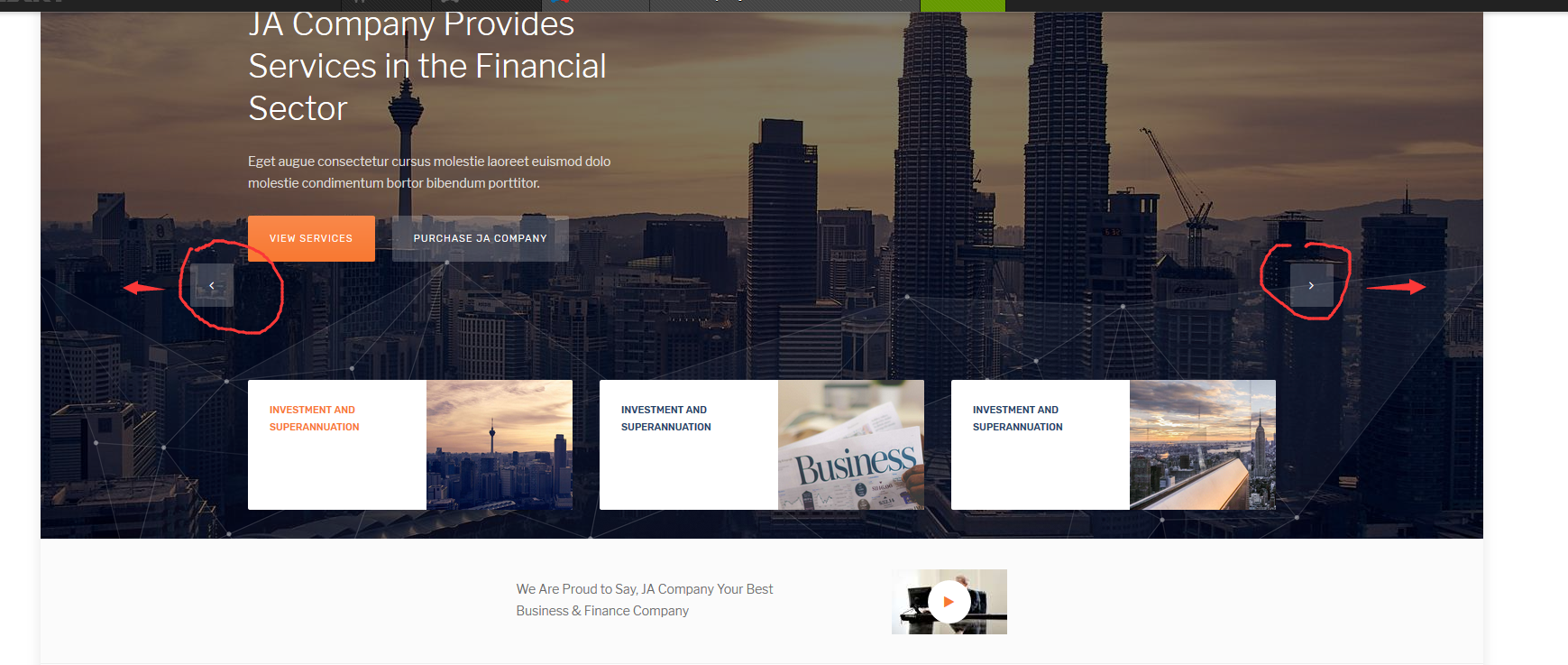
slideshow ,How to make the navigation button Center, not bottom.


 Pankaj Sharma
Moderator
Pankaj Sharma
Moderator
Pankaj Sharma
- Join date:
- February 2015
- Posts:
- 24589
- Downloads:
- 144
- Uploads:
- 202
- Thanks:
- 127
- Thanked:
- 4196 times in 4019 posts
October 18, 2017 at 4:13 am #1068496Hi
Add below code in custom.css file to move the buttons.slideshow .swiper-thumbs-wraper .swiper-button-white { top: -70%!important;}Regards
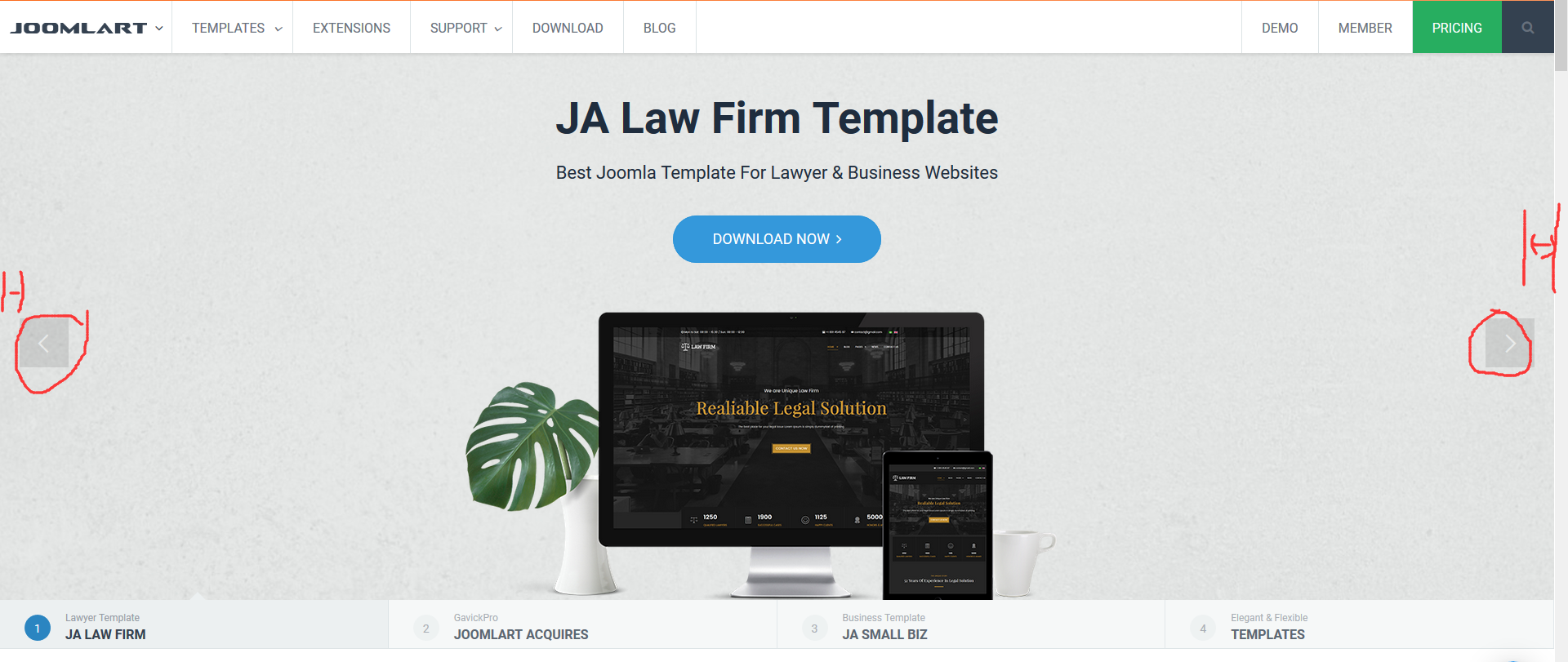
October 18, 2017 at 6:34 am #1068509thank you! and how to let arrorws Close to both ends of the screen, as your official website does?
 Pankaj Sharma
Moderator
Pankaj Sharma
Moderator
Pankaj Sharma
- Join date:
- February 2015
- Posts:
- 24589
- Downloads:
- 144
- Uploads:
- 202
- Thanks:
- 127
- Thanked:
- 4196 times in 4019 posts
October 18, 2017 at 6:43 am #1068513Hi
In this ACM slideshow, it use container width that is the maximum width of container
if you will customise this width it changes other style and you need to do custom work of each part.
You can use inspect element to check the style code and override them via custom.css file http://prntscr.com/gysz8qRegards
-
AuthorPosts
Viewing 4 posts - 1 through 4 (of 4 total)This topic contains 3 replies, has 2 voices, and was last updated by
Pankaj Sharma 7 years, 3 months ago.We moved to new unified forum. Please post all new support queries in our New Forum
Jump to forum
