-
AuthorPosts
-
 Ninja Lead
Moderator
Ninja Lead
Moderator
Ninja Lead
- Join date:
- November 2014
- Posts:
- 16064
- Downloads:
- 310
- Uploads:
- 2864
- Thanks:
- 341
- Thanked:
- 3854 times in 3563 posts
October 27, 2016 at 1:57 am #980757Hi,
Please rollback that changed on your site and apply my suggestion below
- Template manage -> JA Magz II Default -> General tab -> change Show Typo Tools and Show Sharing Buttons to OFF, http://prntscr.com/czfpee
Hope it helps
Regards
October 27, 2016 at 10:27 am #980932Hi Ninja, thanks for your replaying. when i apply your suggestion ""article-tools"" hides from all articles , what i need hide it only in some article 🙂
So i need to make an alternative layout for articleNinja Lead
Moderator
Ninja Lead
- Join date:
- November 2014
- Posts:
- 16064
- Downloads:
- 310
- Uploads:
- 2864
- Thanks:
- 341
- Thanked:
- 3854 times in 3563 posts
October 28, 2016 at 1:26 am #981192Hi,
If you want to apply some articles, you can use this way
-
Rollback my solution before that
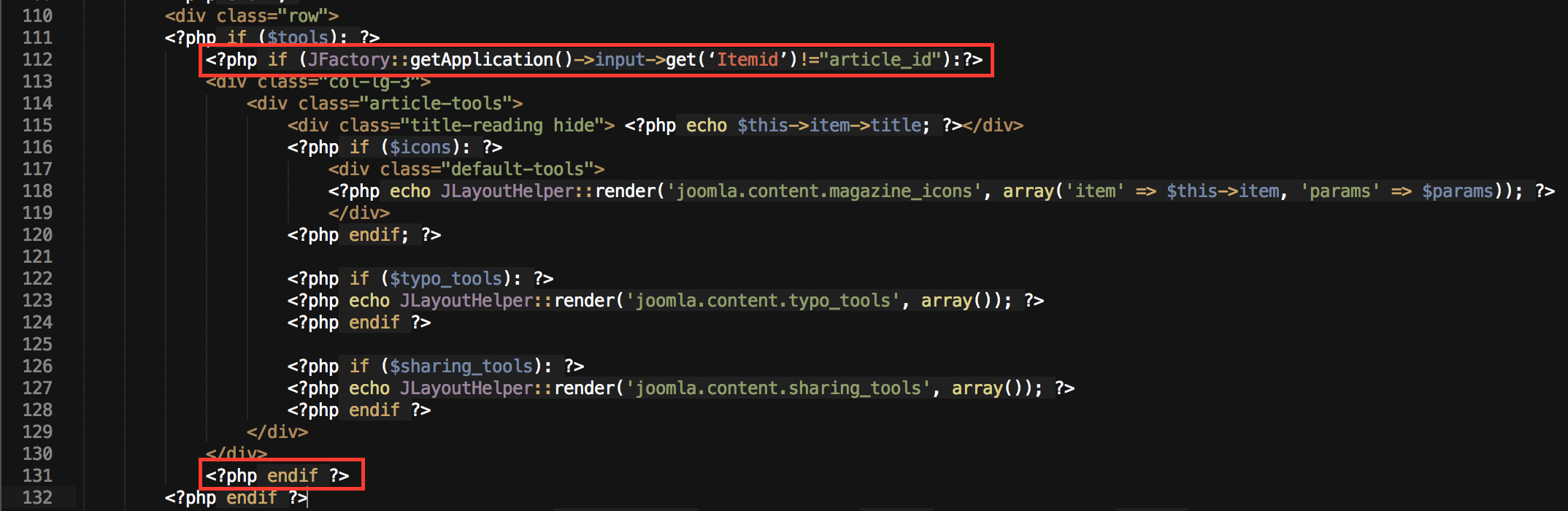
- Open templates/ja_magz_ii/html/com_content/article/default.php file and add this code if (JFactory::getApplication()->input->get(‘Itemid’)!="article_id")
to
<?php if ($tools): ?>
...
....
<?php endif ?>
Regards
November 1, 2016 at 3:50 pm #982467Hi Ninja
kindly could you please show me in more details how can i get that.?
after i add the code what should i do?
and is it for all articles that belong to one category or one menu item ?thanks
Ninja Lead
Moderator
Ninja Lead
- Join date:
- November 2014
- Posts:
- 16064
- Downloads:
- 310
- Uploads:
- 2864
- Thanks:
- 341
- Thanked:
- 3854 times in 3563 posts
November 2, 2016 at 2:06 am #982575Hi,
Kindly take a look at my screenshot and change article_id with article id on your site (Article id from article manager)
Regards
November 2, 2016 at 3:03 pm #982859Not working 🙁
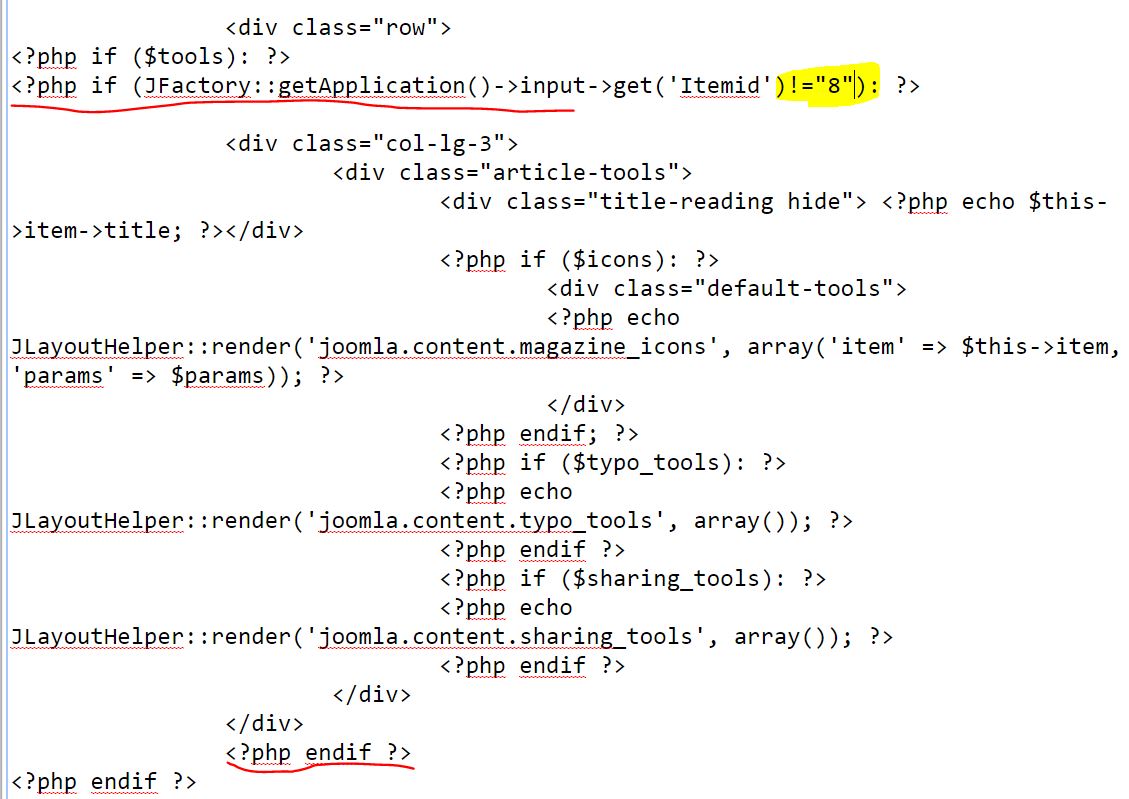
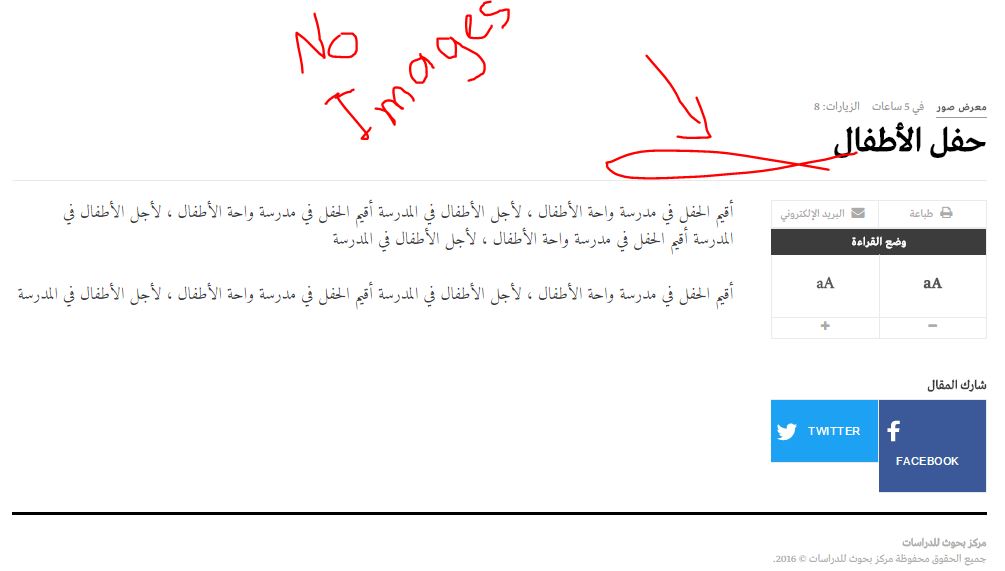
i don’t know what is the problemi attach the image that show what i do
and this is the url for the article
http://www.bohooth.org/index.php/research-item/8-2016-10-25-19-32-49although when i remove all code from the default.php the tools hide, this meaning the file is correct .
may be the there is a problem in if conditionthanks
 Ninja Lead
Moderator
Ninja Lead
Moderator
Ninja Lead
- Join date:
- November 2014
- Posts:
- 16064
- Downloads:
- 310
- Uploads:
- 2864
- Thanks:
- 341
- Thanked:
- 3854 times in 3563 posts
November 3, 2016 at 1:23 am #982989From your image above, I see wrong the format code on your site
- If (JFactory::getApplication()->input->get(‘Itemid’)!="8"), you should change it to
If (JFactory::getApplication()->input->get(‘Itemid’)!=8)and that code above, you want to disable article-tools with all articles unless article id is 8
1 user says Thank You to Ninja Lead for this useful post
November 3, 2016 at 3:05 pm #983188Hi
every time this condition give true result
I use this code and it works well ,<?php if ( $this->item->catid!=8): ?>I hope that this does not cause other problems
thank you for your efforts-
AuthorPosts
Viewing 8 posts - 1 through 8 (of 8 total)This topic contains 8 replies, has 2 voices, and was last updated by
emanmashlah 8 years, 3 months ago.
The topic ‘Remove "article-tools" from specific articles’ is closed to new replies.
Jump to forum
melih