

-
AuthorPosts
-
November 15, 2016 at 9:28 pm #986640
Hello
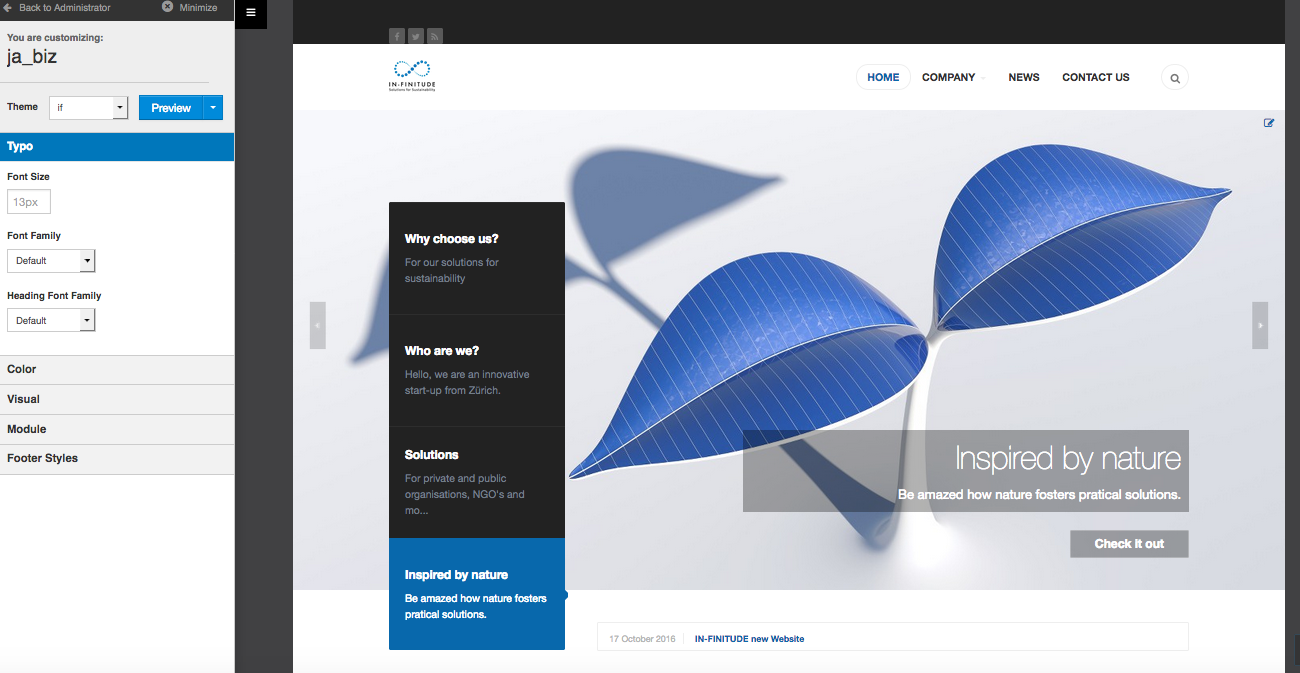
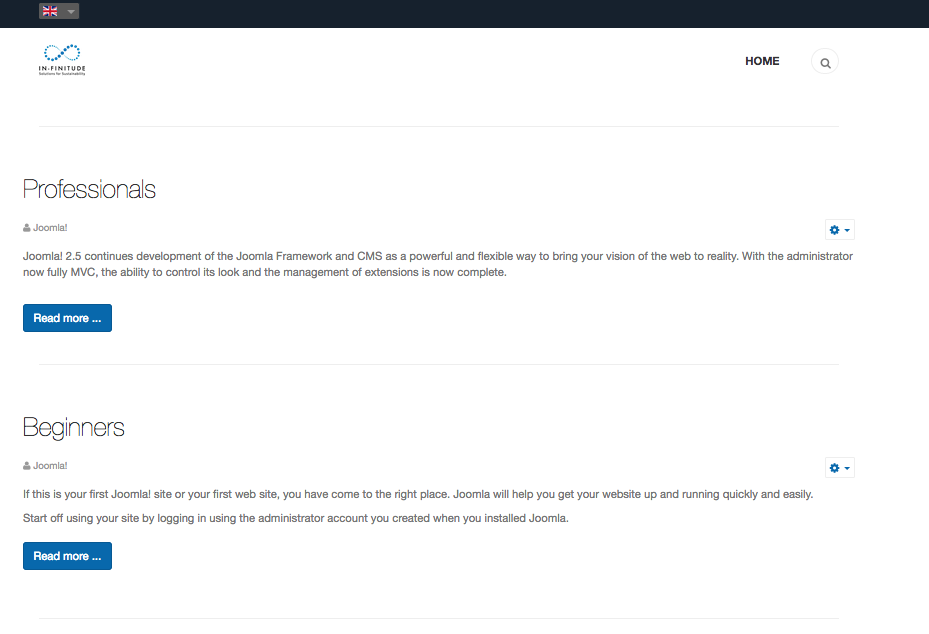
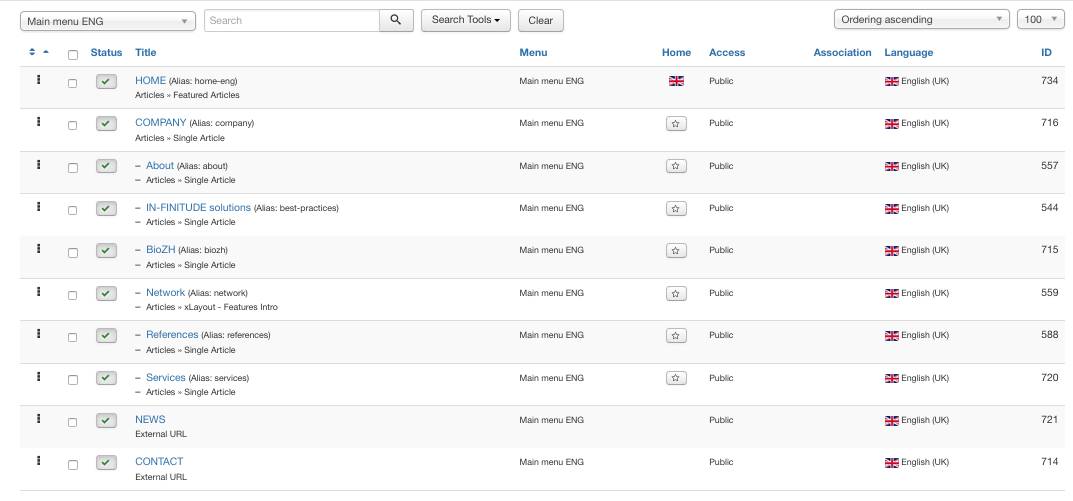
I have followed this video (https://www.youtube.com/watch?v=pb_Q-b3yOgs) in order to create 2 languages for my website. After following the instruction I have this results.
All menus are link to the same position, they all have a home, don’t understand the problem? Somehow the link to the main page is wrong.
Thanks for your advice


Saguaros Moderator
Saguaros
- Join date:
- September 2014
- Posts:
- 31405
- Downloads:
- 237
- Uploads:
- 471
- Thanks:
- 845
- Thanked:
- 5346 times in 4964 posts
November 16, 2016 at 3:33 am #986790Hi,
You can provide the admin login info of your site and specify what’s wrong, I will help you out.
Regards
November 16, 2016 at 7:28 am #986854This reply has been marked as private.Saguaros
- Join date:
- September 2014
- Posts:
- 31405
- Downloads:
- 237
- Uploads:
- 471
- Thanks:
- 845
- Thanked:
- 5346 times in 4964 posts
November 16, 2016 at 8:30 am #986870I checked your site, you should have template styles for each language.
And in each style, you select the associated menu to display, you can have a look at JA Biz – Home (UK) for sample. I changed it for you.
November 16, 2016 at 8:41 am #986874This reply has been marked as private.Saguaros
- Join date:
- September 2014
- Posts:
- 31405
- Downloads:
- 237
- Uploads:
- 471
- Thanks:
- 845
- Thanked:
- 5346 times in 4964 posts
November 16, 2016 at 9:58 am #986910Kindly check the Home menu item – the page you want to show – and see which template style is being assigned to it.
Then go to Extensions > Templates > open that template style > Layout tab and configure as you wish.
Pls check out the documentation of template for more info: https://www.joomlart.com/documentation/joomla-templates/ja-biz
November 16, 2016 at 4:11 pm #987003Hello
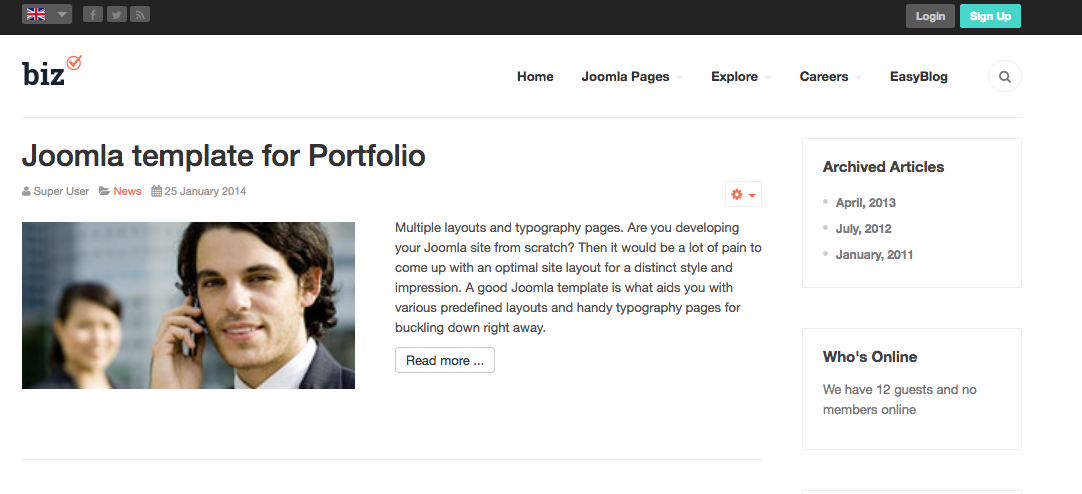
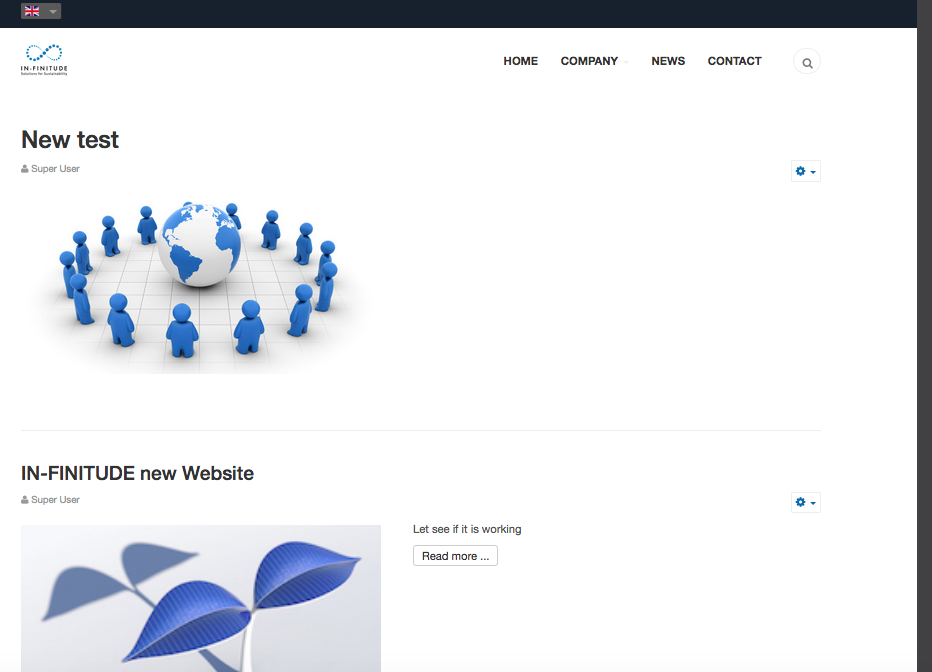
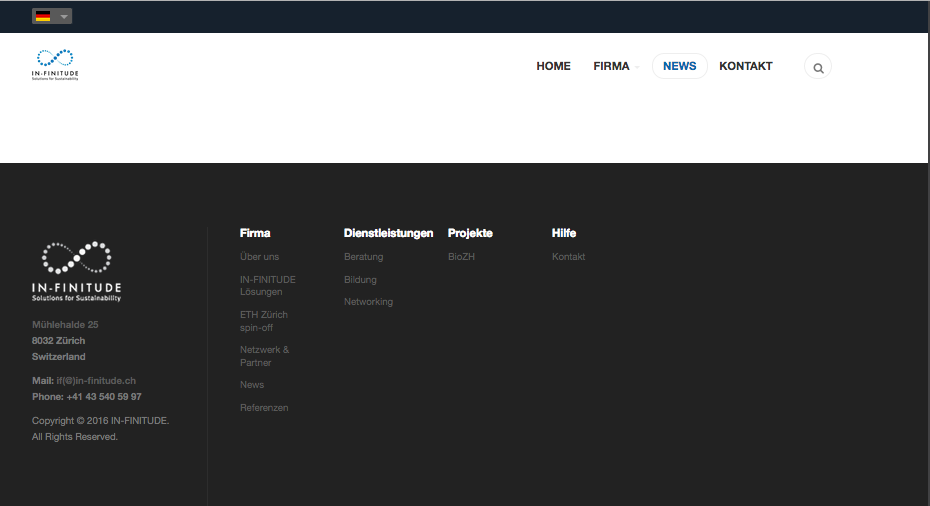
Thanks to your help I could resolve the problem. I just have a last question, I’m stuck with the news. I try to make the same design from englisch in german and in french, but I’m stuck. Should i create a new category per language, then link the articles to it? Or all news in the same category and just change the language for each article? (This last trick has work with Feature intro.) Or which menu item type should I link to the news.
Thanks for your respond
Have a lovely day
 November 16, 2016 at 4:34 pm #987013
Hello
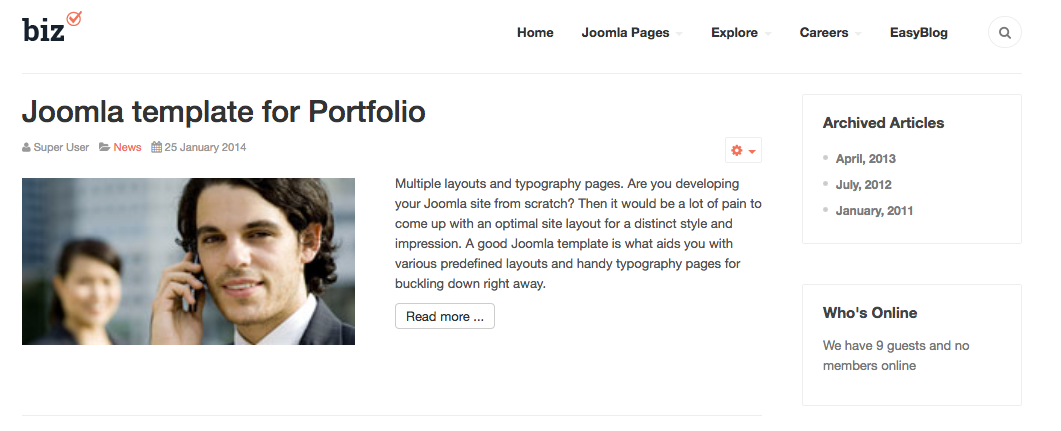
I found the solution, but the layout is not the same as your model. Wich Menu Item Type should I use? Thanks
Cheers

Saguaros
- Join date:
- September 2014
- Posts:
- 31405
- Downloads:
- 237
- Uploads:
- 471
- Thanks:
- 845
- Thanked:
- 5346 times in 4964 posts
November 17, 2016 at 2:59 am #987134Which page in our demo site: http://ja-biz.demo.joomlart.com/index.php/en/ are you trying to configure the same?
November 17, 2016 at 8:08 am #987196Hello
I would be this one: http://ja-biz.demo.joomlart.com/index.php/en/news
For the menu news I used -> xLayout – Features Intro, but the design is not the same as your page. How did you do the news page?
Have a lovely day
Saguaros
- Join date:
- September 2014
- Posts:
- 31405
- Downloads:
- 237
- Uploads:
- 471
- Thanks:
- 845
- Thanked:
- 5346 times in 4964 posts
November 18, 2016 at 1:43 am #987430That page should have menu item type of Articles >> xLayout – Blog: http://prntscr.com/d8opbh
http://ja-biz.demo.joomlart.com/index.php/en/explore/layouts/blogThe xLayout- Features Intro menu item type will look like this: http://ja-biz.demo.joomlart.com/index.php/en/explore/layouts/features
-
AuthorPosts
Viewing 11 posts - 1 through 11 (of 11 total)This topic contains 10 replies, has 2 voices, and was last updated by
Saguaros 8 years, 2 months ago.
We moved to new unified forum. Please post all new support queries in our New Forum
Jump to forum
Multi language do not show main page
Viewing 11 posts - 1 through 11 (of 11 total)
