

Tagged: Configuration, disabled, mega menu, mega menu toolbox
-
AuthorPosts
-
December 23, 2016 at 11:23 am #996931This reply has been marked as private.
 Pankaj Sharma
Moderator
Pankaj Sharma
Moderator
Pankaj Sharma
- Join date:
- February 2015
- Posts:
- 24589
- Downloads:
- 144
- Uploads:
- 202
- Thanks:
- 127
- Thanked:
- 4196 times in 4019 posts
December 26, 2016 at 1:39 am #997229Hi
I checked your site and noticed you are using custom ACL groups. Mega menu only support default Joomla user groups. You have to use one of the default Joomla user group.
RegardsDecember 26, 2016 at 11:42 am #997371Hello Pankaj,
thank you for looking at my site. Unfortunately I don’t understand want you mean…
I am a Super User so I am already using a Joomla-Default User group.
Could you explain me please what to do because right now I do not know how to solve the issue?Regards, Johannes
Pankaj Sharma
Moderator
Pankaj Sharma
- Join date:
- February 2015
- Posts:
- 24589
- Downloads:
- 144
- Uploads:
- 202
- Thanks:
- 127
- Thanked:
- 4196 times in 4019 posts
December 26, 2016 at 11:51 am #997375Hi
You have to use default Joomla user group access level like registered, public, special.December 26, 2016 at 12:04 pm #997377This reply has been marked as private.Pankaj Sharma
Moderator
Pankaj Sharma
- Join date:
- February 2015
- Posts:
- 24589
- Downloads:
- 144
- Uploads:
- 202
- Thanks:
- 127
- Thanked:
- 4196 times in 4019 posts
December 26, 2016 at 12:40 pm #997415Hi again , you have to set menu item access level to the default Joomla options. Like public, registered.
Hope its clear now.
Open any menu item>>>access level.December 26, 2016 at 2:07 pm #997427Hi again,
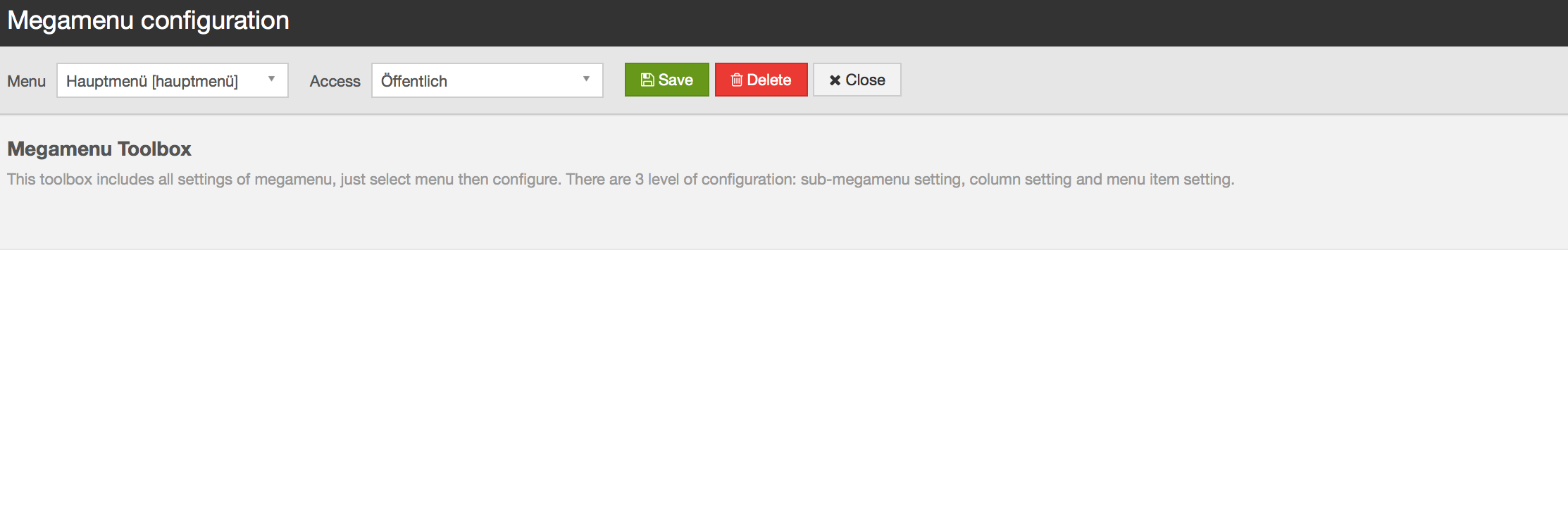
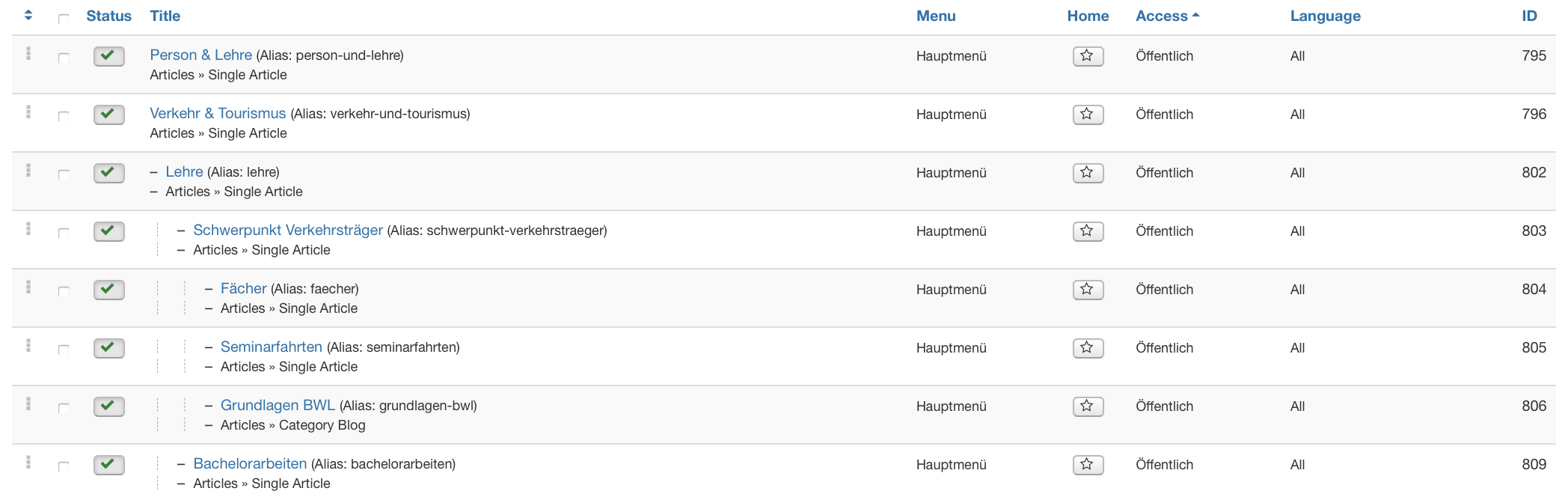
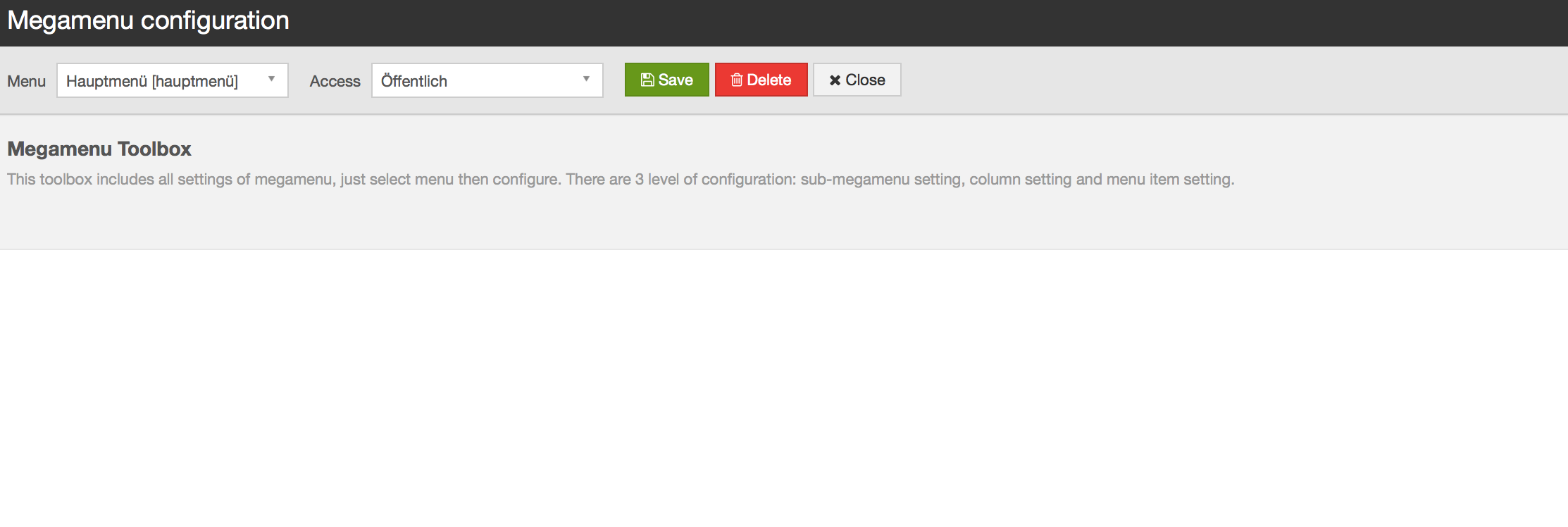
the item access level was set already to public and registered (see the attached file, "öffentlich" is just the german translation for "public")
So maybe that is not the issue?
 Pankaj Sharma
Moderator
Pankaj Sharma
Moderator
Pankaj Sharma
- Join date:
- February 2015
- Posts:
- 24589
- Downloads:
- 144
- Uploads:
- 202
- Thanks:
- 127
- Thanked:
- 4196 times in 4019 posts
December 26, 2016 at 11:19 pm #997473Hi
Thanks for language explanation. Kindly disable the 3rd party extension on your site one by one and check the megamenu, I tried to replicate this issue at my end , but the package working fine with mega menu items.December 26, 2016 at 11:26 pm #997481So this means I try to disable the Plugins or does that include something else as well?
December 27, 2016 at 12:33 am #997488This is really weird. I transferred it to localhost and disabled all 3rd party plugins (except the T3) moduls and components and so on …. and still it does not work… What more could I try out?
Regards Johannes
Pankaj Sharma
Moderator
Pankaj Sharma
- Join date:
- February 2015
- Posts:
- 24589
- Downloads:
- 144
- Uploads:
- 202
- Thanks:
- 127
- Thanked:
- 4196 times in 4019 posts
December 27, 2016 at 3:55 am #997532Hi
Kindly provide me Akeeba backup file of your site. I will install it on my localhost and help you to detect this issue.December 27, 2016 at 9:35 am #997589This reply has been marked as private.December 27, 2016 at 9:44 am #997592FyI: In localhost I deinstalled the akeeba component, and still the mega menu toolbox does not work.
Regards Johannes
December 27, 2016 at 9:55 am #997596FyI: In localhost i deinstalled the akeeba component, and still the mega menu toolbox does not work.
Regards
JohannesPankaj Sharma
Moderator
Pankaj Sharma
- Join date:
- February 2015
- Posts:
- 24589
- Downloads:
- 144
- Uploads:
- 202
- Thanks:
- 127
- Thanked:
- 4196 times in 4019 posts
December 28, 2016 at 1:49 am #997715Hi
I do not need akeeba backup component, I need backup file of your site so that i can install it on my localhost and test it.AuthorPostsThis topic contains 31 replies, has 2 voices, and was last updated by
Pankaj Sharma 8 years ago.The topic ‘Mega Menu Toolbox/ Configuration is not available’ is closed to new replies.
Jump to forum
