-
AuthorPosts
-
James Weston Friend
James Weston
- Join date:
- September 2014
- Posts:
- 1030
- Downloads:
- 11
- Uploads:
- 70
- Thanks:
- 408
- Thanked:
- 16 times in 1 posts
March 10, 2012 at 12:55 pm #174828Evening All,
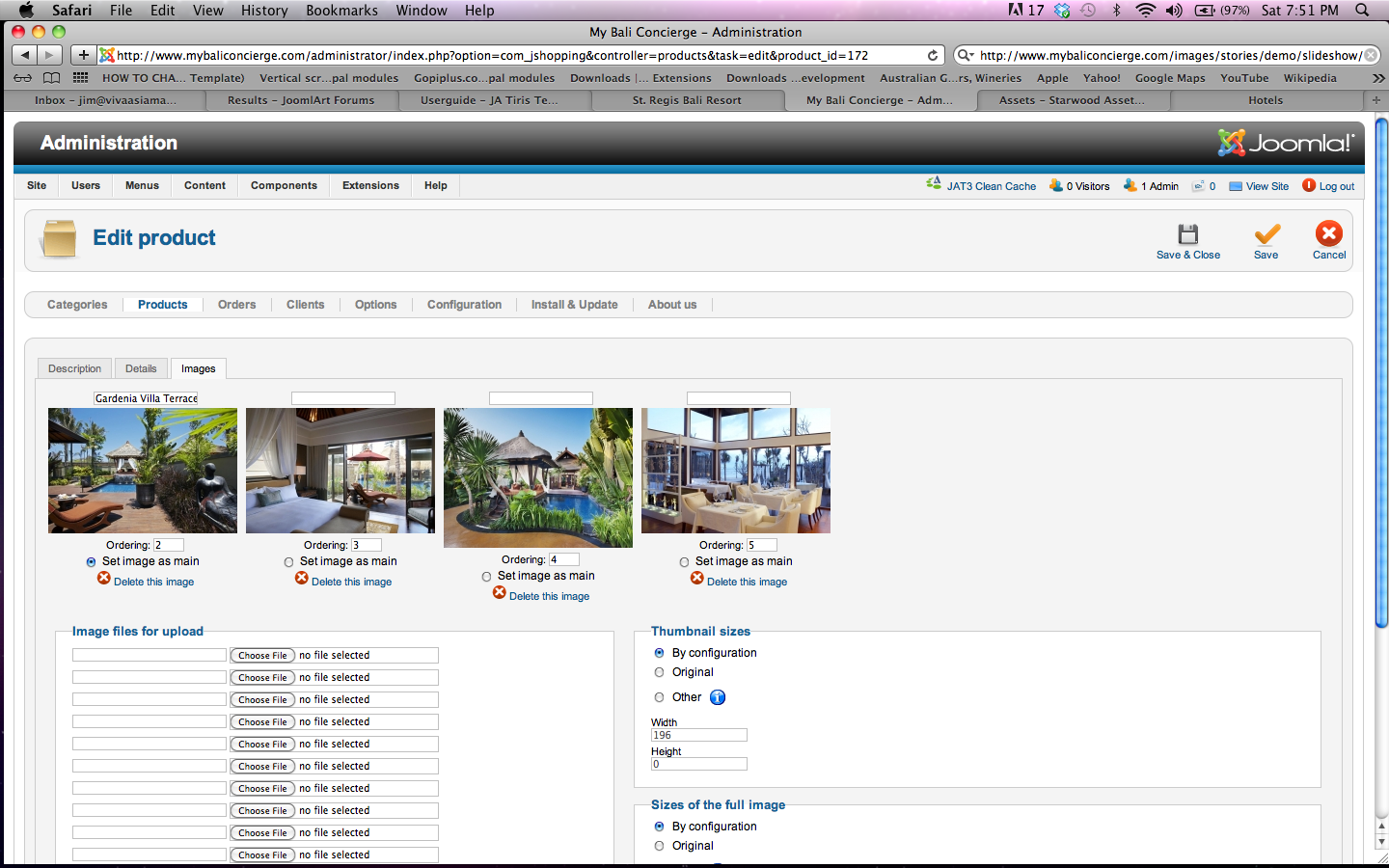
I guess have missed a tick box somewhere but I cannot find it. when you click here http://www.mybaliconcierge.com/index.php/typography/five-star-hotels/st-regis-bali-resort and make one of the images bigger it just says 1 of 4 it does not have a title.
However, as you see from the screen shot I have given it a title. What do i click to make the title appear?
Many thanks,
Jim
swissa Friend
swissa
- Join date:
- November 2011
- Posts:
- 1955
- Downloads:
- 7
- Uploads:
- 277
- Thanks:
- 175
- Thanked:
- 717 times in 572 posts
March 10, 2012 at 2:51 pm #442876You haven’t missed a checkbox to show as far as I know. 🙂
Those ‘titles’ are done to enhance the seo. They give you text on mouse hover on the picture in product view (alt text).
Leave the mouse there and you’ll see a box appear with the text you used – it doesn’t have to be a title, it can be whatever you would like the user to read if he hovers his mouse there.The images in lightbox are handled by jquery.lightbox-0.5.pack.js. Although there seems to be some css to handle image data, as I have NO clue about js I can’t tell you if it actually calls any alt data to show.
AuthorPostsViewing 2 posts - 1 through 2 (of 2 total)This topic contains 2 replies, has 2 voices, and was last updated by
swissa 12 years, 11 months ago.
We moved to new unified forum. Please post all new support queries in our New Forum
How to make image titles appear in joomshopping
Viewing 2 posts - 1 through 2 (of 2 total)