Hi utripasfalta,
The solution is disabling the modules in the ja-news-1 and col-mass-bot on Home menu item that will make the JA News Pro modules (3 tabs) appear on the top. Then put below codes into the end of templates/ja_teline_iv/css/template.css file:
.home #ja-contentwrap {

padding: 0;

width: 980px;

}
Go to Home menu item >> Page Display Options >> Put the text “home” in Page class option. Make sure you leave a space before it. Then clear JAT3 cache.
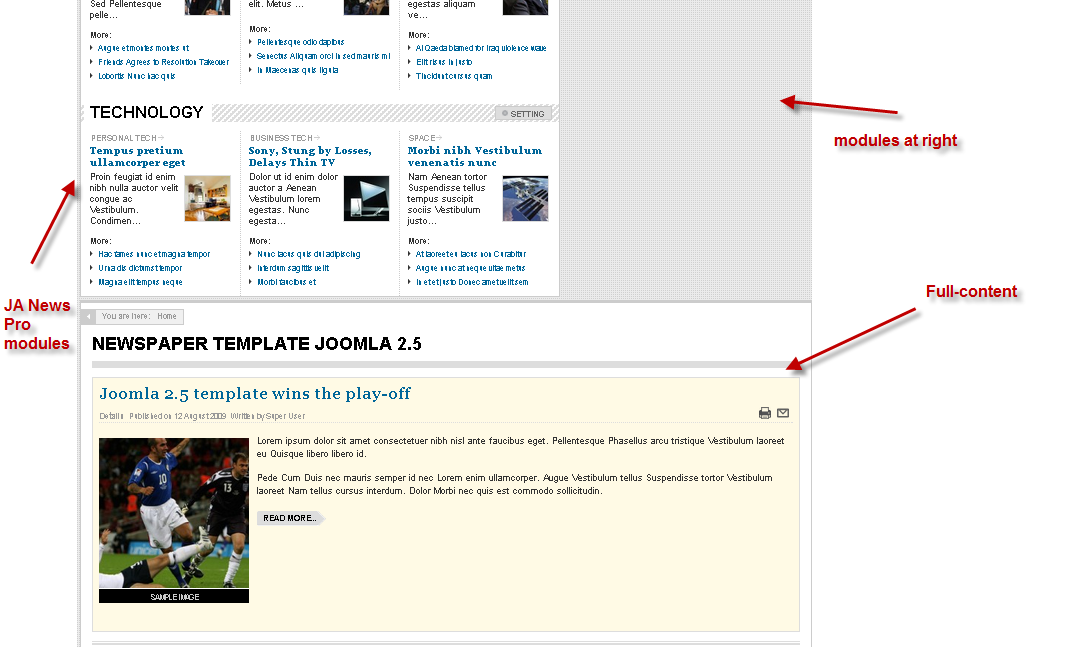
Note: You can adjust the width if you want and this will be effective on the Homepage only. On ther page, the template will normally load the default css styles of content area.




