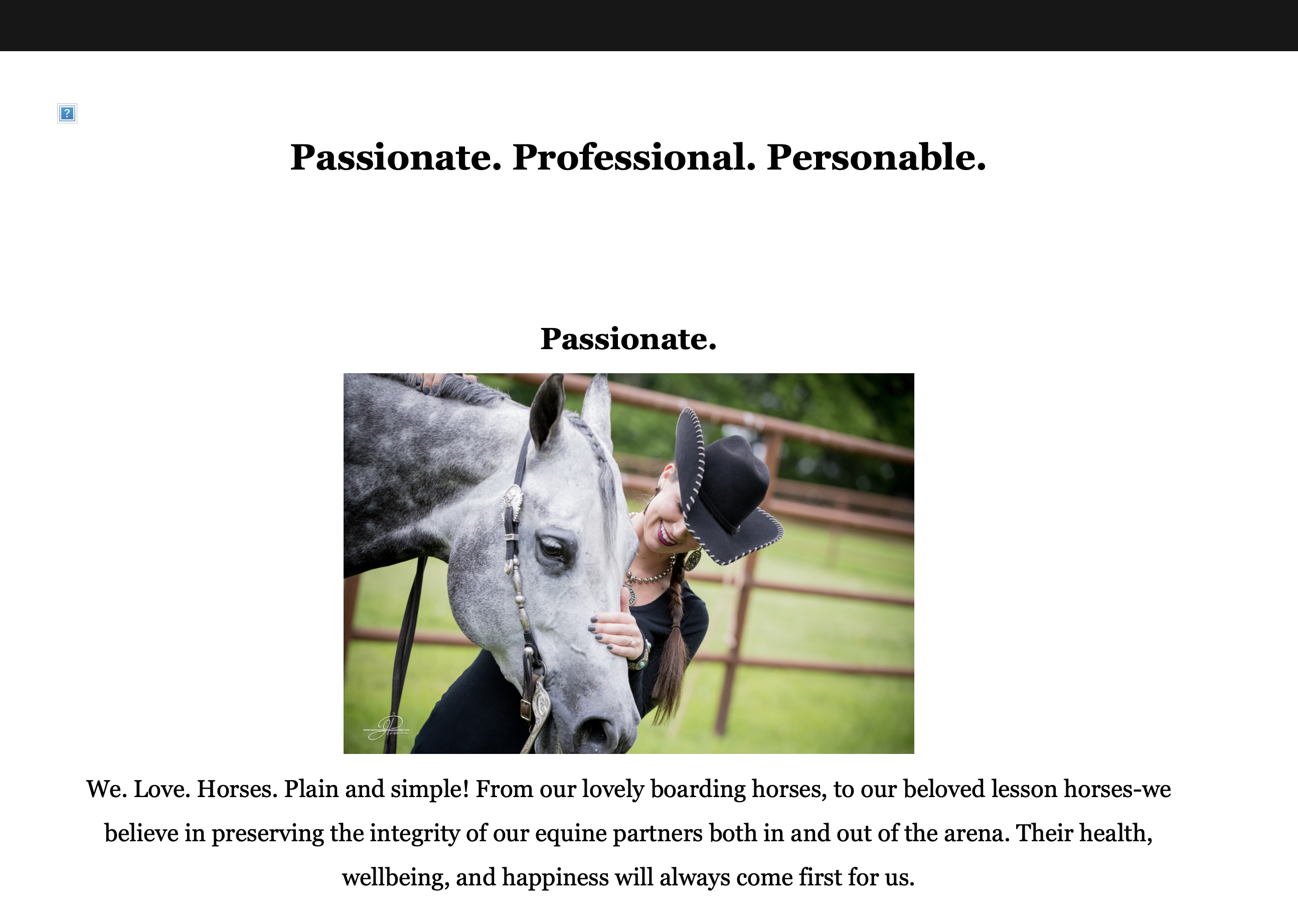
We have purchased the template JA_Law but the layout is not as we wanted. We really kind wanted the big picture as the start and the logo in the top left hand side next to the menu bar. Please help the logo is currently there and this is the picture we were hoping to have as the main. And then text over the top of the logo. http://gj3.798.mytemp.website/images/Chaynas_Photos_For_WCF_Website/About/chayna-rinzler.jpg
danielson782 Hi,
First, your logo image has a very large resolution — I recommend using a smaller image for better display and faster page loading.
Second, you can create a Slideshow module and set the desired image there. You can follow this guide for reference: 👉 https://www.joomlart.com/documentation/joomla-templates/ja-lawfirm#homepage
I also tried logging in to check for you, but the provided admin account didn’t work.
Regards, Heinz
The main Logo I need it to go next to the menu bar in the top left hand side. The logo is set to 240x198 but the template keeps upsizing it. I fixed the user account it defaulted to registered sorry and thank you for the help.
Could you send me that logo image?
As I can see you're using a big logo image: http://gj3.798.mytemp.website/images/header_logo1.png
http://gj3.798.mytemp.website/images/header_logo_Small.png
thanks
danielson782 Hello
I set the small logo for you, kindly check.
I also tried to help you to configure the slideshow module to show the big photo under the header but you've not installed JA ACM module yet. While the provided account doesn't have permission to install this module. You should download JA ACM module from: https://www.joomlart.com/member/downloads/joomlart/joomla-templates/ja-lawfirm and install it.
Thank You, I have installed that module and gave you all the privileges. We are so close to it being ready but need a few more pieces to go live. Besides the slideshow which I am going to work on tonight How do I bring in the dark background and then turn on white font? Simply need to reverse the color scheme for the body of the website. Also is there a section where we can turn on social media icons in the header for FB? And then in the footer we need to create simply the contact us information in the bottom right side and a copyright in the bottom left side.
Many thanks.
I created a Custom HTML module and assign to topbar-right position:
<div class="social-icon">
  <a href="https://www.facebook.com/YourPageName" target="_blank" aria-label="Facebook">
    <i class="fab fa-facebook-f"></i>
  </a>
</div>
You can change to your own facebook link.
With the footer, you can create modules to show contact information and copyright and assign to footer-1 and footer-2 positions.
Thanks what about flipping the white and black for the body?
danielson782 Could you tell me which feature in our demo site that you're referring to? https://ja-lawfirm.demo.joomlart.com/
On the home page for the content that is in white with black text I need to change it to an almost black with white text. How do I set that up and then we are going line. Thanks
danielson782 You can set the black color for this background with this custom CSS:
.t3-wrapper {
    background: #000000 !important;
}
It seems that you add black color for text inside the article, you can open the article and change the color there.