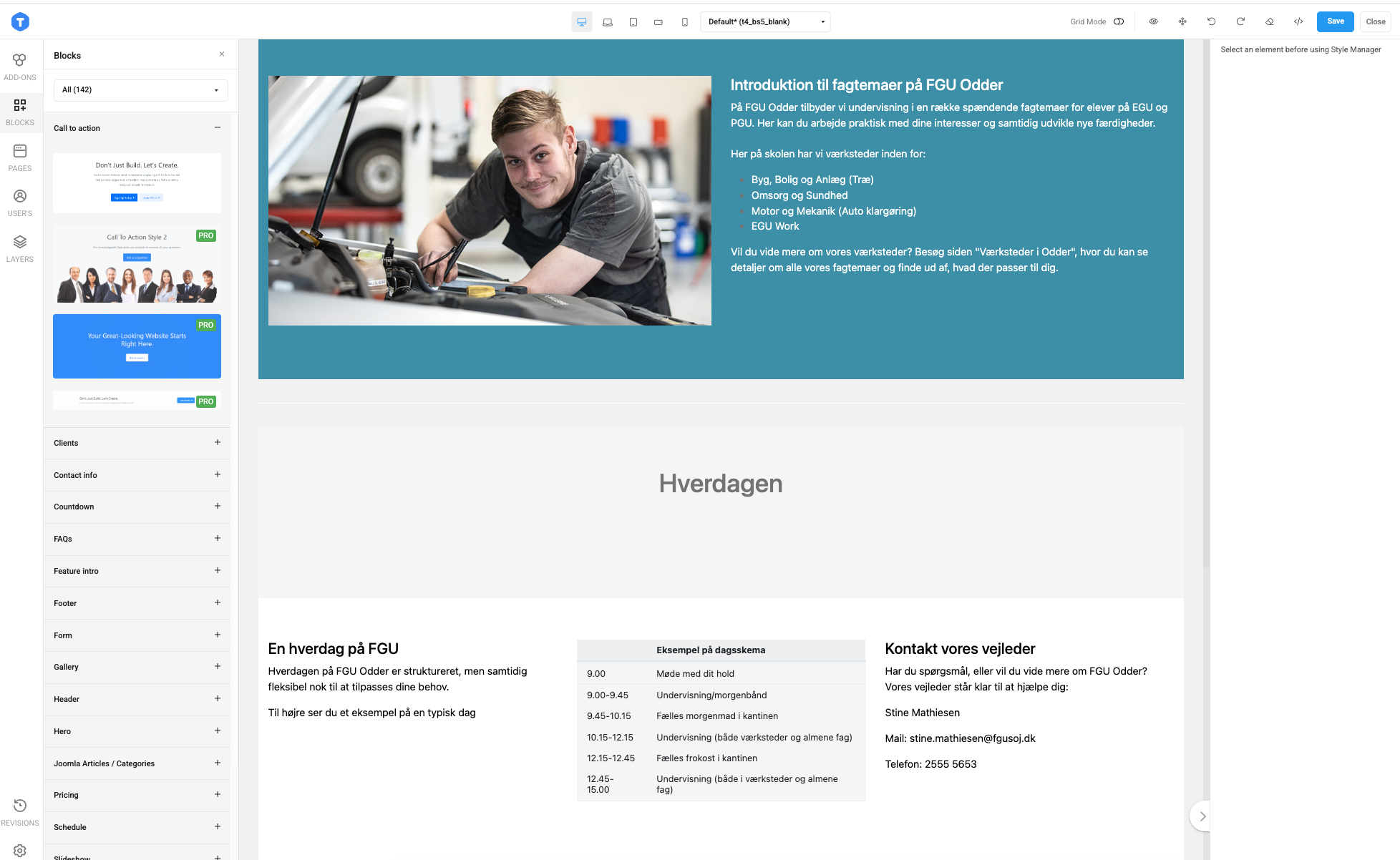
Well works on that single page, but all the other pages with the editor it's not.
It's weird as I still can scroll normally:
The page Odder is fine but not the others ... Remember you have set the CSS on that page, but not on any other :-)
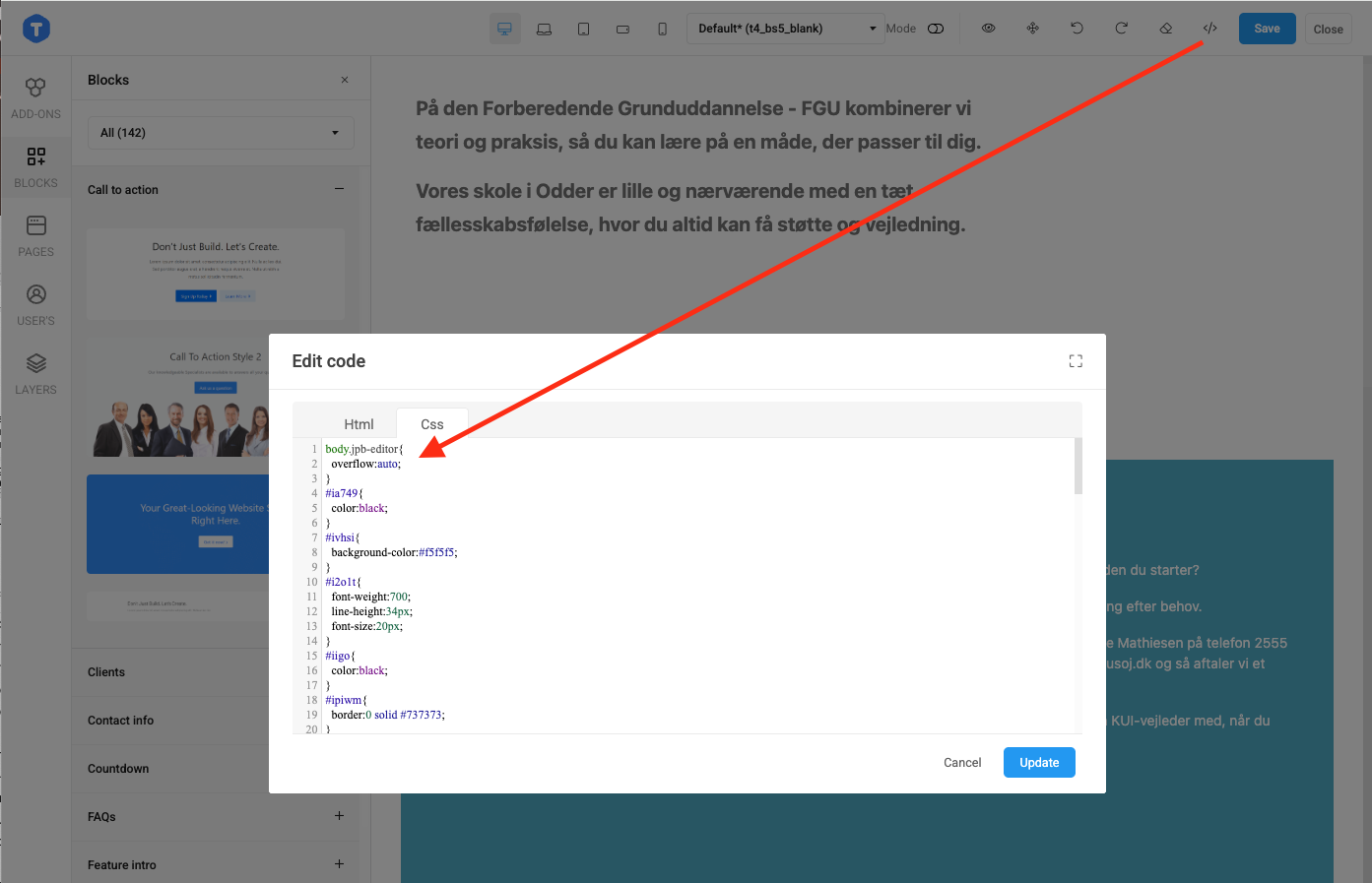
Yes, I added into CSS tab of that article:
You can do the same for other articles 🙂
Can't I add it somewhere, so it affects all articles? It's my customers site, and I can't keep an eye out for every article the make :-(
I added into the CSS file: /templates/t4_bs5_blank/local/css/custom.css
/templates/t4_bs5_blank/local/css/custom.css
Kindly check.
Thanks, but I tried that and it won't work, since the editor is in an iframe?
thrane Could you tell me article that doesn't work? I tried several items on your site but could still scroll properly.
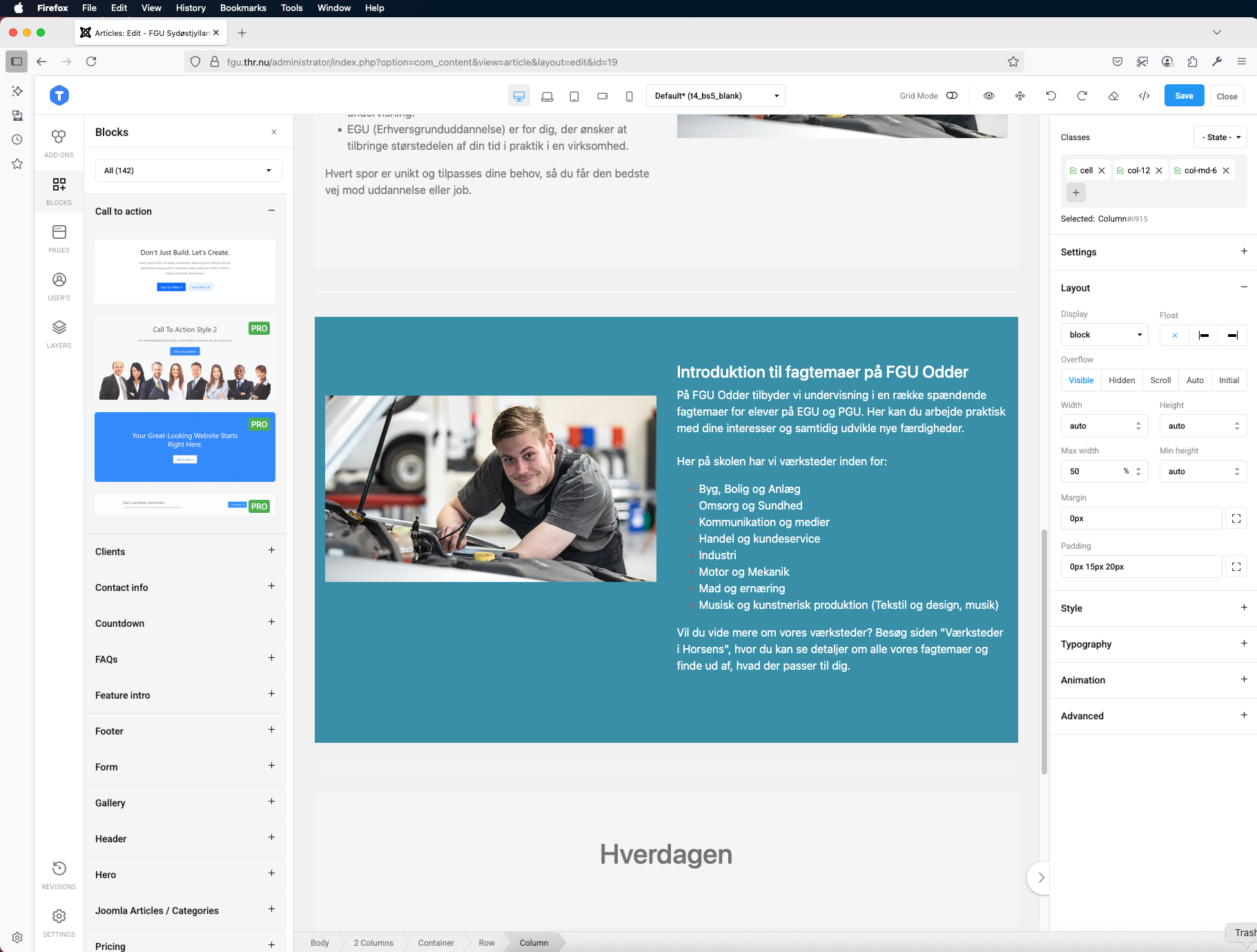
Article 19 - and all articels that I haven't put you css on. I can't in FireFox or Chrome - the same goes for my customer.
It's weird as I can still scroll in Firefox:
Very weird, cause we can't ... How can I add the CSS so all articles are targeted?
thrane It's currently applied to all articles as I tested, could you try with private mode of browser?
Hi Tried just now, same result. Seems like I can scroll a bit then it stops.
I recorded screen when I tried to edit article on your site: https://drive.google.com/file/d/1sbzi6NbwvfAggnoAqiBMxPqH5bkVMlrh/view?usp=sharing
Thanks, but that doesn't change that neither I or my customer are able to scroll in the editor? :-( The solution seems to be your CSS, but where can I place it so it effects all articles?
thrane As I mentioned in previous post, it should be applied to all articles, you can tell me the article you're having issue with, I can check again.
I know, but I don't think I can't tell my customer he has to add something every time he adds an article?
Hello Thomas,
Your customer does not need to add any CSS code.
Please provide me with the article you still experience this issue with. I will test it on another PC.
It is unusual that it still worked at my end.
Hi The site has moved now after it has gone live. Dig you change anything on the "old" site - if so, could you please make the same change on the live site and we'll test again.
Regards Thomas
I added that CSS rule only, you can test with the live site and let me know if the issue still persists there.