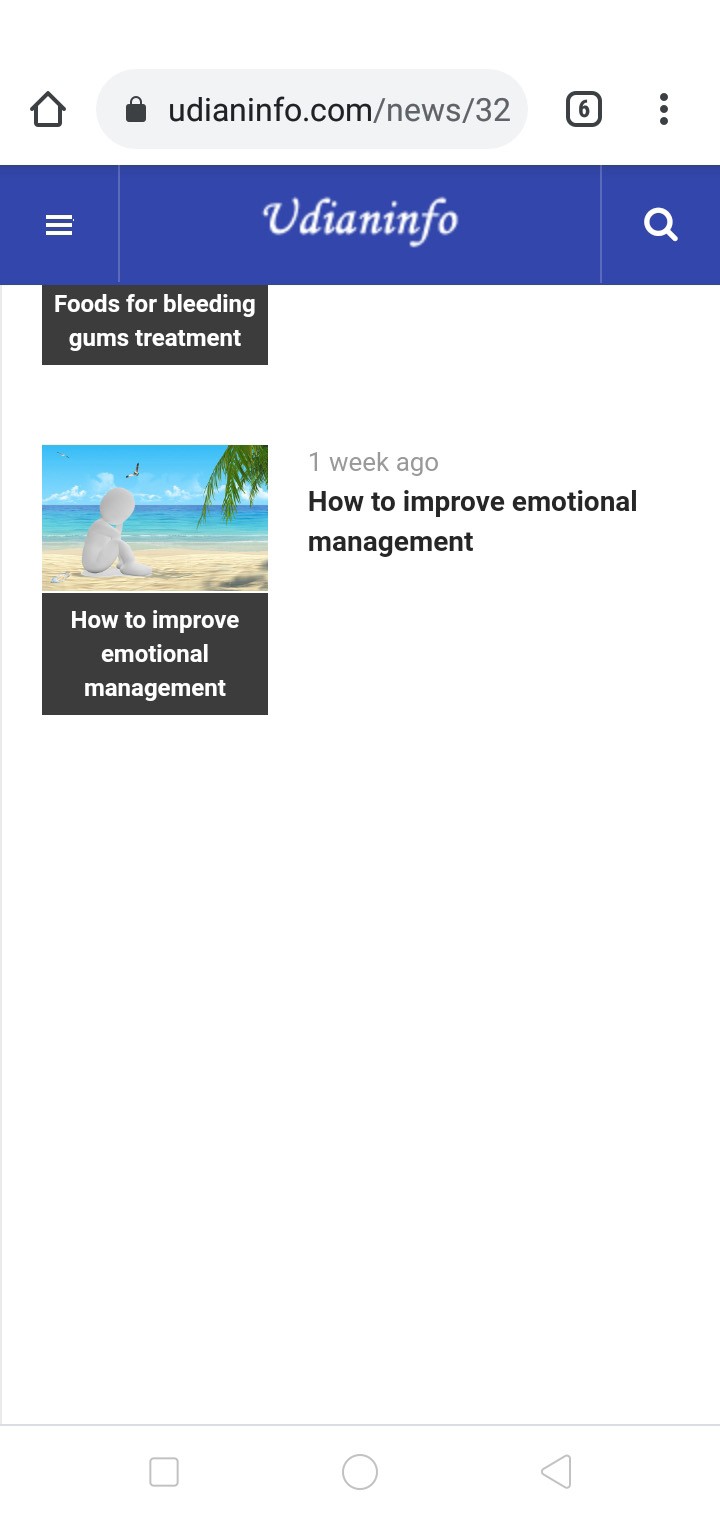
Hi, There is no default.php file in the mainbody folder, and I could not find the php files including 'hidden-sm hidden-xs' in whole ja_magz_ii folder.
udian01 Hi Open JA Magz ii default template style > layout > responsive layout > Small and extra small tab http://prntscr.com/11a8ays Make sure the position are not hidden http://prntscr.com/11a8b15 Save and check. If still there is any issue, Edit fields in first post and submit a temp super user login. I will check and remove it for you http://prntscr.com/11a8bl0
Ninja If still there is any issue, Edit fields in first post and submit a temp super user login. I will check and remove it for you http://prntscr.com/11a8bl0
http://prntscr.com/11v2l9o
Kindly submit the details so i can change it for you . Its sidebar that you have to show in mobile view from layout options.
Hi, the related articles module could be display on mobile, but the most viewed and latest news still could not be display on mobile. https://www.udianinfo.com/medicine/300-how-long-does-it-take-for-moxibustion-to-be-effective
Hi, I have submitted the detail, please check. Thanks!
udian01 Hi The issue is fixed on your site. Kindly check it now.
HI, thanks, but the content of the articles could not display on mobile now.
udian01 Kindly clear Joomla and browser cache, i added a fix for that. It should show normal.
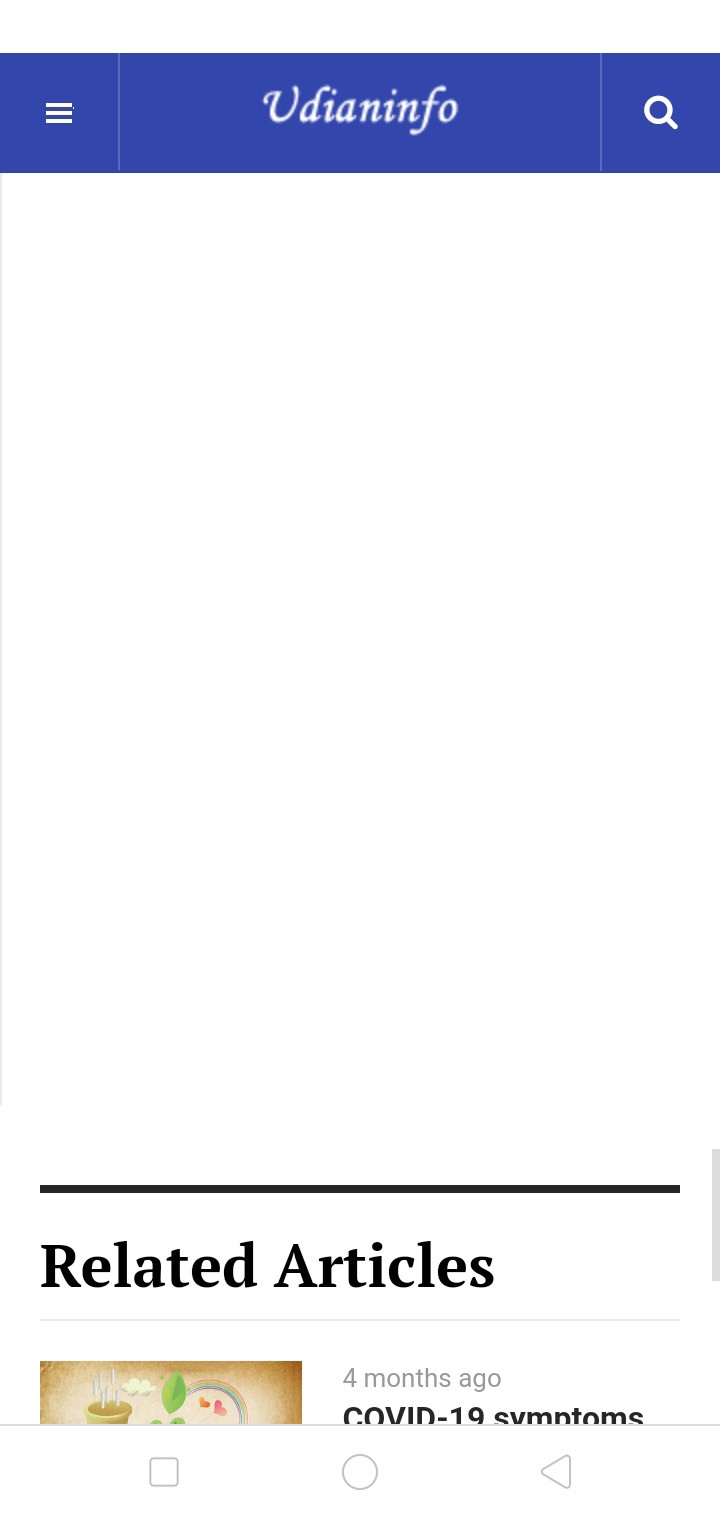
The cache is clear, and the content of the articles could display now, but there is a large blank area between 'latest news' and 'related articles' modules.
udian01 Hi Use this code in custom.css file to fix the height issue
.item-page .item-sidebar {
    min-height: auto!important;
}
Thanks, but I could not find custom.css after searched, where is it?
udian01 Hi templates/ja_magz_ii/css/custom.css Create the file and add the code.