Hi,
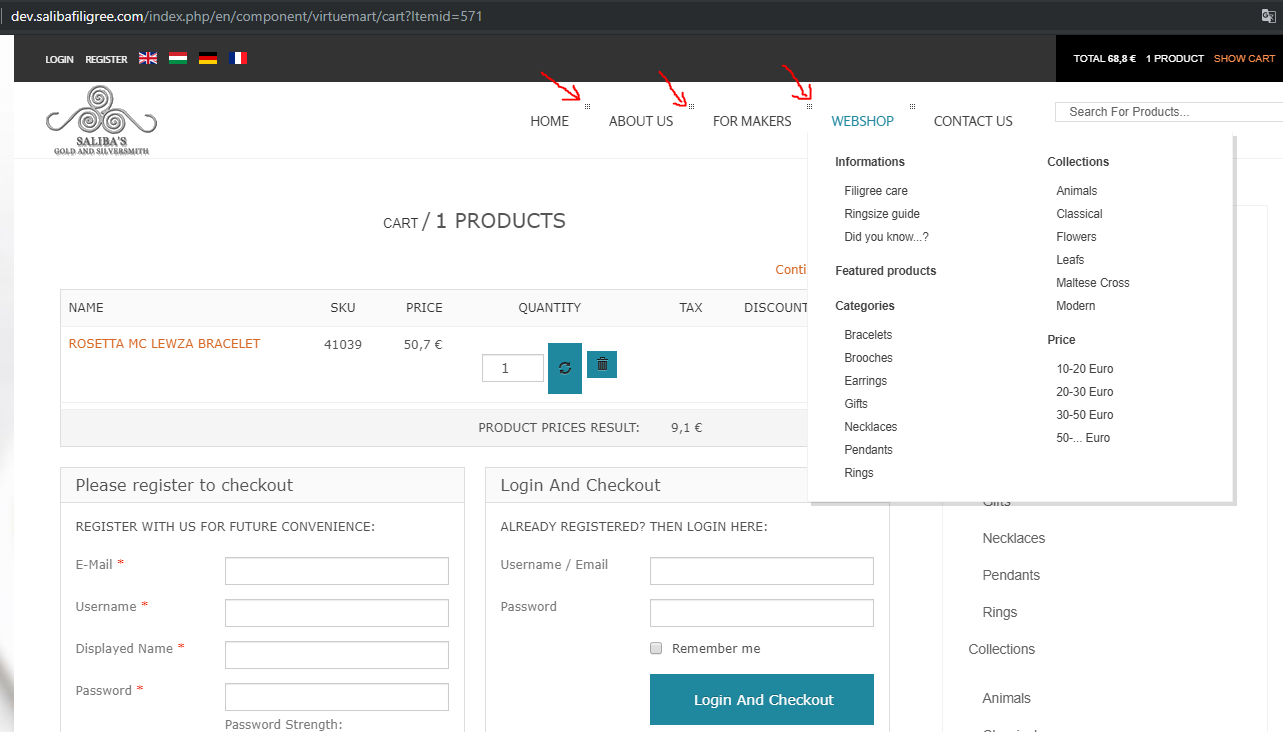
The menu is go wrong if I activate the Paylike payment method in VirtueMart component. The menus are not dropping-down anymore and it looks a bit buggy. Here is a picture of it:
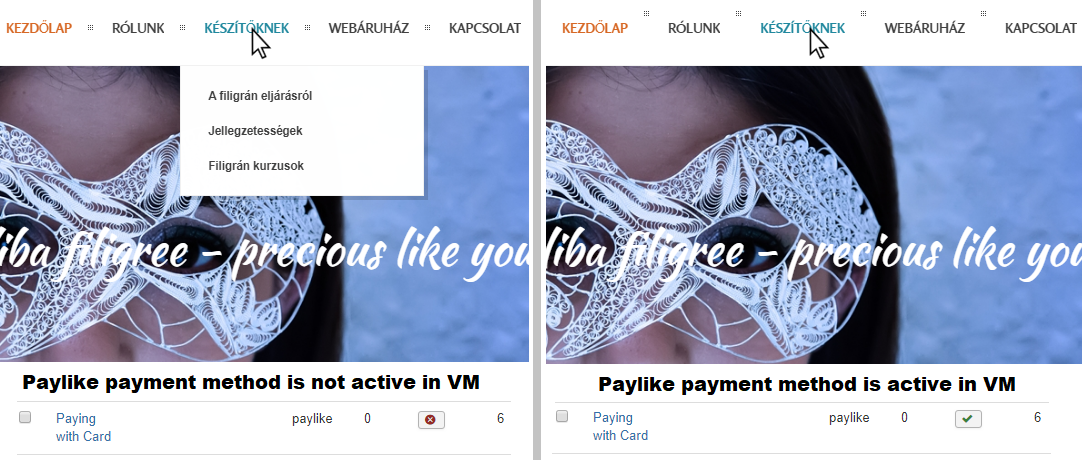
The menu problem comes only after adding something to the cart, than pressing the show cart button and going to the cart page. After these steps all of the pages are with the wrong menu, until I restart the browser. Disabling the Paylike payment method in Virtuemart component or VM - Payment, Paylike plugin solves the problem.
So I wrote to the support team of Paylike plugin. After a long conversation they said that the template is loading a too old version of jquery and I should ask my theme developer to fix this issue. So I'm here now.
Here are the messages of Paylike plugin support team:
"By the look of this it seems that there’s a problem with jquery. The plugins loads a newer version of jquery and the live method doesn’t work. If you can find the source of that live call, it would probably be better to adapt that. If you look here : https://api.jquery.com/live/ you will see this has been deprecated. "
Than I asked, what that means, and they wrote this:
"I will try to explain. The theme you are using is relying on code that is older than the version of jquery bundled with the plugin. So in order to “fix” this plugin you need to change the theme to stop using outdated jquery calls. Modifying the plugin would break other themes, and its not something we can do, going back with the library. I am afraid modifying the theme is not something we can help with. Can you ask the theme developers?"
I'm using the GCK Store template by Shape5. I noticed at the downloads, that this template has a newer version than the one I use. The new version of the template has a newer version of jquery? If yes, how to update the template? If no, can you update the jquery of the template?
Thank you very much,
Peter