Here is some more information that I received from the developer of jReviews. Can you please advise how to implement one of his two suggested solutions.
I believe the issue is caused by multiple instances of jQuery UI scripts being loaded. You can see what I mean here https://www.screencast.com/t/yeaiTEIGsg
The last one in green is JReviews. The others are loaded by your template. What is not clear to me is what functionality are these enabling on the template given that you've disabled all javascript settings on the template itself https://www.screencast.com/t/ATtcoiczCcI
It would be good to find out if these can be prevented from loading. You can see that when removing the template the form works
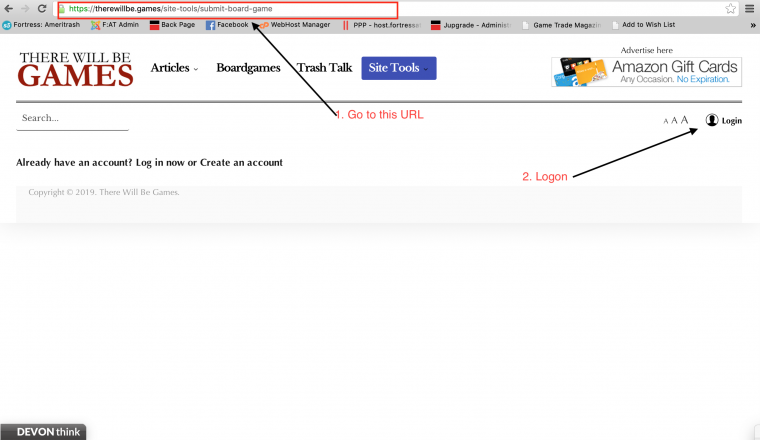
https://therewillbe.games/site-tools/submit-board-game?tmpl=component
And also those highlighted scripts don't load in the above URL.
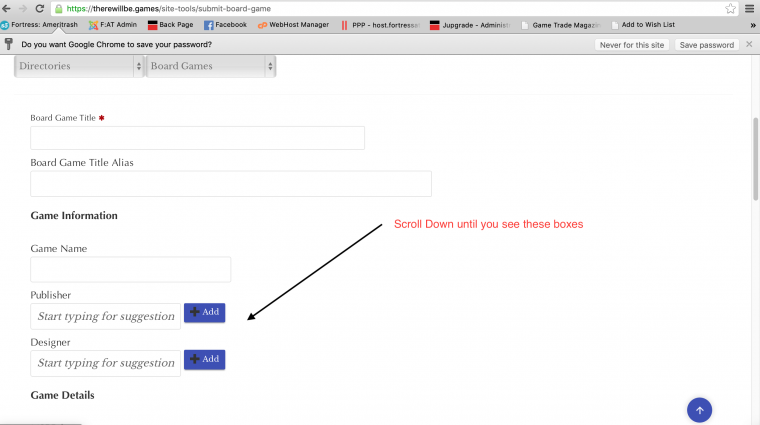
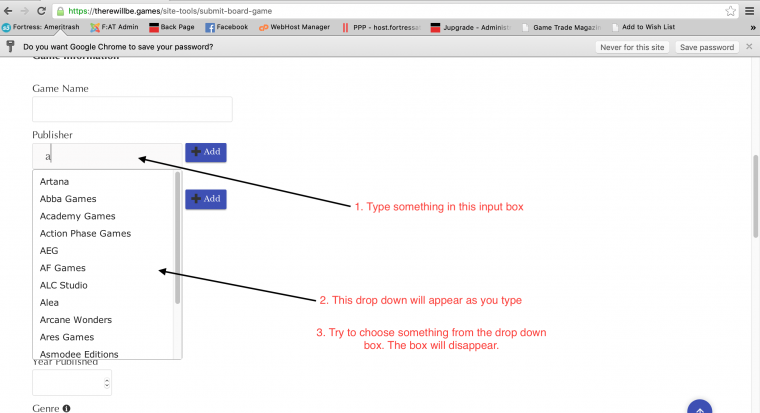
If the scripts are needed by the template, then the solution would be to disable jQuery UI in JReviews, but ensure the template loads a complete version of jQuery UI with all features, because right now for example it's not including the "autocomplete" plugin which is needed for those fields in the form to work.