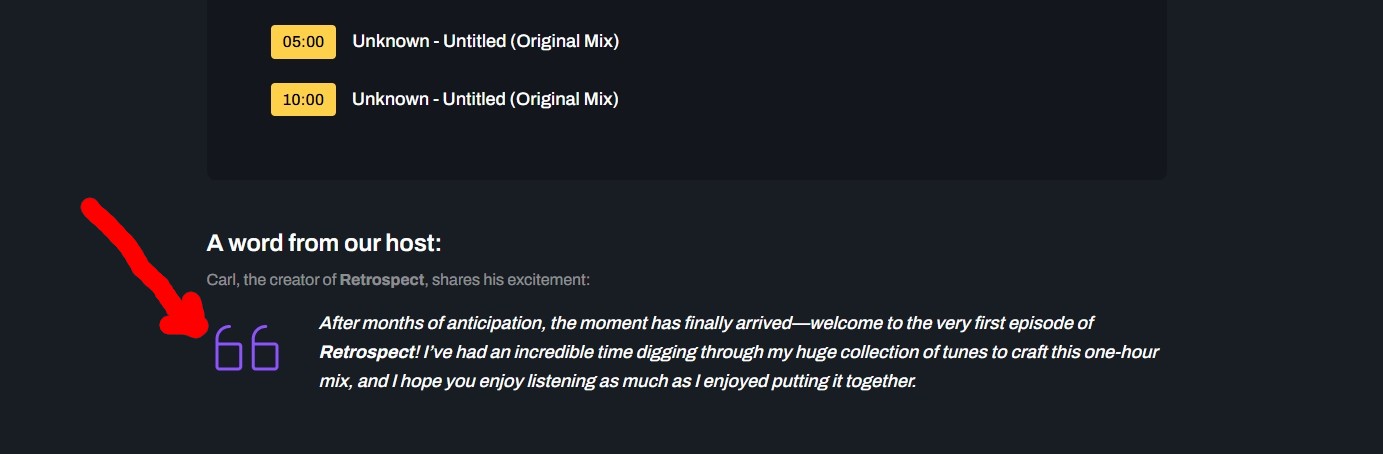
Hi @carlsbriggs,
Currently the quote icon is a .png image. To change the icon color, you can do one of the two ways below.
- Use an image editing tool to change the color of the quotes.png file in the "ja_podcast/images/icons/" folder.
- Use CSS to change it back to FontAwesome icon and you can customize the color flexibly.