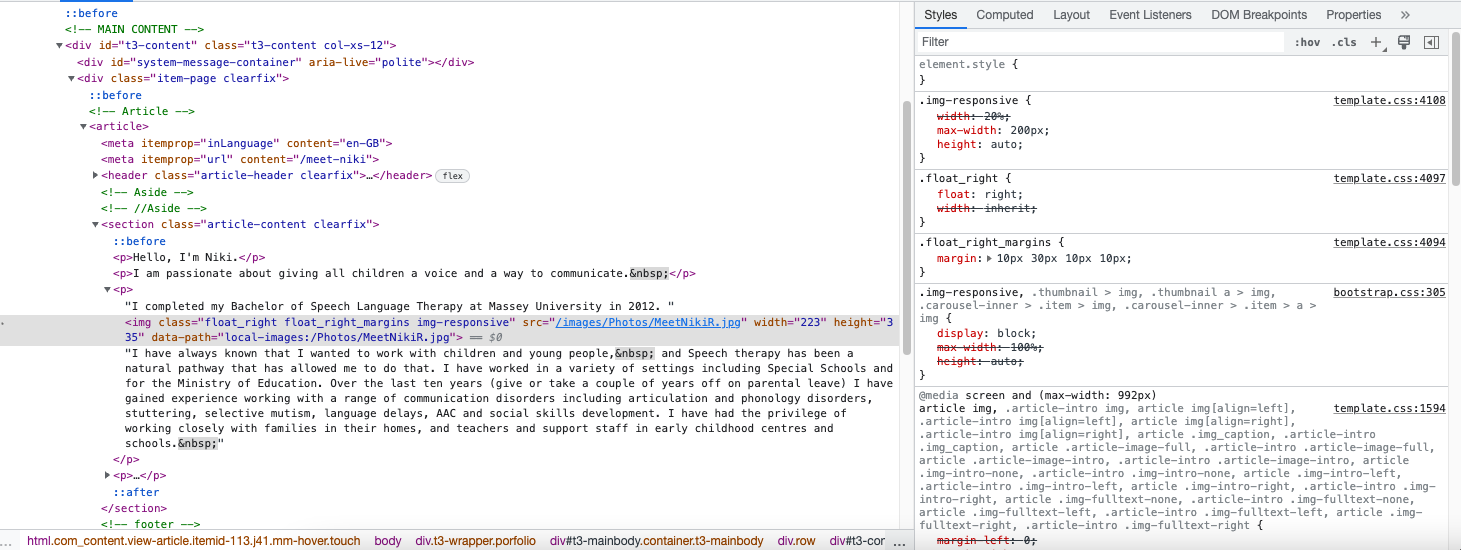
When I compile to CSS, the following line of code is included which I then need to delete from
float: none !important;
https://mysite.co.nz/templates/purity_iii/local/css/themes/mytheme/template.css in order to get the result that I am looking for.
Here is the code (with the line in as created in the above file)
@media screen and (max-width: 992px) {
  article img,
  .article-intro img,
  article img[align=left],
  .article-intro img[align=left],
  article img[align=right],
  .article-intro img[align=right],
  article .img_caption,
  .article-intro .img_caption,
  article .article-image-full,
  .article-intro .article-image-full,
  article .article-image-intro,
  .article-intro .article-image-intro,
  article .img-intro-none,
  .article-intro .img-intro-none,
  article .img-intro-left,
  .article-intro .img-intro-left,
  article .img-intro-right,
  .article-intro .img-intro-right,
  article .img-fulltext-none,
  .article-intro .img-fulltext-none,
  article .img-fulltext-left,
  .article-intro .img-fulltext-left,
  article .img-fulltext-right,
  .article-intro .img-fulltext-right {
    float: none !important;
    margin-left: 0;
    margin-right: 0;
    width: 100% !important;
  }
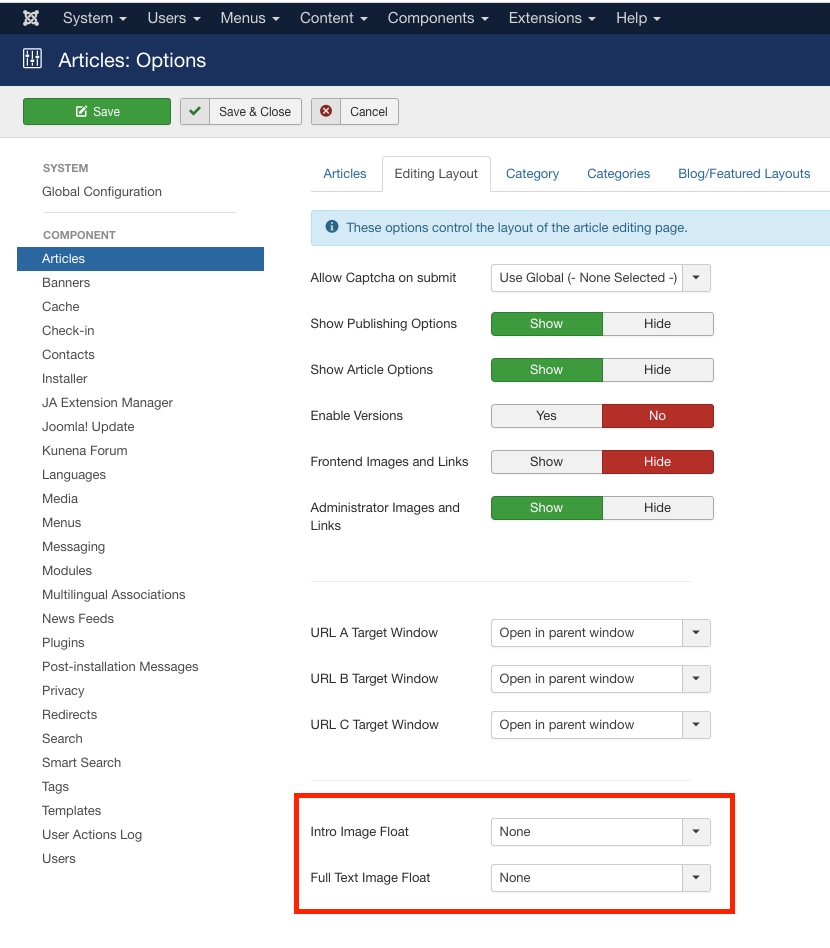
If I knew what code created the "float" entry, I could edit but I am not sure where to find it.