Hi,
I would like to refer directly to a course page in my menu. When I select an ''article'' in the menu, I don't get the template of a course page.
rborst Hi You can select a menu with type > Articles > Single article > Select article Nederlands and save it.
Now open the Article > options > Layout > select layout to course and save it.
Ninja
Thankyou, it worked!
Only the title size and the corners of the buttons/frames are now square instead of round.
rborst Kindly share the menu item URL on which you have button corners issue.
It concerns the submenus under main menu ''VWO''
rborst Hi Add this code in custom css
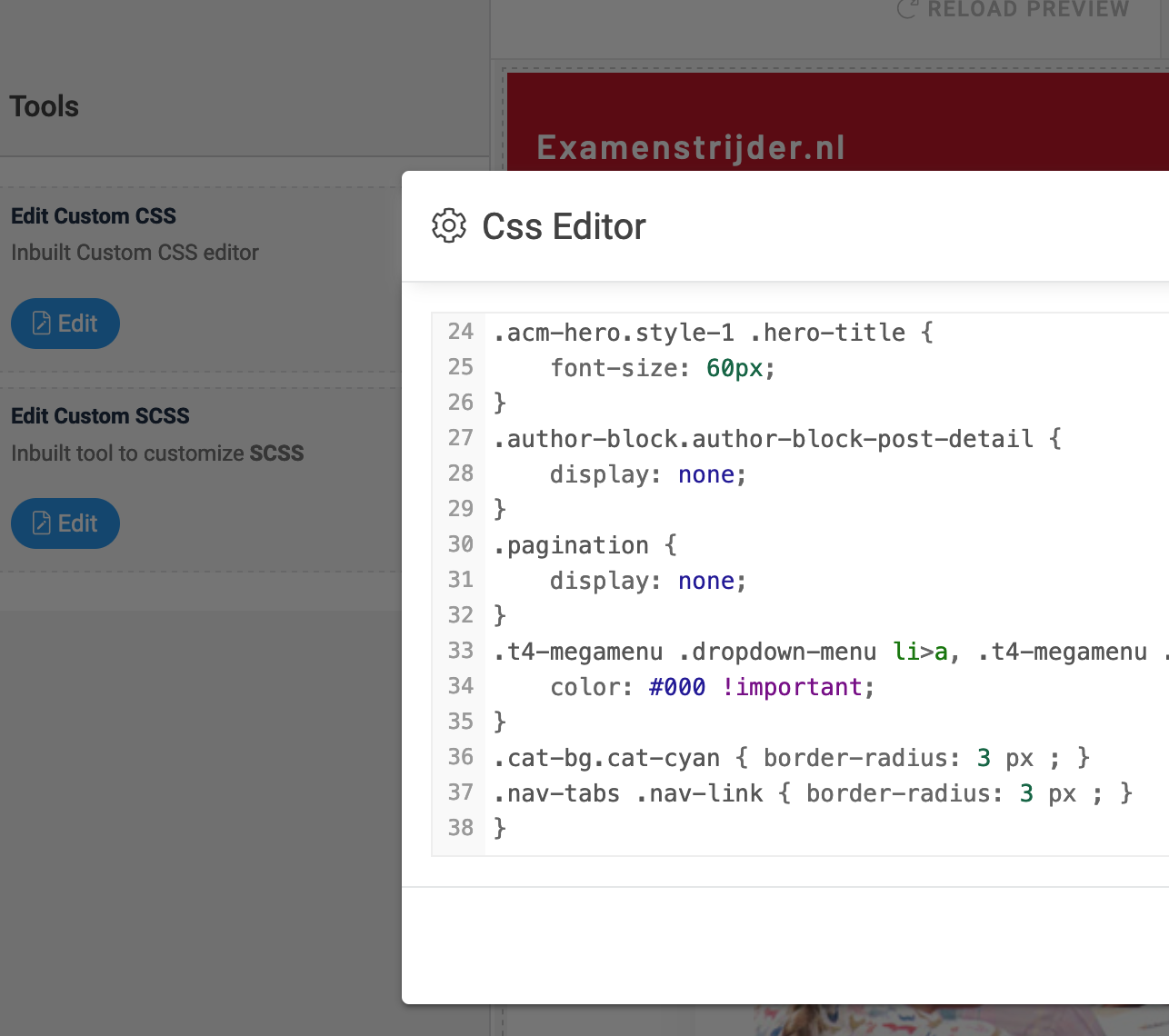
.cat-bg.cat-cyan { border-radius: 3 px ; }
.nav-tabs .nav-link { border-radius: 3 px ; }
Ninja I added to the custom css but I don't see any change:
rborst Hi Replace the code with this
.cat-bg.cat-cyan{border-radius:3px;}.nav-tabs .nav-link{border-radius:3px;}
No extra spaces