teitbite
hello,
I have edited first post with all access infos.
Below some infos about what I did.
1) First of all, to edit files, go to COMPONENTS -> PROFILES
2) Then go to EXTENSIONS -> TEMPLATES -> STYLES :
related styles are VIA-AP_Home_International and VIA-AP_Pages_International
every style is linked to a specific layout (see layout tab into every style)
3) Then go to EXTENSIONS -> MODULES -> search menu international module :
you will see that this module has been published to main-menu position, linked to international menu and starting from level 2
4) Then using PROFILES go to TEMPLATES -> JA_MEDICARE -> LOCAL -> TPLS :
you will that via-home-international.php and via-pages-international.php files are using the follwoing block : <?php $this->loadBlock('via-header-international') ?>
5) With PROFILES, go to TEMPLATES -> JA_MEDICARE -> LOCAL -> TPLS -> BLOCKS :
you will related file via-header-international.php
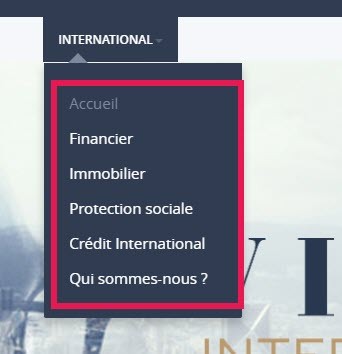
6) The result expected is the following :
I want to display this menu starting from level 2..see reed rectangle below :
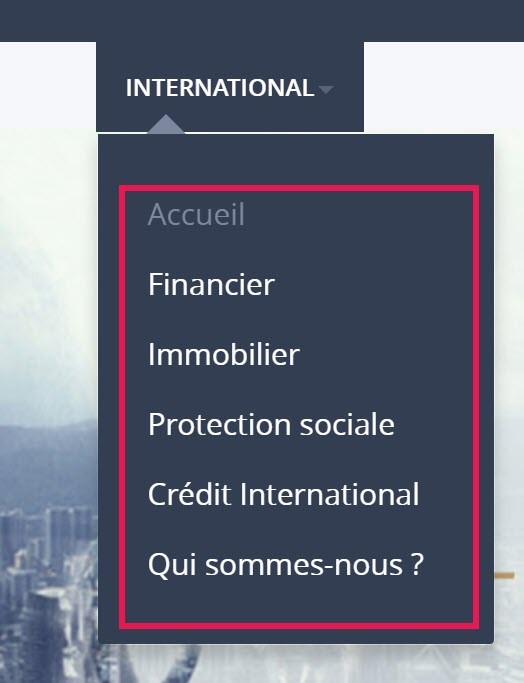
But I want to keep the same display as classic menu, see below :

Many thanks again for your help
L.