Introduction: A New Era of Search Has Begun
For decades, businesses have relied on SEO (Search Engine Optimization) and SEM (Search Engine Marketing) to increase their online visibility. The goal was simple: appear on the first page of Google, drive clicks, and convert leads.
But the game has changed.
Today, people aren’t just typing keywords into search engines. They’re asking questions to AI-powered assistants like ChatGPT, Gemini, Copilot, and Perplexity — and trusting the first answer they receive.
Welcome to the era of Generative Engine Optimization (GEO) and Generative Engine Marketing (GEM).

What is GEO?
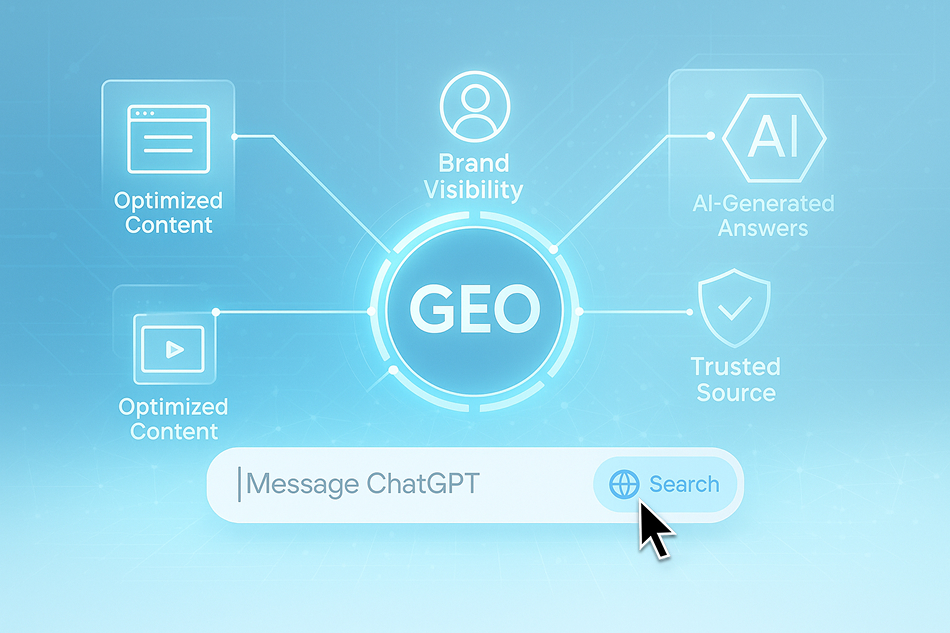
GEO (Generative Engine Optimization) is the next evolution of SEO. But instead of optimizing your content for Google’s search results, you’re optimizing it for AI models that generate answers.
These models don’t just crawl and index — they synthesize, summarize, and recommend.
GEO focuses on ensuring that:
- Your brand, product, or content is recognizable to AI engines
- The AI selects your site as a trusted source when answering user questions
- Your message is accurately represented in AI-generated outputs
In other words, GEO is how you get found by AI — before your competitors do.
What is GEM?
GEM (Generative Engine Marketing) is about how AI presents your brand to users.
It’s not just visibility — it’s about influence and control.
GEM ensures that when AI talks about your product or service, it reflects:
- The correct messaging you want your audience to hear
- A positive, consistent brand experience
- Personalized, conversational content aligned with your business goals
Think of GEM as the new “digital branding layer” in a world where AI is the interface between you and your customers.

Why GEO and GEM Matter for the Future
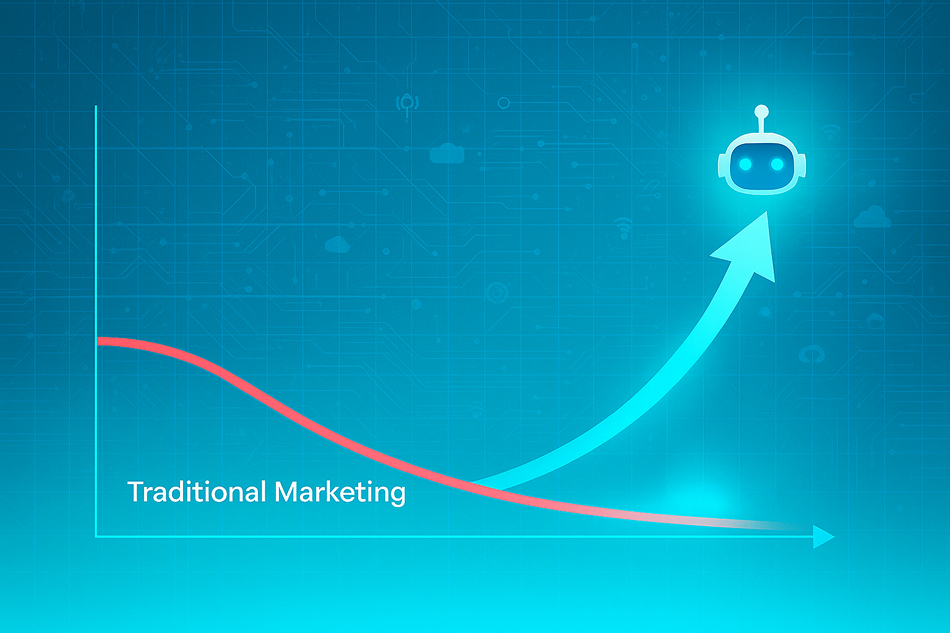
- 📈 AI assistants are already replacing traditional search for millions of users daily.
- 🔍 75% of Gen Z users prefer getting answers from conversational AI over search engines.
- 📉 Organic reach from Google has decreased year-over-year as AI takes the lead in content curation.
- 🤖 AI tools are now the default discovery layer in smart devices, browsers, voice search, and enterprise solutions.
If your business is not visible to AI, you’re invisible to the next generation of consumers.
Introducing Our Premium GEO Report Package
We’re proud to launch our Premium GEO Report — a powerful solution designed to help businesses like yours take control of AI visibility.
What’s Inside?
- Comprehensive Audit: See how your brand appears across AI engines (ChatGPT, Gemini, Perplexity, etc.)
- GEO Score & Benchmarking: Get a clear score that shows where you stand — and where your competitors are winning
- Actionable Recommendations: Step-by-step tasks to optimize your site for AI models
- GEM Strategy Brief: Learn how to shape AI-generated experiences with aligned brand messaging
- Priority Support & Monitoring: We’ll update you monthly as AI models evolve

We’re living in a transition moment — from search engines to generative engines, from keyword clicks to AI-curated answers.
Brands that adapt to GEO and GEM today will own visibility tomorrow.
Let your competitors optimize for Google.
You should optimize for AI.
Exclusive for JoomlArt Premium Members
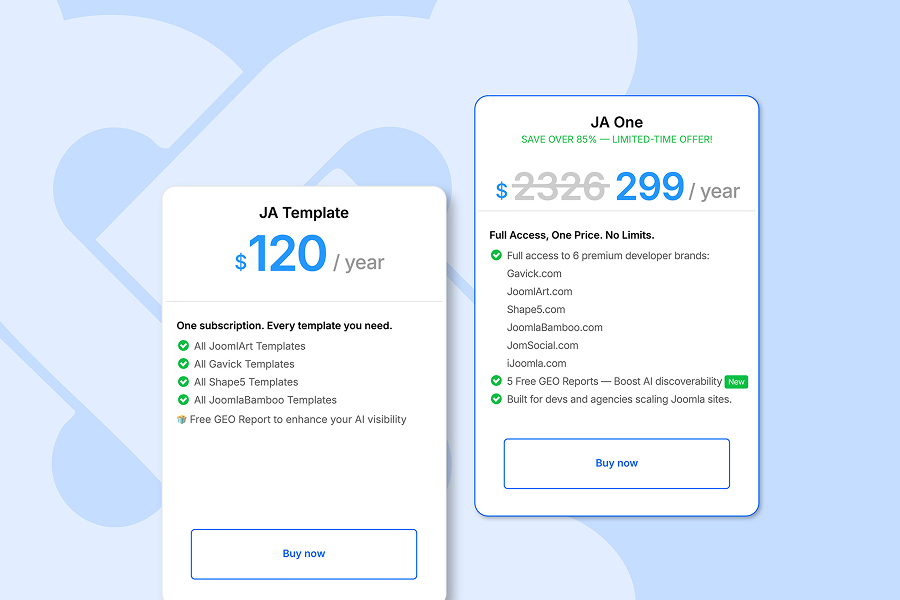
If you’re a JoomlArt Premium plan member, you don’t need to purchase GEO Reports separately.
👉 You get 5 GEO Report credits included — absolutely free.
These 5 reports can be used across different sites, brands, or campaigns, giving you the power to test, learn, and optimize quickly.
Whether you're launching a new product, refreshing your brand, or improving AI visibility, these reports give you the edge — without extra cost.
✅ Already a JoomlArt Premium user?
Check your dashboard now — your 5 GEO Reports are waiting.
🚀 Not yet a member?
Join JoomlArt Premium today and future-proof your digital presence
Join JoomlArt Premium Now